 0
comments
0
comments
Install LightDm Display Manager in Linux Mint 14 'Nadia'
Many People like LightDm login screen, they prefer LightDM instead of other login managers. Linux Mint 14 comes with MDM as default login manager but you can change it easily with LightDM. First of all you will install LightDM then some tweaks for LightDM like removing guest account, Ubuntu logo and white dots. So lets start!
For Linux Mint 13 Maya Checkout Here
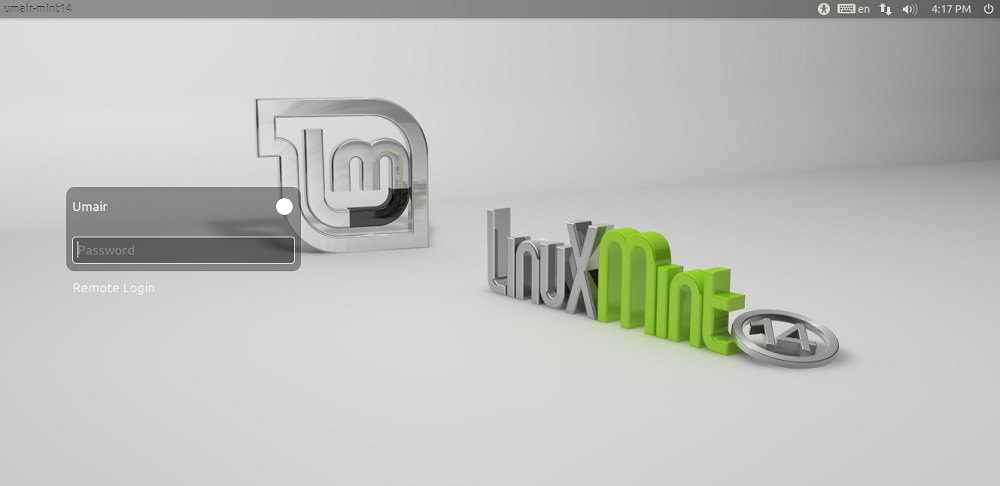
To install LightDM in Linux Mint 14 open Terminal (Press Ctrl+Alt+T) and copy the following command in the Terminal:
Now remove white dots from LightDM
Enter following commands in the Terminal to remove white dots from login screen:
If you don't want Guest account you can easily remove it, Enter following command it will open file in terminal.
Get back MDM (Mint Display Manager)
If you want to get back MDM simple enter following command in terminal and choose MDM option in Terminal:
Many People like LightDm login screen, they prefer LightDM instead of other login managers. Linux Mint 14 comes with MDM as default login manager but you can change it easily with LightDM. First of all you will install LightDM then some tweaks for LightDM like removing guest account, Ubuntu logo and white dots. So lets start!
For Linux Mint 13 Maya Checkout Here
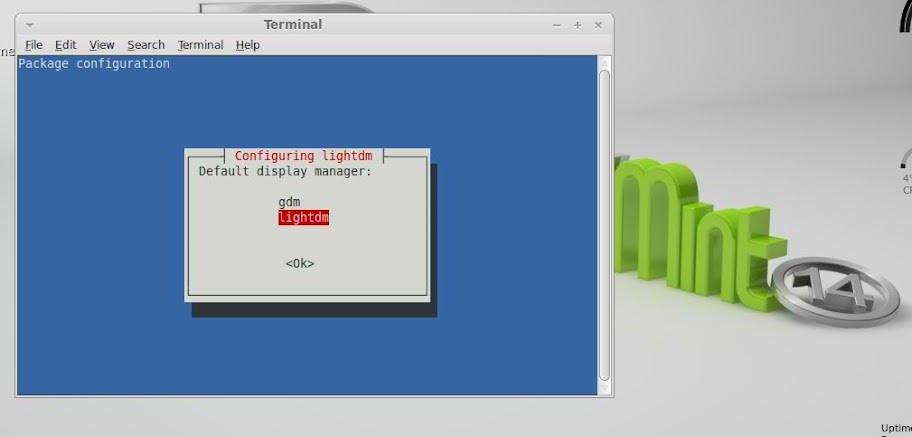
To install LightDM in Linux Mint 14 open Terminal (Press Ctrl+Alt+T) and copy the following command in the Terminal:
During installation terminal will ask to choose Display Manager, So select "LightDm"
- sudo apt-get install lightdm gnome-settings-daemon indicator-session unity-greeter ubuntu-mono light-themes
Now remove white dots from LightDM
Enter following commands in the Terminal to remove white dots from login screen:
Remove Ubuntu Logo from LightDM
- sudo xhost +SI:localuser:lightdm
- sudo su lightdm -s /bin/bash
- gsettings set com.canonical.unity-greeter draw-grid false
Disable Guest Account from LightDM
- sudo rm /usr/share/unity-greeter/logo.png
If you don't want Guest account you can easily remove it, Enter following command it will open file in terminal.
Now add this line at the end of file then Press Ctrl+O to save file, then Press Ctrl+X to close file.
- sudo nano /etc/lightdm/lightdm.conf
allow-guest=falseThen reboot and you will be with LightDm.
Get back MDM (Mint Display Manager)
If you want to get back MDM simple enter following command in terminal and choose MDM option in Terminal:
That's it, Enjoy
- sudo dpkg-reconfigure mdm


