0
comments
0
comments
Install Nuvola Player 1.0.5 in Ubuntu 12.04 Precise via PPA
Install Nuvola Player 1.0.4 in Ubuntu 11.10 Oneiric/11.04/10.10/10.04Linux Mint via PPA
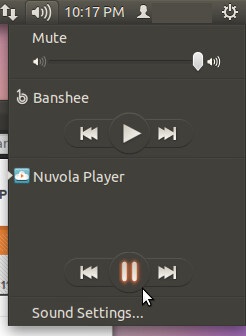
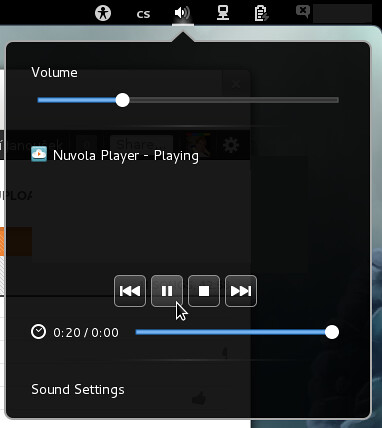
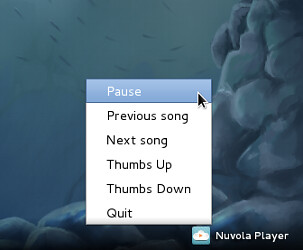
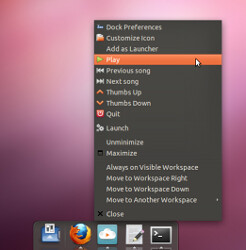
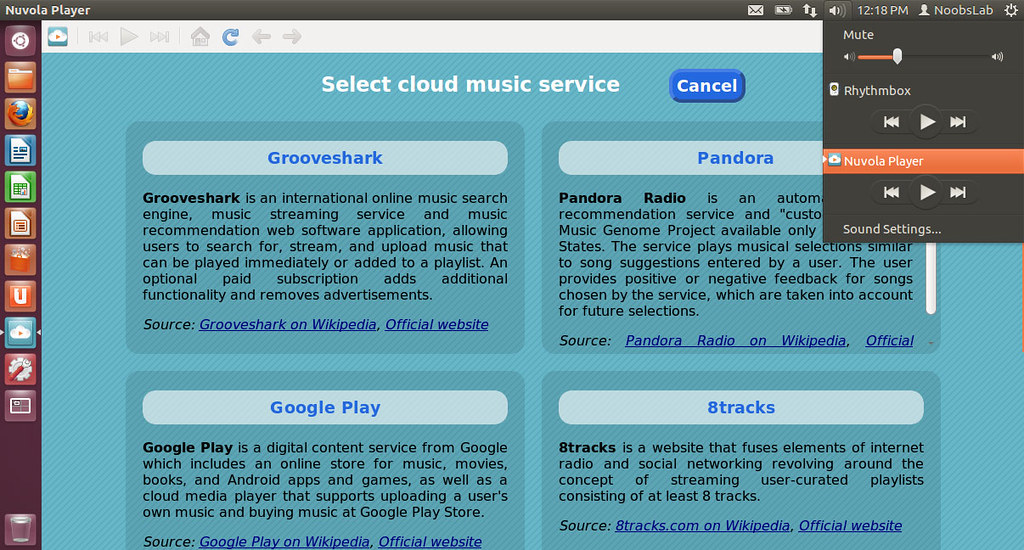
Nuvola Player runs web interface of cloud music service in its own window and provides integration with a Linux desktop (system tray, Ubuntu sound menu, dock menu and notifications). Currently supported services are Google Play, Grooveshark, Hype Machine, 8tracks and other.

The latest stable Nuvola Player release 1.0.5 contains simple workaround that sets window size to magic values that worked during my tests. However, these values may be dependent on user settings, e.g. GTK theme, window manager, font sizes, whatever.
To install Nuvola Player on Ubuntu/Linux Mint open Terminal (Press Ctrl+Alt+T) and copy the following commands in the Terminal:
Install Nuvola Player 1.0.4 in Ubuntu 11.10 Oneiric/11.04/10.10/10.04Linux Mint via PPA
Nuvola Player runs web interface of cloud music service in its own window and provides integration with a Linux desktop (system tray, Ubuntu sound menu, dock menu and notifications). Currently supported services are Google Play, Grooveshark, Hype Machine, 8tracks and other.
The latest stable Nuvola Player release 1.0.5 contains simple workaround that sets window size to magic values that worked during my tests. However, these values may be dependent on user settings, e.g. GTK theme, window manager, font sizes, whatever.
To install Nuvola Player on Ubuntu/Linux Mint open Terminal (Press Ctrl+Alt+T) and copy the following commands in the Terminal:
Here is the site of Nuvola player.
- sudo add-apt-repository ppa:nuvola-player-builders/stable
- sudo apt-get update
- sudo apt-get install nuvolaplayer