Warung Bebas
Showing posts with label deepin. Show all posts

Tuesday, 2 October 2012

Install Deepin Software Center in Ubuntu 12.10/12.04/Linux Mint

Install Linux Deepin Software Center in Ubuntu 12.10 Quantal/Ubuntu 12.04 Precise/Ubuntu 11.10 Oneiric Ocelot/11.04 Natty/Linux Mint 12/11/10

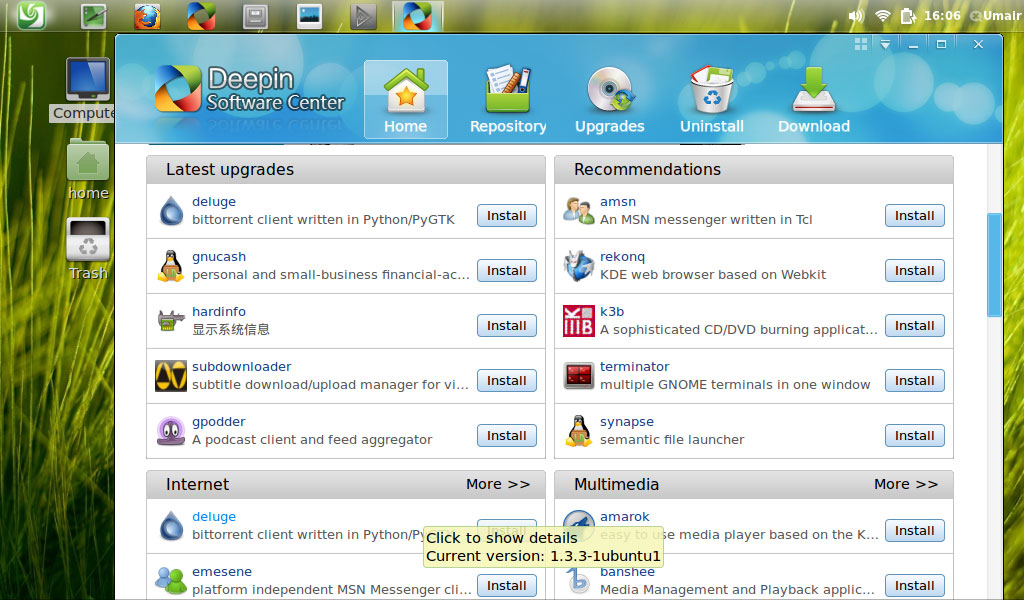
Deepin Software Center, aka DSC, is one of the most talked about applications of Linux Deepin. Installing new applications is just a one-click operation. DSC supports parallel downloading, resuming downloads, update notification and cache cleaning. DSC also comes with colorful skins that can be swapped as your mood changes.

deepin

deepin software center

linux deepin

software center

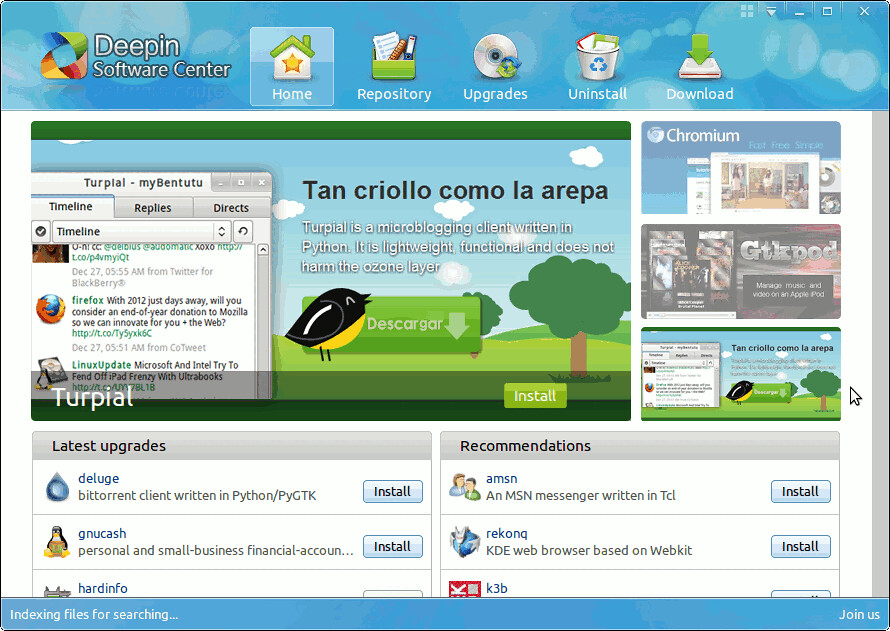
- There is a regularly updated list of featured applications on the home page. The list of recommendations are produced based on user ratings.
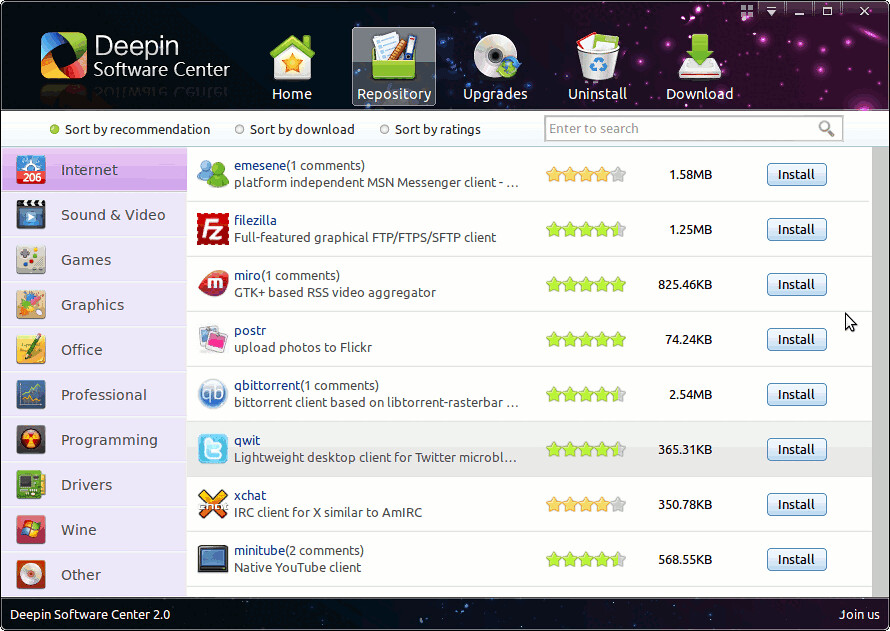
- The Software Repository gives you a handy way to choose and install desired applications with just one click. With a powerful multi-threaded download back-end, they are available to you for fast download, limited only by your network connection.
- Update manager helps you make sure your operating system has the latest and greatest software installed. All the updates are available for free!
- Uninstalling applications that you no longer need gives you an opportunity to have a cleaner working environment.
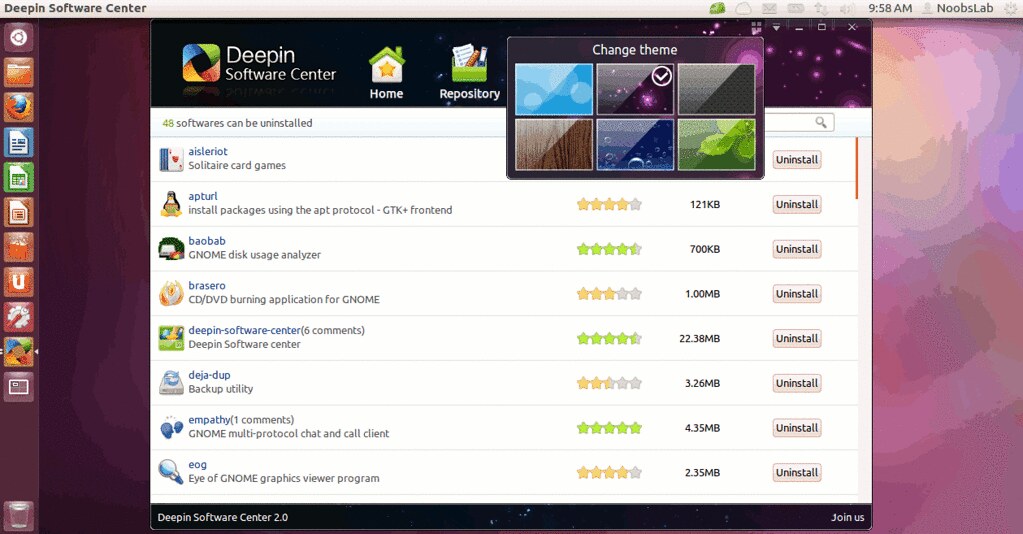
- Comes with 6 pre-installed colorful skins, so you can select one that brightens your day!

Features:
  • You can use all the features of the LD Software Centre; you can install and remove applications, run updates and upgrade, change the theme of the LD Software Centre, etc.
  • Installing applications in the LD Software Centre is easy � very easy. Look out for the �Install� button � wherever you see it you can click it.
  • To browse for applications by category use the Repositories tab.
  • Applications that you already have installed will display a �Start� button next to them. Clicking this will open the application.
  • Remove installed applications via the �Uninstall� tab. Only applications and utilities that you have installed will appear here.
  • To change the theme/background of the Software Centre click on the 2�2 grid icon to the left of the window controls. Clicking on a theme will instantly apply it.

To install Linux Deepin Software Center in Ubuntu/Linux Mint open Terminal (Press Ctrl+Alt+T) and copy the following commands in the Terminal:
  • sudo add-apt-repository ppa:noobslab/deepin-sc
  • sudo apt-get update
  • sudo apt-get install deepin-software-center

>>>Post Updated<<<
Now it is working on Ubuntu 12.04/Mint 13
That's it, Enjoy

Wednesday, 18 July 2012

Linux Deepin 12.06 has been Released (Based on Ubuntu)

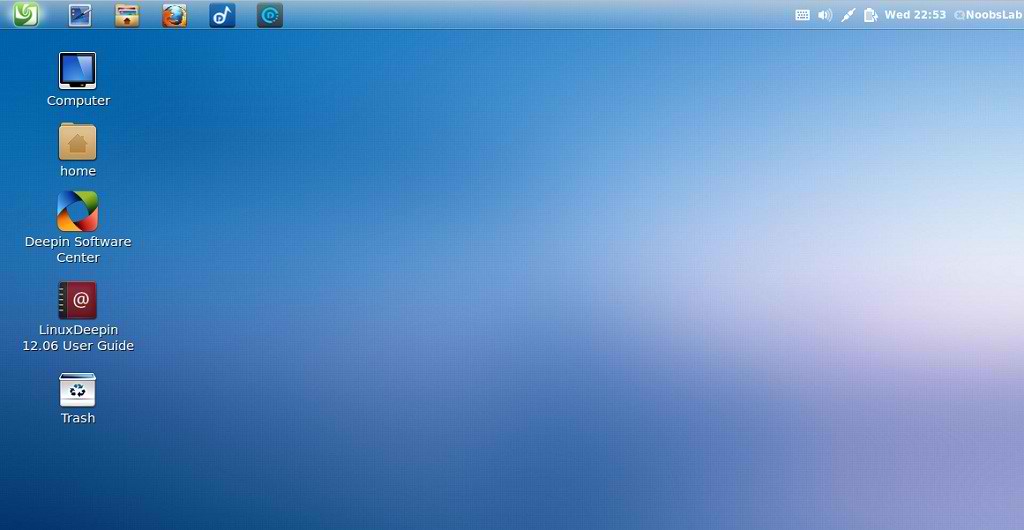
Linux Deepin, one of the most active community distributions in China, today released its version 12.06 that was originally scheduled for the end of last month. This project employs a half-year release cycle and is highly attractive to Chinese university students. The desktop environment in this release is Deepin GNOME Shell, which is the GNOME Shell adapted to the way users prefer to manage the desktop. Three extensions for Hide Message Tray, Kimpanel, and Panel Settings are introduced for better GUI experience. This release incorporates a number of device drivers, particularly for printers. More fonts were included and thus CJK rendering is better supported. This release can even be installed by running a special DeepWin.exe in a Windows operating system. Featured applications are Deepin Music Player, Deepin Media Player, and Deepin Software Center. Read the complete release announcement (in Chinese).

linux deepin

deepin

deepin

Separate CD images with support for English and traditional Chinese are also available from SourceForge.

Sunday, 1 April 2012

Install Deepin Software Center in Ubuntu 11.10/Linux Mint 12 via PPA

Install Linux Deepin Software Center in Ubuntu 11.10 Oneiric Ocelot/Linux Mint 12 Lisa

deepin

deepin software center

linux deepin

Were it an actual physical place then the Linux Deepin Software Center would surely take the form of a high-end department store.
With a custom look, an easy to navigate layout, and a number of intuitive features the Deepin Software Centre makes Ubuntu�s default store look a bit� last season.

Features:
You can use all the features of the LD Software Centre; you can install and remove applications, run updates and upgrade, change the theme of the LD Software Centre, etc.
Installing applications in the LD Software Centre is easy � very easy. Look out for the �Install� button � wherever you see it you can click it.
To browse for applications by category use the Repositories tab.
Applications that you already have installed will display a �Start� button next to them. Clicking this will open the application.
Remove installed applications via the �Uninstall� tab. Only applications and utilities that you have installed will appear here.
To change the theme/background of the Software Centre click on the 2�2 grid icon to the left of the window controls. Clicking on a theme will instantly apply it.

Note: Deepin Software Center currently available for Ubuntu 11.10 Oneiric Ocelot/Linux Mint 12

To install Linux Deepin Software Center in Ubuntu/Linux Mint via (NoobsLab PPA) open Terminal (Press Ctrl+Alt+T) and copy the following commands in the Terminal:
  • sudo add-apt-repository ppa:noobslab/deepin-sc
  • sudo apt-get update
  • sudo apt-get install deepin-software-center
That's it

Saturday, 10 March 2012

Linux Deepin 11.12.1 Based on Ubuntu with Gnome Shell customization

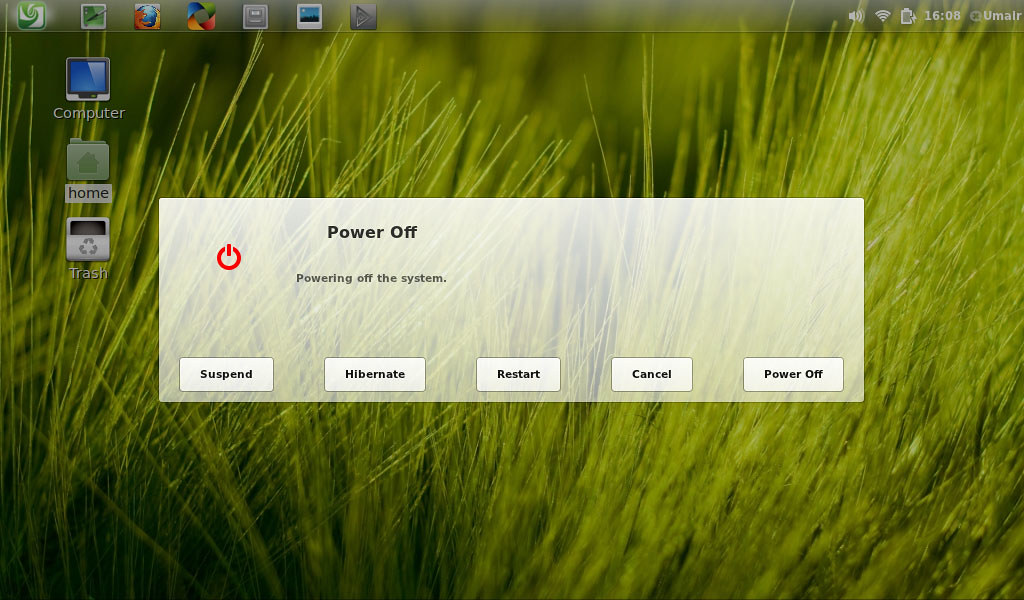
Linux Deepin, one of the most active community distributions from China, released its version 11.12.1 on the leap day as an upgrade from its New Year release. Deepin GNOME Shell now supports 3D effects and a so-called output device chooser for sound. Deepin Software Center is upgraded to version 2.1.2 where user experience has been greatly improved with a lot of bug fixes and even added support of Hebrew. The new Deepin-Scrot 2.0 now allows rudimentary image processing like text input on the screenshots taken. Documentation is also upgraded where FAQs are added and English edition is included. Other changes include Linux kernel 3.0.0-16, Firefox 10.0.2, Thunderbird 10.0.2, and LibreOffice 3.4. Check the complete release notes (in Chinese) for more, with hint on online upgrade and even a link to video presentations. Linux Deepin is based on Ubuntu but it has different software center, we can say it's own software center.
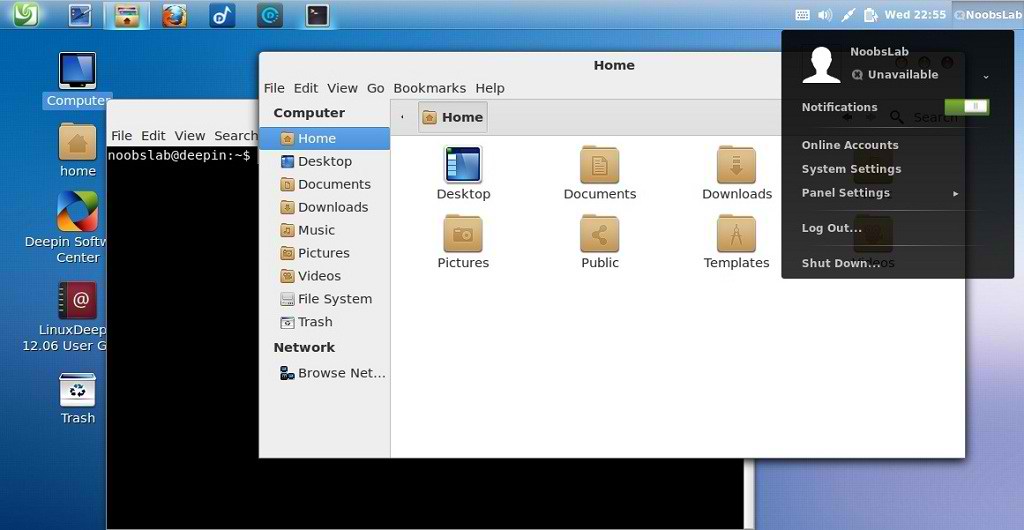
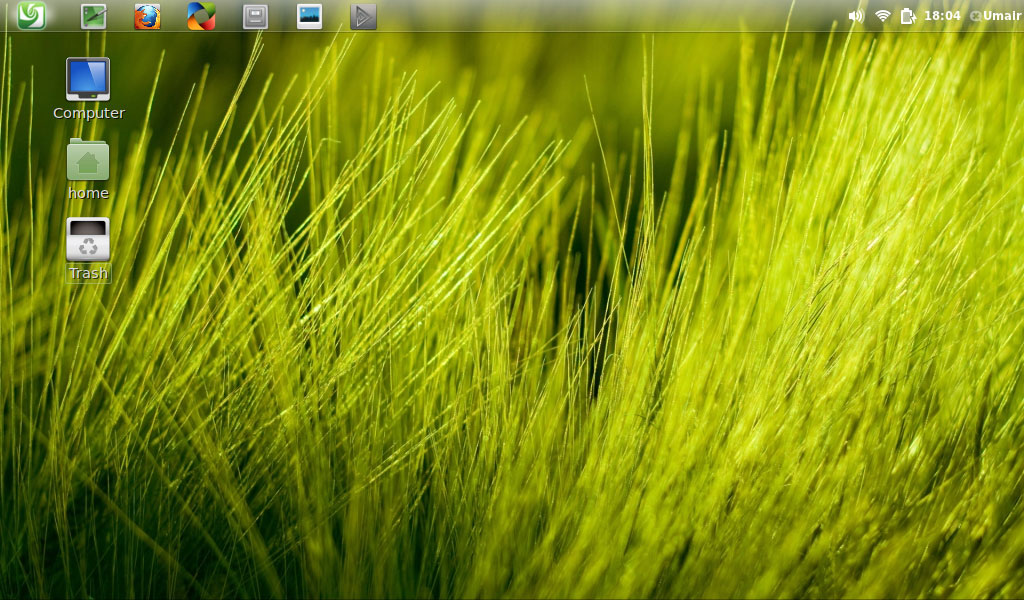
They designed gnome shell in a nice way. I tested this version, it is really cool distro stable and nice look. Linux Deepin 11.12 features a brand new, carefully tweaked GNOME Shell. This is a remarkable evolution delivering a great experience within a new generation desktop platform.

Some Features:
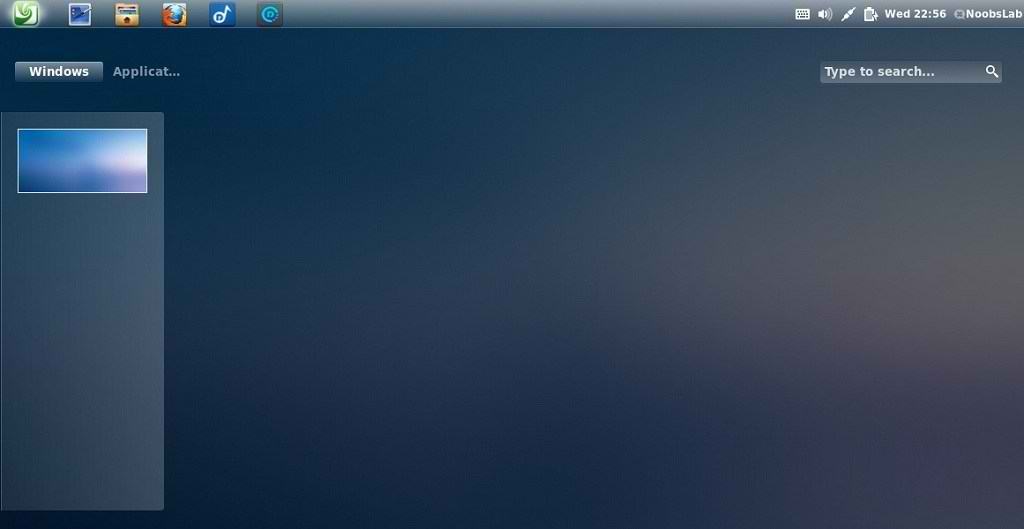
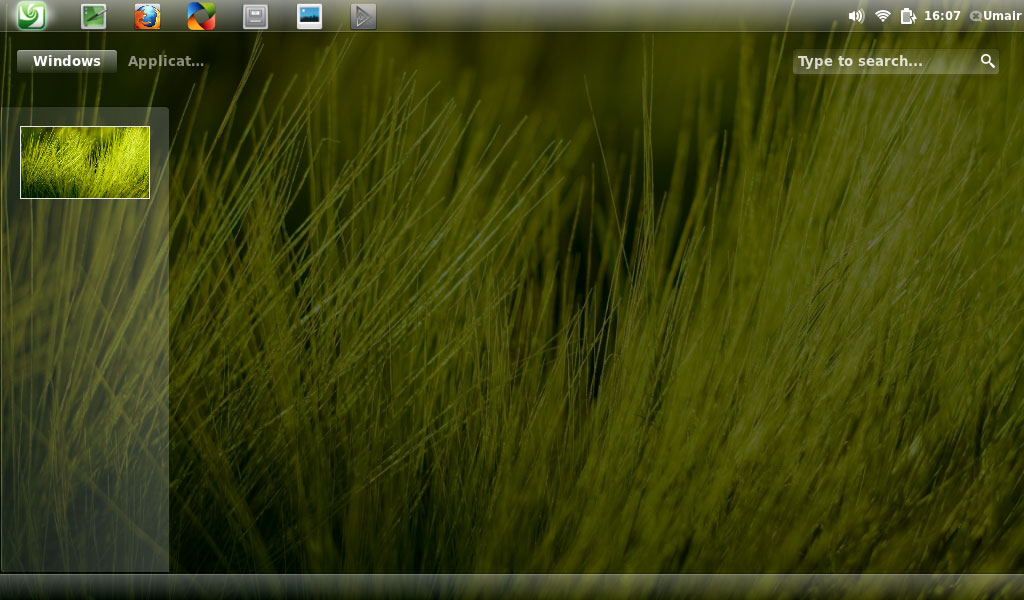
  1. Workspace switcher is now placed at the left side of screen, to prevent unnecessary mouse movements.
  2. The application category menu is also placed on the left side.
  3. Right click on any application icon in the Dash to add a shortcut to the desktop launcher.
  4. The Deepin Dock is a simple task bar extension that lives at the top of screen where you can pin and launch your most commonly used applications. You can also preview running application's.
  5. Smart Alt-Tab shortcut behavior makes your life easier when switching among between open windows. Home, End and arrow keys can also be used.
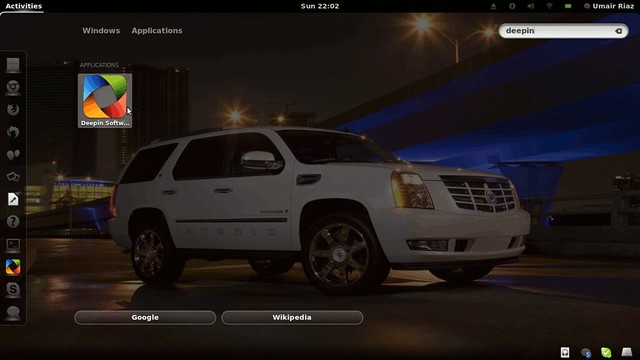
  6. Enhanced search makes it easy to find your applications, files and contacts. You are also given the choices of many search engines including Google, Wikipedia, Bing and Yahoo!.

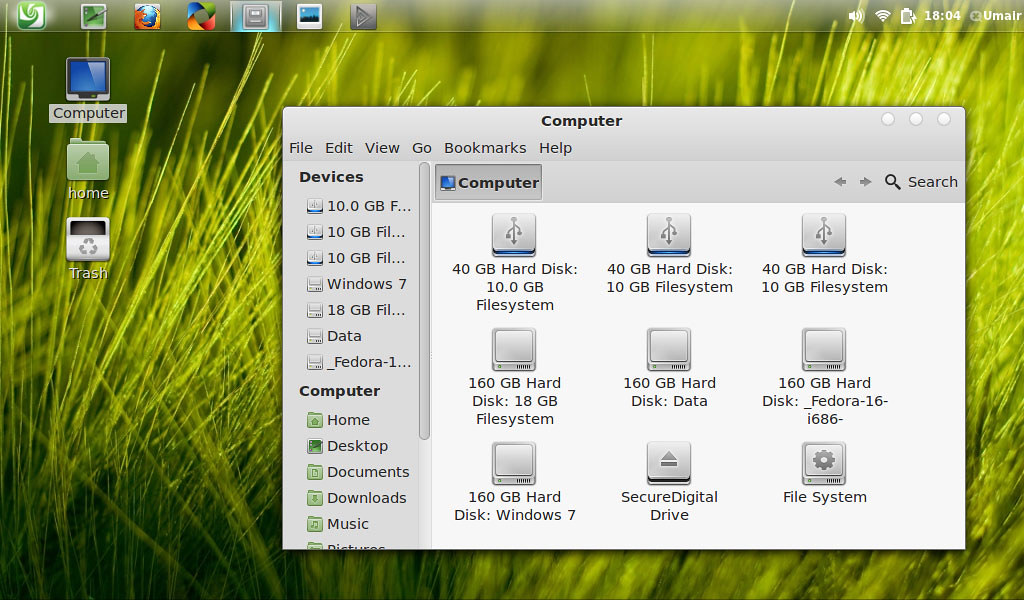
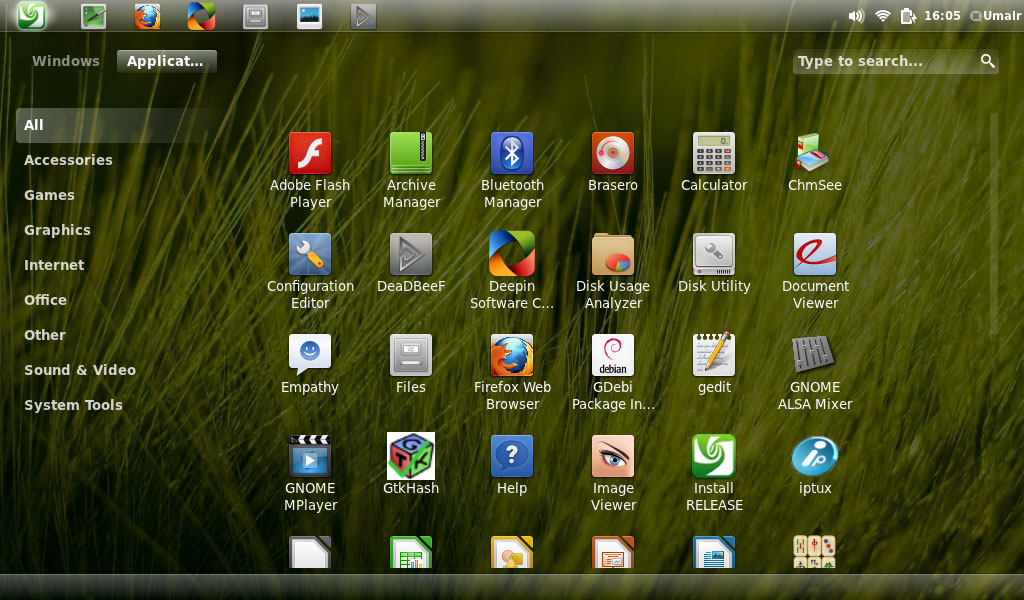
Here are some Screen-Shots of Linux Deepin:

deepin

linux deepin

deepin

linux deepin

deepin

linux deepin


Download (MD5):
Linux_Deepin_11.12.1_i386.iso (668MB), Sourceforge Mirror: Linux_Deepin 11.12.1 i386.iso
Linux_Deepin_11.12.1_amd64.iso(683MB), Sourceforge Mirror: Linux_Deepin_11.12.1_amd64.iso
Separate CD images with support for English and traditional Chinese are also available from SourceForge.


Just the Life of Eddie Copyright © 2012 Best Celebrity Wallpaper -- Powered by Blogger