Warung Bebas
Showing posts with label pear os. Show all posts

Thursday, 17 January 2013

Pear OS 6.1 has been Released (Based on Ubuntu)

David Tavares has announced the release of Pear Linux 6.1, an Ubuntu remix with a simple but beautiful user interface (a customised GNOME 3) and out-of-the-box support for many popular multimedia codecs: "I am pleased to announce the release of Pear Linux 6.1. Pear Linux 6.1 builds on top of our popular previous release of Pear Linux 6 with newly updated software. As Pear Linux 6.1 is based on Ubuntu 12.04.1 it is an LTS (Long-Term Support) release, provided with 5 years of security updates. New software: Pear PPA Manager, Pear Cleaner; software updated, kernel updated. Users who already have Pear Linux 6 installed do not need to get Pear Linux 6.1. All the aforementioned updates and improvements in 6.1 will be applied by installing the latest updates from the Update Manager available this week." Here is the brief release announcement.
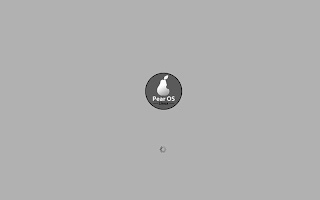
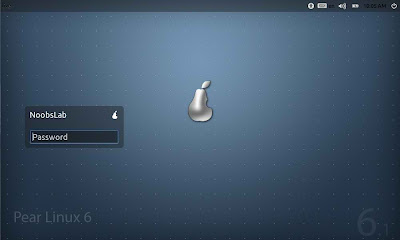
PearOS Boot-Screen
pearos boot

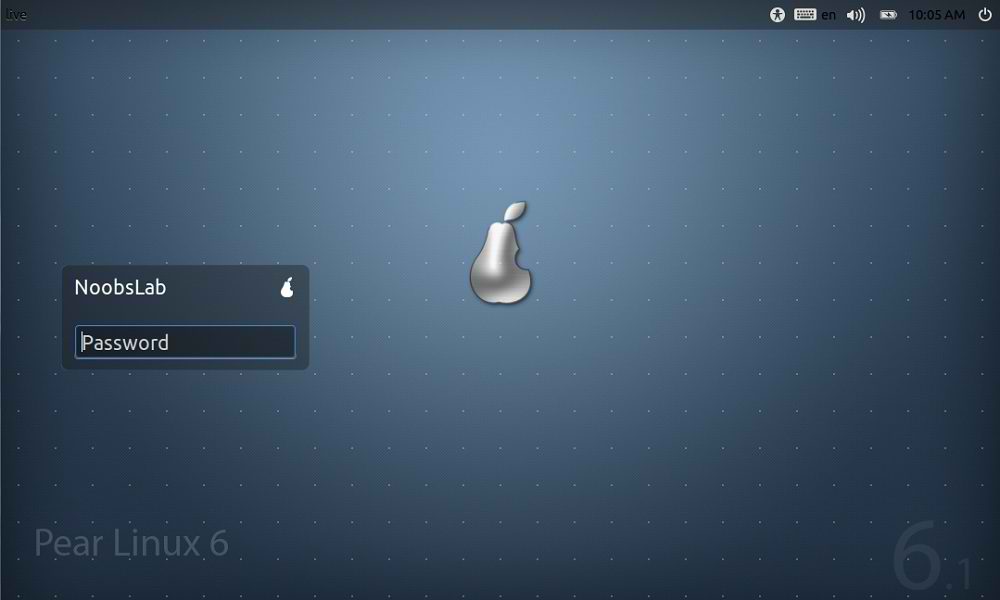
PearOS Login-Manager
pearos login

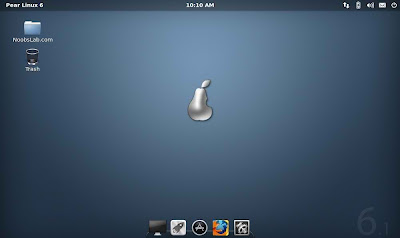
PearOS Desktop
pearos desktop

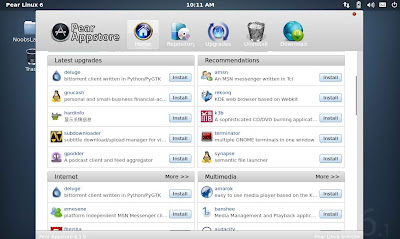
PearOS AppStore (Deepin Software Center)
pearos software center

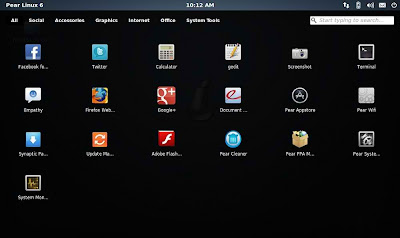
PearOS Launcher
pearos launcher

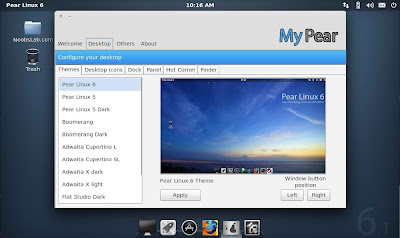
PearOS Tweak Tool
pearos tweak tool

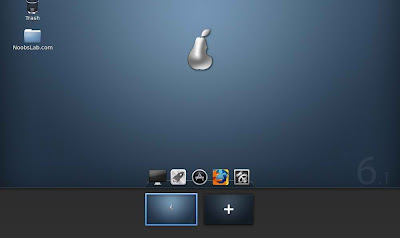
PearOS Desktop Switcher
pearos switcher

Download:
Pearlinux-6.1-i386.iso (899MB, MD5)
Checkout download page
Source: Pear Linux

Saturday, 24 March 2012

Pear OS 4 (Comice) is Released - Looks Like Mac

Pear OS is a French Ubuntu-based desktop Linux distribution. Some of its features include ease-of-use, custom user interface with a Mac OS X-style dockbar, and out-of-the-box support for many popular multimedia codecs.

pear os

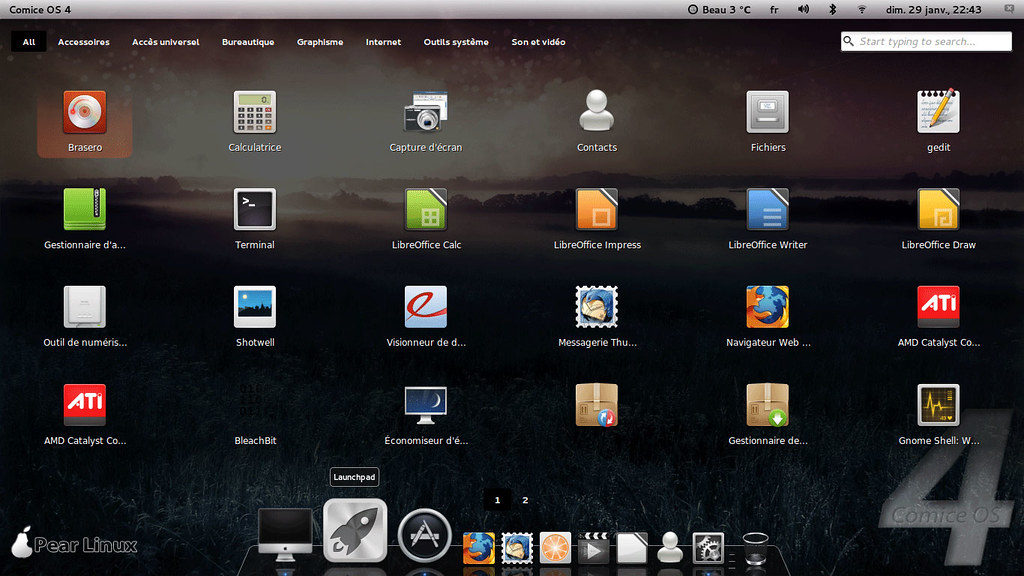
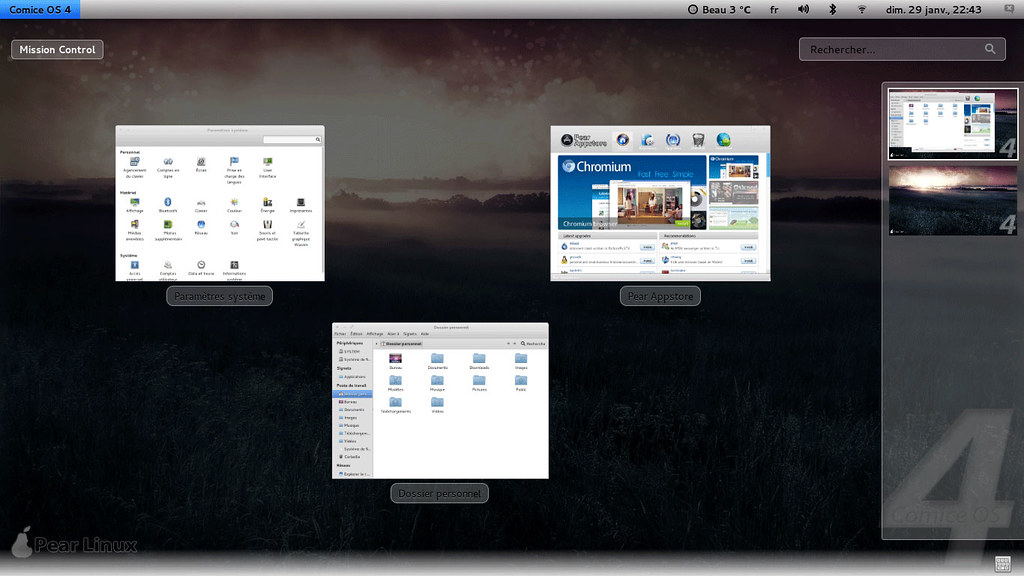
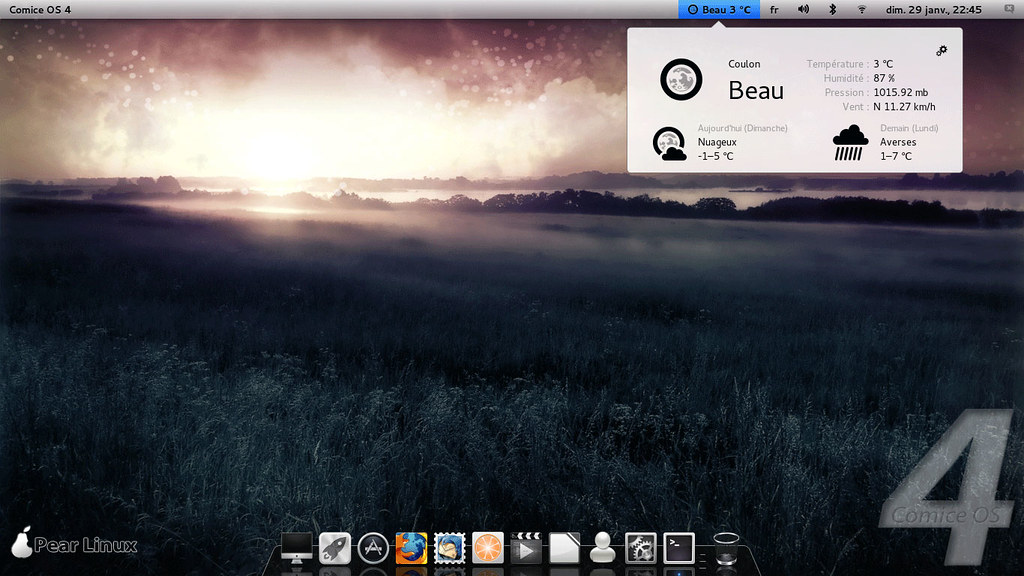
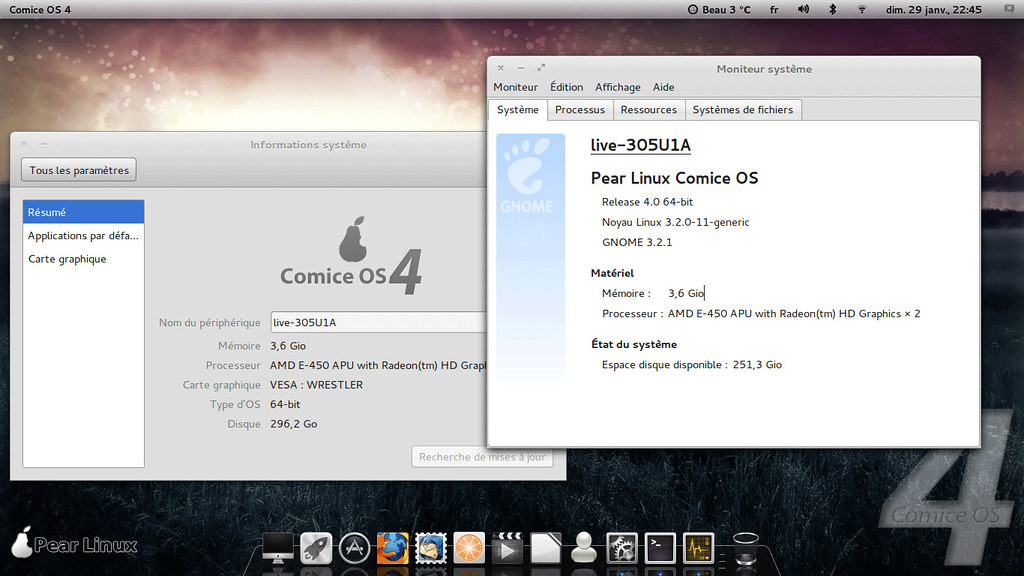
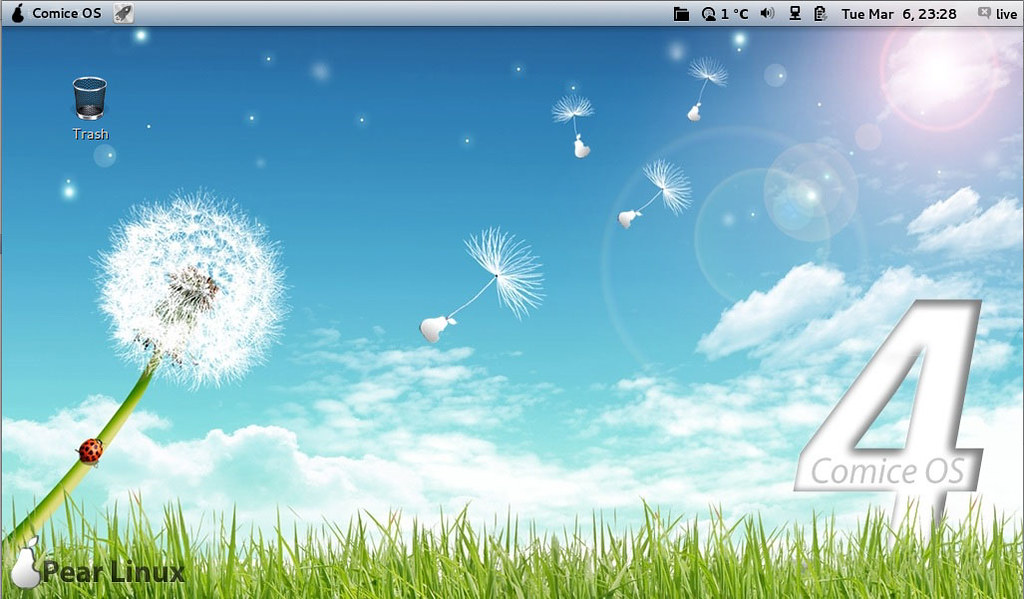
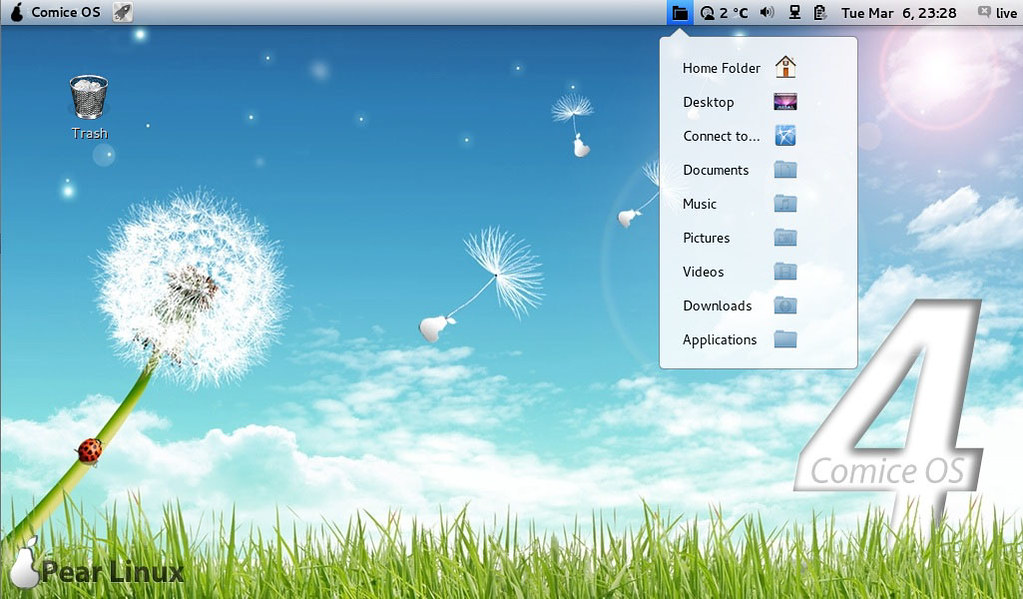
Pear OS 4, a new version of the Ubuntu-based Linux distribution of many names, including Pear Linux or Comice OS, has been released: "Comice OS 4 - available now. New features at a glance: Comice OS Shell, Pear Appstore, Skype, LibreOffice. Pear Appstore is one of the most highlighted applications of Comice OS. Installing new application is just an one-click thing. It supports parallel downloading, resuming downloads, update notification and cache cleaning. Comice Shell is a modification of GNOME Shell according to visions of Pear Linux. Mission Control allows you to view running applications and the various workspaces used. Click the Launchpad icon in your dock and your open windows fade away, replaced by a view of all the applications on your PC. Each application is represented by an icon, and Launchpad creates as many pages of application icons as you need." See the release announcement and the features page for more information.

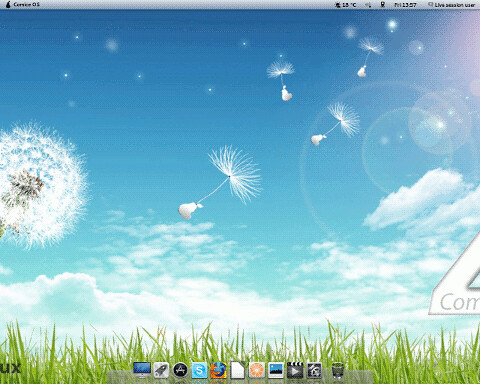
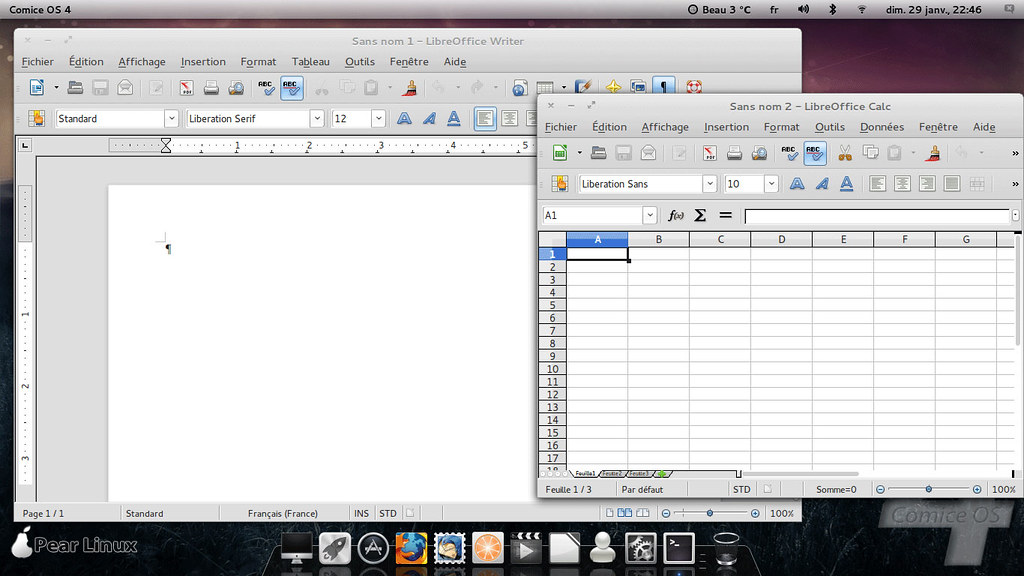
Desktop Edition Screen-Shots

macbuntu


linux mac

mac os ubuntu

mac4lin

macbuntu

pear os x

Download:
Pear Comice_OS_4_x32-build-01a07.iso (1,070MB, MD5, torrent)
Pear Comice_OS_4_x64-build-01a07.iso (1,250kB, MD5, torrent)
SourceForge Mirrors:
Pear Comice_os_4_x32
Pear Comice_os_4_x64
Other Mirrors:
Pear Comice_os_4_x32_BETA_2
Pear Comice_os_4_x64_BETA_2

KDE Edition Screen-Shots


Download KDE Beta edition:
Pear Comice_os_4_x32
Torrent: Pear Comice_os_4_x32
SourceForge Mirrors:
Pear comice_os_4_x32

NetBook Edition Screen-Shots

mac os


ubuntu mac

pear os

Download Netbook Edition:
Pear Comice OS Netbook 32bit (Latest)
Pear Comice_os_4_netbook_BETA_1

Enjoy, Here is the Site of Pear OS.


Just the Life of Eddie Copyright © 2012 Best Celebrity Wallpaper -- Powered by Blogger