0
comments
0
comments
Install Kazam 1.3.5 Screen Caster in Ubuntu 12.10 Quantal/Ubuntu 12.04 Precise/Ubuntu 11.10 Oneiric/Linux Mint 14/13/12
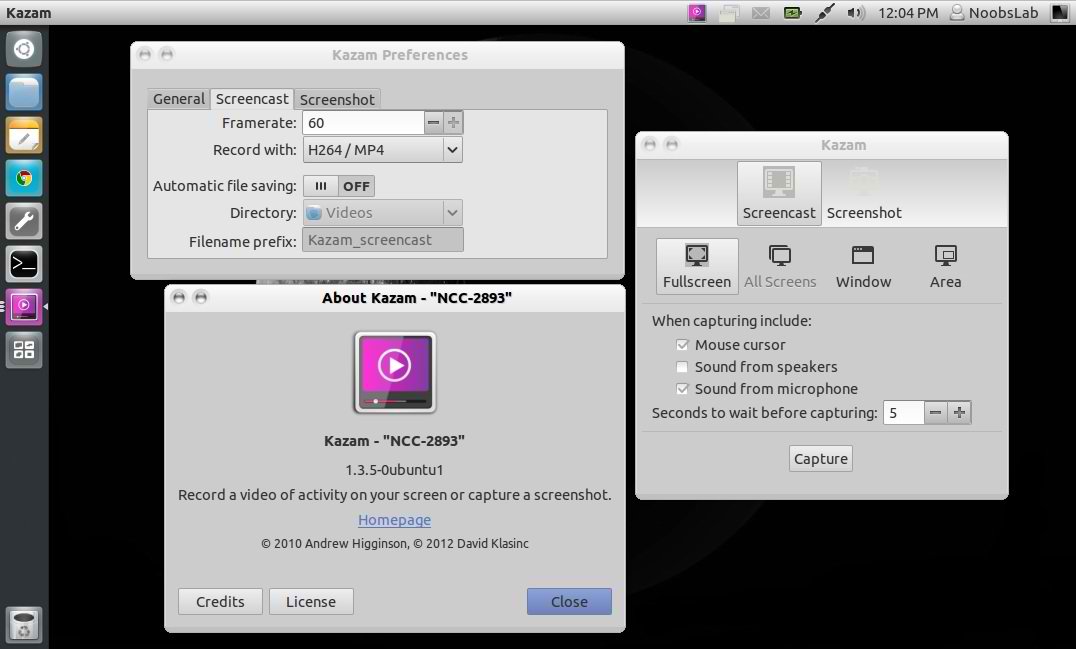
Kazam is a simple screen recording program that will capture the content of your screen and record a video file that can be played by any video player that supports VP8/Mp4/WebM video format. It also records audio from any sound input device that is supported and visible by Pulse-audio.
Changes in Kazam 1.3 Series:
To install Kazam Screen Recorder in Ubuntu/Linux Mint open Terminal (Press Ctrl+Alt+T) and copy the following commands in the Terminal:
Kazam is a simple screen recording program that will capture the content of your screen and record a video file that can be played by any video player that supports VP8/Mp4/WebM video format. It also records audio from any sound input device that is supported and visible by Pulse-audio.
Changes in Kazam 1.3 Series:
- Kazam 1.3.5 support full time python 3.
- GUI was redesigned, re-hauled and refreshed. Ease of use and simplicity were still our guidance
- Support for GStreamer 1.0, older versions are no longer supported.
- Keyboard shortcuts are back. Still in experimental stage, but usable.
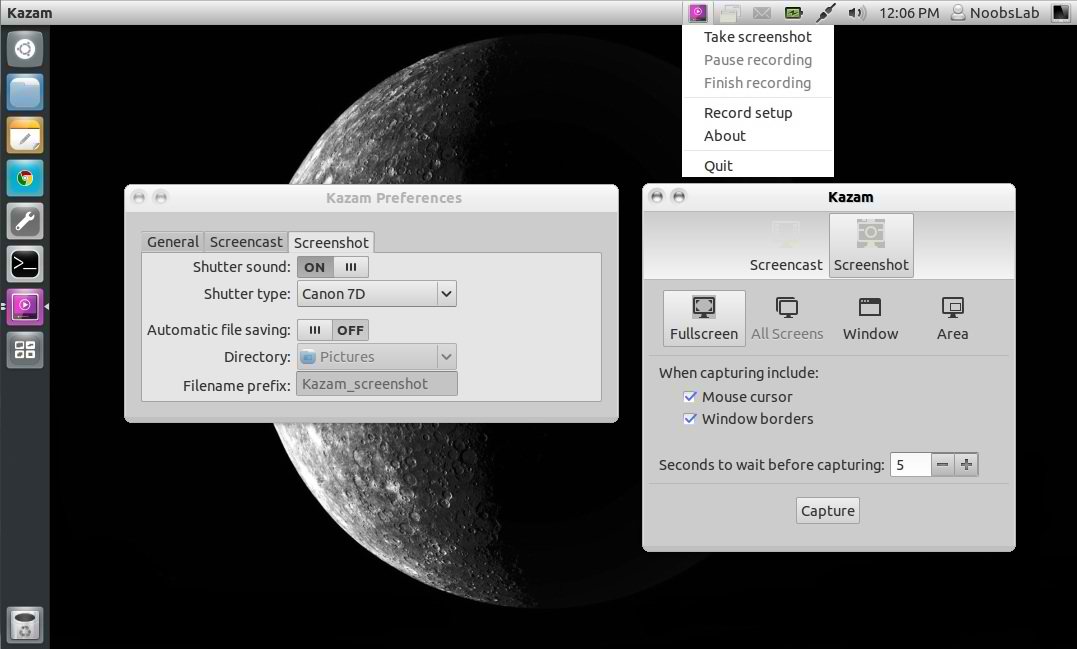
- Different capture modes: Full screen, all screens, area and window. With window mode you can select a window on your desktop to capture its contents. For now, this works only for screen-casting.
- Auto-saving of videos and pictures. By turning on auto-save every video and screenshot will be saved automatically without user intervention.
- Awesome theme-able shutter sound for taking screenshots, for now Canon-7D and Nikon-D80 sounds are available.
- Start/Stop options for indicator menu.
- An option to disable countdown window.
- Blinking indicator icon.
To install Kazam Screen Recorder in Ubuntu/Linux Mint open Terminal (Press Ctrl+Alt+T) and copy the following commands in the Terminal:
That's it, Enjoy
- sudo add-apt-repository ppa:kazam-team/unstable-series
- sudo apt-get update
- sudo apt-get install kazam
Source: Kazam