Warung Bebas
Showing posts with label shutter. Show all posts

Wednesday, 19 December 2012

Install Shutter Screenshot 0.90 in Ubuntu 12.10/12.04/Linux Mint

Install Shutter Screenshot 0.90 in Ubuntu 12.10 Quantal/Ubuntu 12.04 Precise/11.10/11.04/10.10/10.04/Linux Mint (New Release)

Shutter is an open-source program, and is available completely for free! It is really nice screenshot utility, We can say it is very advance utility to take screenshots of your screen.
Shutter is a feature-rich screenshot program. You can take a screenshot of a specific area, window, your whole screen, or even of a website � apply different effects to it, draw on it to highlight points, and then upload to an image hosting site, all within one window. Shutter is free, open-source, and licensed under GPL v3.
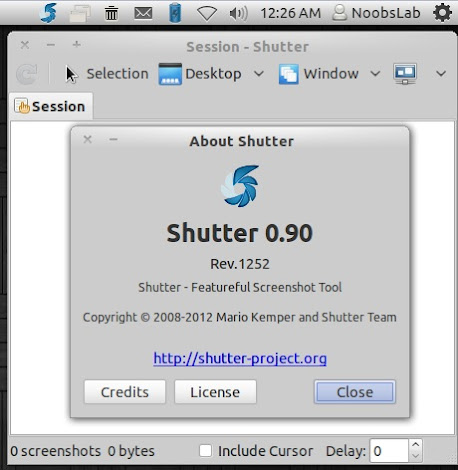
shutter

Changes in this Release:
  • No way to activate the main window when using the appindicator
  • Quicklist no more working
  • Needs a high contrast app icon
  • Remove keybinding code
  • Remove Simple Selection Tool
  • File extension .png
  • desktop-file-validate complains again
  • updated translations

To install shutter in Ubuntu/Linux Mint open Terminal (Press Ctrl+Alt+T) and copy the following commands in the Terminal:
  • sudo add-apt-repository ppa:shutter/ppa
  • sudo apt-get update
  • sudo apt-get install shutter
That's it, Enjoy
Source: Shutter

Tuesday, 16 October 2012

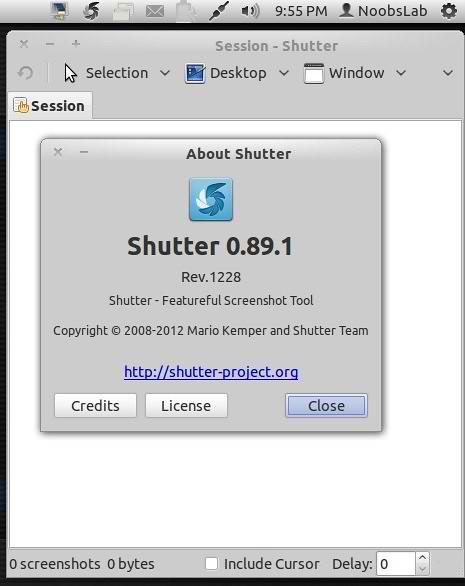
Install Shutter Screenshot 0.89.1 in Ubuntu 12.10/12.04/Linux Mint

Install Shutter Screenshot 0.89.1 in Ubuntu 12.10 Quantal/Ubuntu 12.04 Precise/11.10/11.04/10.10/10.04/Linux Mint (New Release)

Shutter is an open-source program, and is available completely for free! It is really nice screenshot utility, We can say it is very advance utility to take screenshots of your screen.
Shutter is a feature-rich screenshot program. You can take a screenshot of a specific area, window, your whole screen, or even of a website � apply different effects to it, draw on it to highlight points, and then upload to an image hosting site, all within one window. Shutter is free, open-source, and licensed under GPL v3.
screenshot

Bugs Fixed in this Release 0.89.1:
  • Fixed bugs / minor improvements
  • imageshack plug in fails
  • bug on save output image in cyrillic keybord layout
  • Imgur plugin doesn't work
  • libgtk2-appindicator-perl not available for lucid (Ubuntu 10.04)
  • desktop-file-validate complains
  • updated translations

To install shutter in Ubuntu/Linux Mint open Terminal (Press Ctrl+Alt+T) and copy the following commands in the Terminal:
  • sudo add-apt-repository ppa:shutter/ppa
  • sudo apt-get update
  • sudo apt-get install shutter
That's it, Enjoy
Source: Shutter

Saturday, 18 August 2012

Install Shutter Screenshot 0.89.1 in Ubuntu/Linux Mint (New Release)

Install Shutter Screenshot 0.89.1 in Ubuntu 12.04/11.10/11.04/10.10/10.04/Linux Mint (New Release)

Shutter is an open-source program, and is available completely for free! It is really nice screenshot utility, We can say it is very advance utility to take screenshots of your screen.
Shutter is a feature-rich screenshot program. You can take a screenshot of a specific area, window, your whole screen, or even of a website � apply different effects to it, draw on it to highlight points, and then upload to an image hosting site, all within one window. Shutter is free, open-source, and licensed under GPL v3.
screenshot

Bugs Fixed in this Release 0.89.1:
  • Fixed bugs / minor improvements
  • imageshack plug in fails
  • bug on save output image in cyrillic keybord layout
  • Imgur plugin doesn't work
  • libgtk2-appindicator-perl not available for lucid (Ubuntu 10.04)
  • desktop-file-validate complains
  • updated translations

To install shutter on Ubuntu/Linux Mint open Terminal (Press Ctrl+Alt+T) and copy the following commands in the Terminal:
  • sudo add-apt-repository ppa:shutter/ppa
  • sudo apt-get update
  • sudo apt-get install shutter
Here is the site of Shutter.

Sunday, 5 August 2012

Install Shutter ScreenShot Tool 0.89 in Ubuntu/Linux Mint (New Release)

Install Shutter Screen-shot 0.89 in Ubuntu 12.04/11.10/11.04/10.10/10.04/Linux Mint (New Release)

Shutter is an open-source program, and is available completely for free!
It is really nice screenshot utility, We can say it is very advance utility to take screenshots of your screen.
shutter

Bugs Fixed in this Release 0.89:
  • Fixed bugs / minor improvements
  • App-indicator added
  • Advanced Selection Capture entries do not work
  • Change fsf-address
  • updated translations

To install shutter on Ubuntu/Linux Mint open Terminal (Press Ctrl+Alt+T) and copy the following commands in the Terminal:
  • sudo add-apt-repository ppa:shutter/ppa
  • sudo apt-get update
  • sudo apt-get install shutter
Here is the site of Shutter.

Tuesday, 24 April 2012

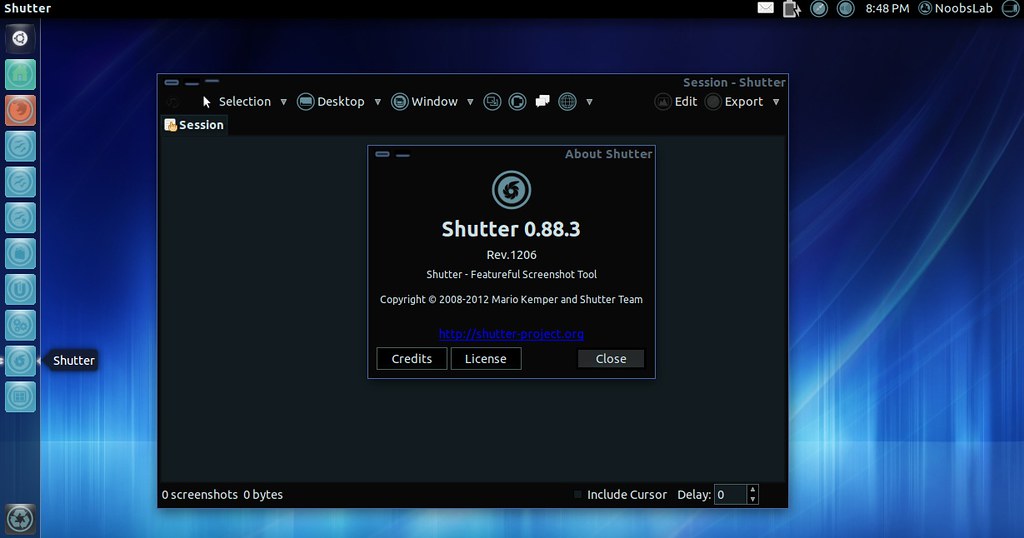
Install Shutter ScreenShot 0.88.3 on Ubuntu/Linux Mint (New Release)

Install Shutter ScreenShot 0.88.3 on Ubuntu 12.04/11.10/11.04/10.10/10.04/Linux Mint (New Release)

Shutter is an open-source program, and is available completely for free!
It is really nice screenshot utility, We can say it is very advance utility to take screenshots of your screen.
shutter

New CLI-Parameters:
It is now possible to configure the delay and to control whether you want to include the cursor when using Shutter in scripts.
  • -d, --delay=SECONDS
  • -c, --include_cursor
  • -C, --remove_cursor

Bugs Fixed in this Release 0.88.3:
  • Fixed bugs / minor improvements.
    • Dropbox upload should urlencode the resuting link.
    • Wrong image format in save dialogue.
    • Editor: icon tool fails to add image.
    • Add include/exclude cursor option for command-line.
    • Add --delay command line option.
  • updated translations.

To install shutter on Ubuntu/Linux Mint open Terminal (Press Ctrl+Alt+T) and copy the following commands in the Terminal:
  • sudo add-apt-repository ppa:shutter/ppa
  • sudo apt-get update
  • sudo apt-get install shutter
Here is the site of Shutter.

Saturday, 25 February 2012

Install Shutter ScreenShot Tool on Ubuntu/Linux Mint (New Release)

Install Shutter 0.88.2 ScreenShot Tool on Ubuntu 12.04/11.10/11.04/any Ubuntu/Linux Mint (New Release)

Shutter is an open-source program, and is available completely for free!
It is really nice screenshot utility, We can say it is very advance utility to take screenshots of your screen.


In this Shutter 0.88.2 Version:
Changelog:
* Fixed bugs / minor improvements
- Edit menu items should be shown in right-click popup for object
- save image to jpg extension
- Add no_session parameter
- 'Updating plugins' dialogue appears on every startup
- FTP upload plugin recently stopped working
* Updated translations

To install Shutter ScreenShot on Ubuntu/Linux Mint open Terminal (Press Ctrl+Alt+T) and copy the following commands in the Terminal:
  • sudo add-apt-repository ppa:shutter/ppa
  • sudo apt-get update
  • sudo apt-get install shutter

New CLI-Parameter
It is now possible to prevent Shutter from adding new screenshots to the internal session which is useful when using Shutter in scripts. You have to use the new parameter -n (�no_session).
Enter following command:
  • shutter --window=.*firefox.* -e -n -o %Y-%m-%d-%T.png

Improved Usability
You can now access Copy, Cut, Paste and Delete via right-click when using Shutter�s internal image editor.

Bugfixes
The other changes are mainly bug fixes that make the experience even better. As an example, uploading via FTP is now working again.

Here is the HomePage of Shutter.
 

Just the Life of Eddie Copyright © 2012 Best Celebrity Wallpaper -- Powered by Blogger