 0
comments
Install Malys-GlassArt Gnome Shell 3.4 Themes on Ubuntu 12.04/11.10/Linux Mint 13/12
These Malys Themes are available in NoobsLab PPA. Add Following PPA first then install following themes:
Gtk Theme and Icons used in ScreenShots
1: Malys GlassArt

Theme Tested on Gnome Shell 3.4
To Install Malys-GlassArt open Terminal (Press Ctrl+Alt+T) and copy the following commands in the Terminal:
2: Malys GlassArt-Arch

Theme Tested on Gnome Shell 3.4
To Install Malys-GlassArt-Arch open Terminal (Press Ctrl+Alt+T) and copy the following commands in the Terminal:
3: Malys GlassArt-Blue

Theme Tested on Gnome Shell 3.4
To Install Malys-GlassArt-Blue open Terminal (Press Ctrl+Alt+T) and copy the following commands in the Terminal:
4: Malys GlassArt-Fedora

Theme Tested on Gnome Shell 3.4
To Install Malys-GlassArt-Fedora open Terminal (Press Ctrl+Alt+T) and copy the following commands in the Terminal:
5: Malys GlassArt-Green

Theme Tested on Gnome Shell 3.4
To Install Malys-GlassArt-Green open Terminal (Press Ctrl+Alt+T) and copy the following commands in the Terminal:
6: Malys GlassArt-Mint

Theme Tested on Gnome Shell 3.4
To Install Malys-GlassArt-Mint open Terminal (Press Ctrl+Alt+T) and copy the following commands in the Terminal:
7: Malys GlassArt-Orange

Theme Tested on Gnome Shell 3.4
To Install Malys-GlassArt-Orange open Terminal (Press Ctrl+Alt+T) and copy the following commands in the Terminal:
8: Malys GlassArt-Red

Theme Tested on Gnome Shell 3.4
To Install Malys-GlassArt-Red open Terminal (Press Ctrl+Alt+T) and copy the following commands in the Terminal:
9: Malys GlassArt-Ubuntu

Theme Tested on Gnome Shell 3.4
To Install Malys-GlassArt-Ubuntu open Terminal (Press Ctrl+Alt+T) and copy the following commands in the Terminal:
These Malys Themes are available in NoobsLab PPA. Add Following PPA first then install following themes:
Here is Malys GlassArt Wallpaper
- sudo add-apt-repository ppa:noobslab/malys-themes
- sudo apt-get update
Gtk Theme and Icons used in ScreenShots
1: Malys GlassArt
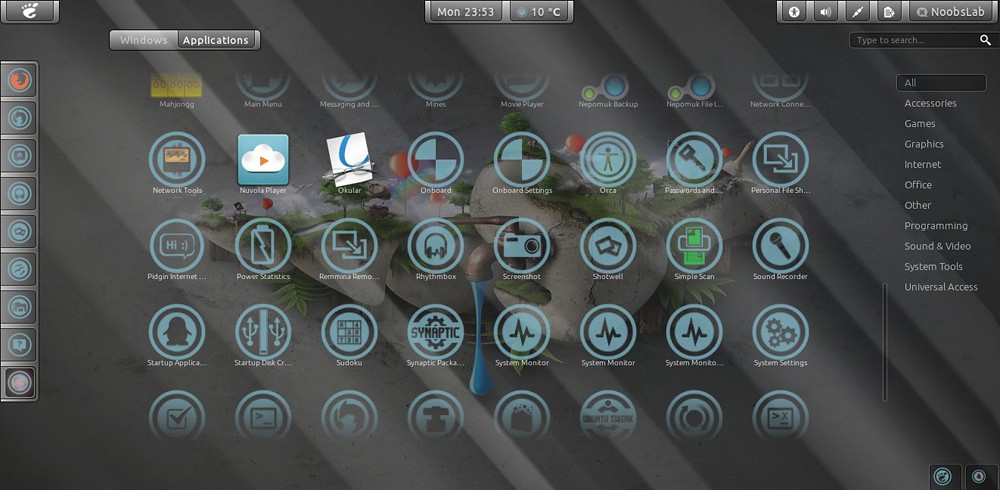
Theme Tested on Gnome Shell 3.4
To Install Malys-GlassArt open Terminal (Press Ctrl+Alt+T) and copy the following commands in the Terminal:
- sudo apt-get install malys-glassart
2: Malys GlassArt-Arch

Theme Tested on Gnome Shell 3.4
To Install Malys-GlassArt-Arch open Terminal (Press Ctrl+Alt+T) and copy the following commands in the Terminal:
- sudo apt-get install malys-glassart-arch
3: Malys GlassArt-Blue
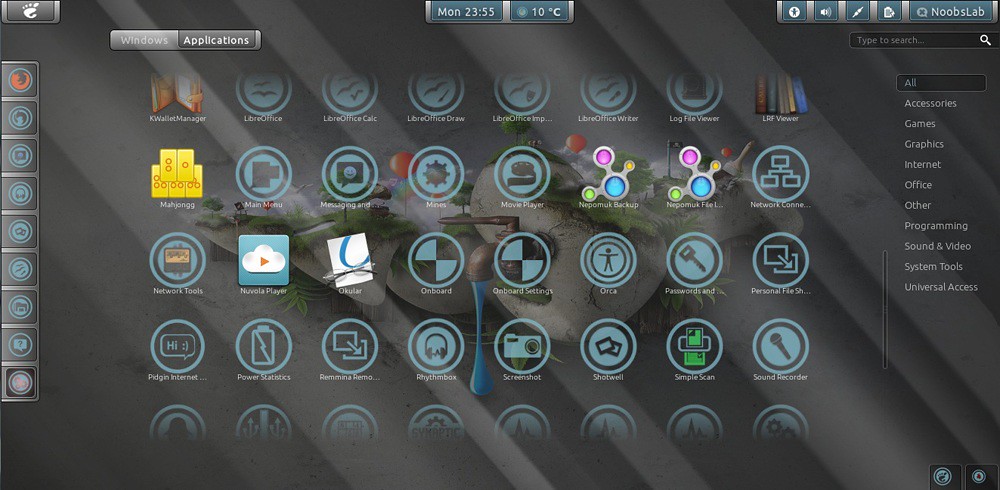
Theme Tested on Gnome Shell 3.4
To Install Malys-GlassArt-Blue open Terminal (Press Ctrl+Alt+T) and copy the following commands in the Terminal:
- sudo apt-get install malys-glassart-blue
4: Malys GlassArt-Fedora

Theme Tested on Gnome Shell 3.4
To Install Malys-GlassArt-Fedora open Terminal (Press Ctrl+Alt+T) and copy the following commands in the Terminal:
- sudo apt-get install malys-glassart-fedora
5: Malys GlassArt-Green
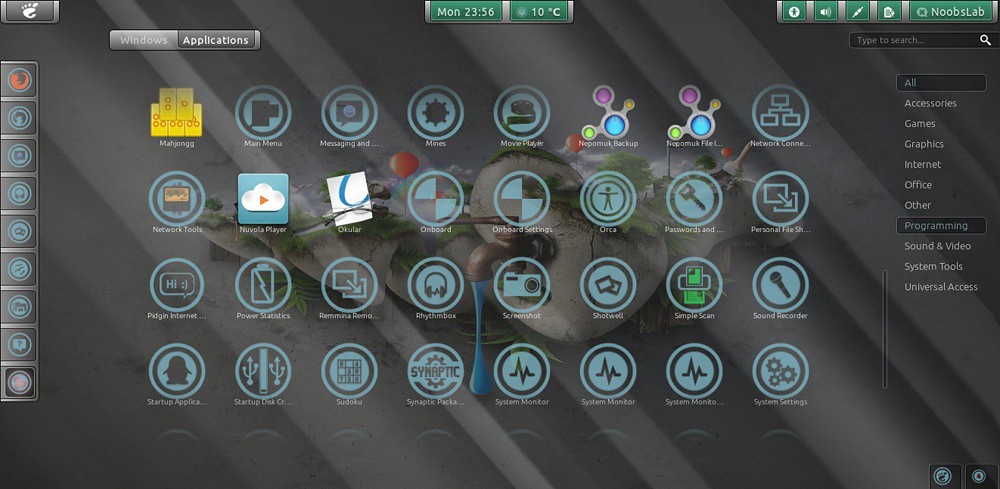
Theme Tested on Gnome Shell 3.4
To Install Malys-GlassArt-Green open Terminal (Press Ctrl+Alt+T) and copy the following commands in the Terminal:
- sudo apt-get install malys-glassart-green
6: Malys GlassArt-Mint
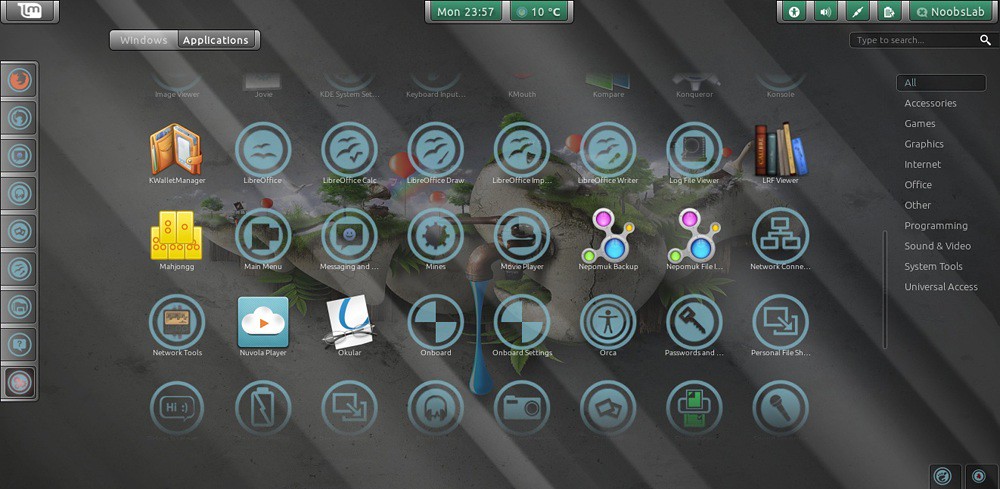
Theme Tested on Gnome Shell 3.4
To Install Malys-GlassArt-Mint open Terminal (Press Ctrl+Alt+T) and copy the following commands in the Terminal:
- sudo apt-get install malys-glassart-mint
7: Malys GlassArt-Orange
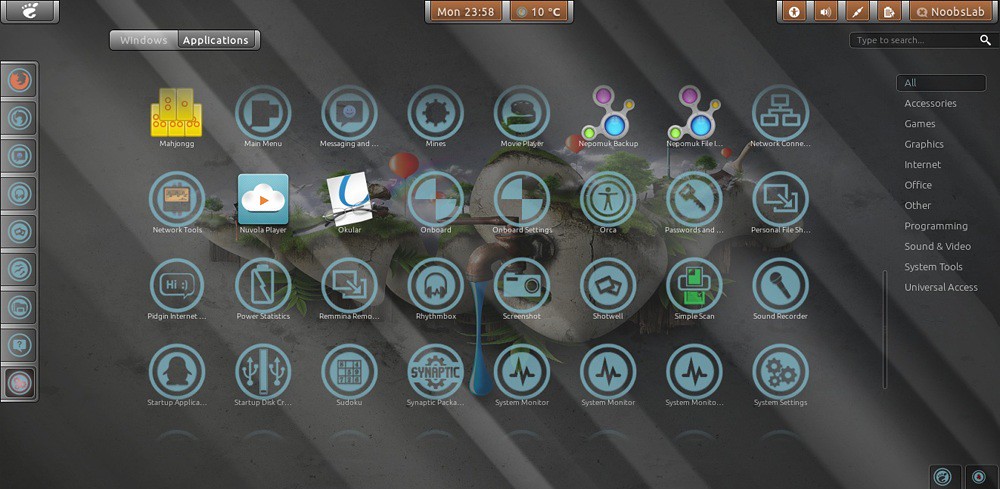
Theme Tested on Gnome Shell 3.4
To Install Malys-GlassArt-Orange open Terminal (Press Ctrl+Alt+T) and copy the following commands in the Terminal:
- sudo apt-get install malys-glassart-orange
8: Malys GlassArt-Red

Theme Tested on Gnome Shell 3.4
To Install Malys-GlassArt-Red open Terminal (Press Ctrl+Alt+T) and copy the following commands in the Terminal:
- sudo apt-get install malys-glassart-red
9: Malys GlassArt-Ubuntu
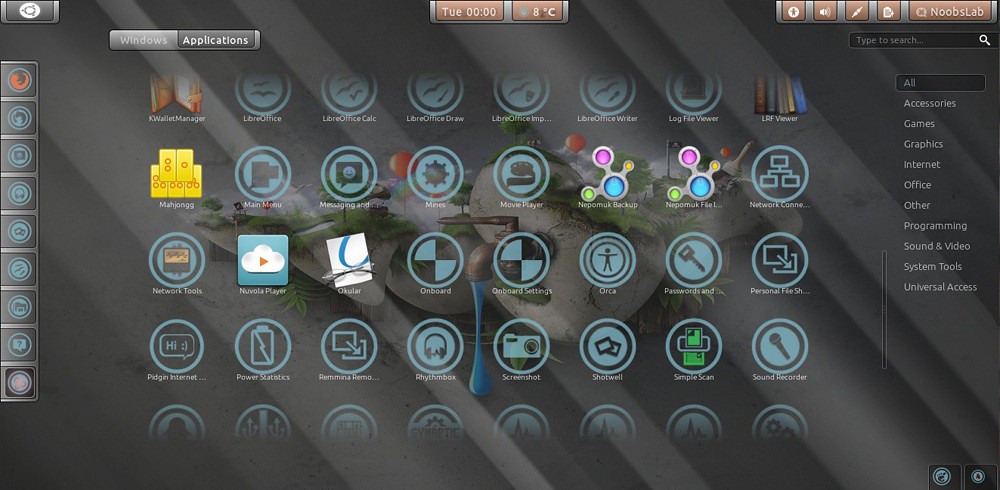
Theme Tested on Gnome Shell 3.4
To Install Malys-GlassArt-Ubuntu open Terminal (Press Ctrl+Alt+T) and copy the following commands in the Terminal:
That's it, Enjoy
- sudo apt-get install malys-glassart-ubuntu
Source: Malys GlassArt Colors


