Warung Bebas
Showing posts with label ubuntu gnome shell themes. Show all posts

Monday, 21 May 2012

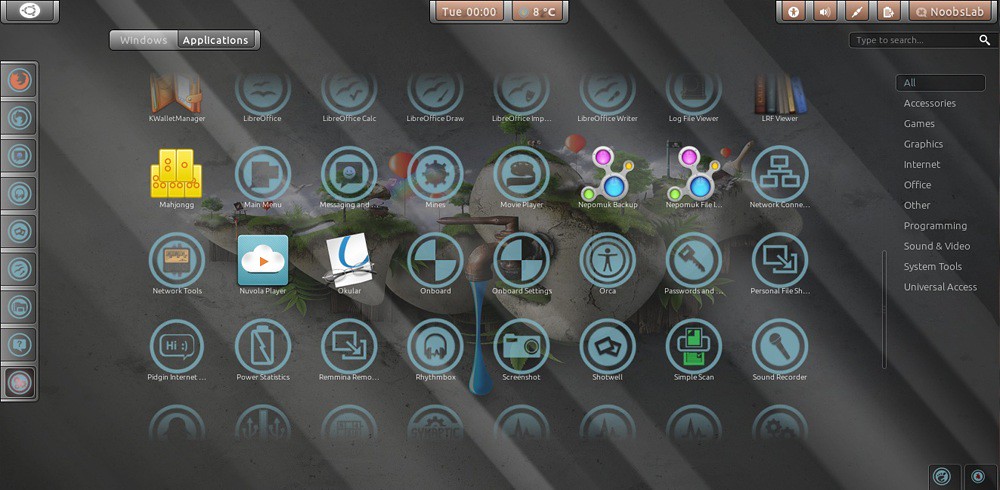
Install Zukini Theme on Ubuntu/Linux Mint (Gnome Shell + Gtk3/2)

Install Zukini Theme on Ubuntu 12.04/11.10/10.04/Linux Mint (Gnome Shell + Gtk3/2)

Important note by Author: This theme is designed around Gnome 3.4 and the 1.0.2 version of the Unico engine. Any later versions included with any development releases may break the theme.

1st: Download Wallpaper
2nd: Install Faenza Icons

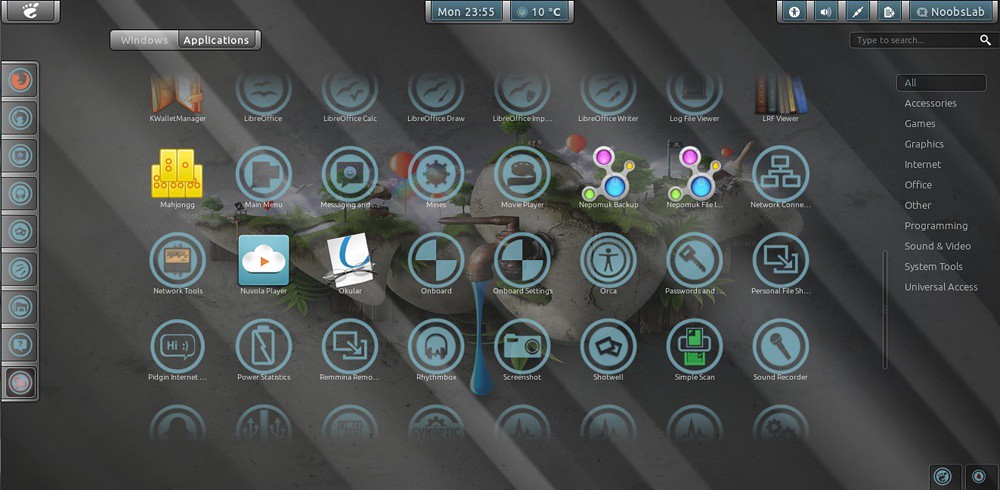
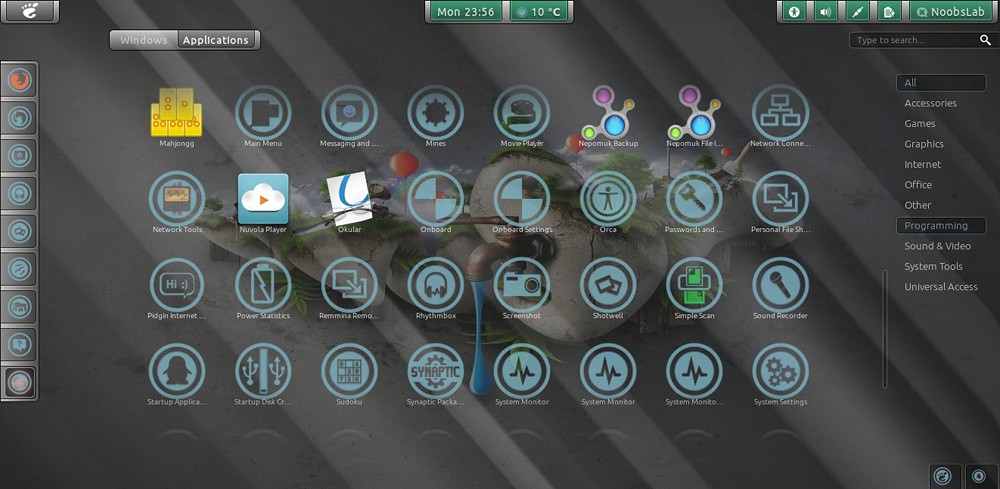
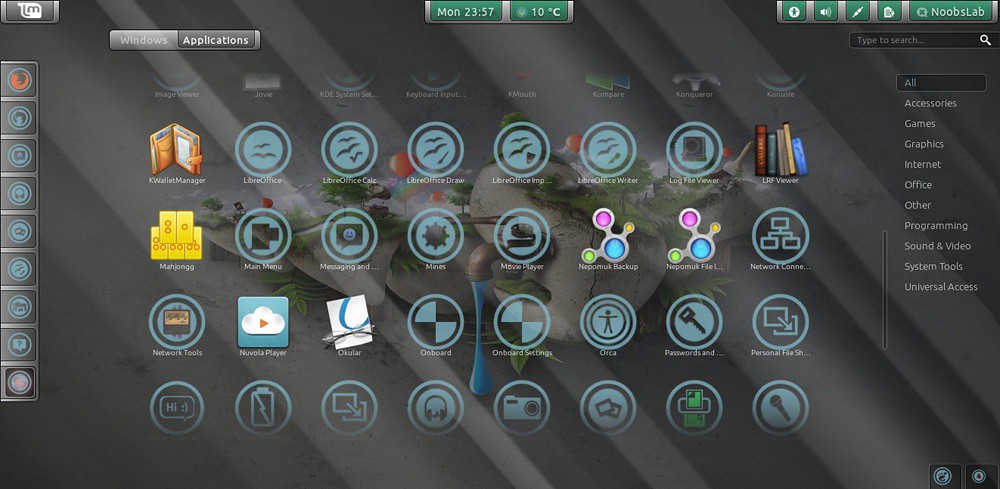
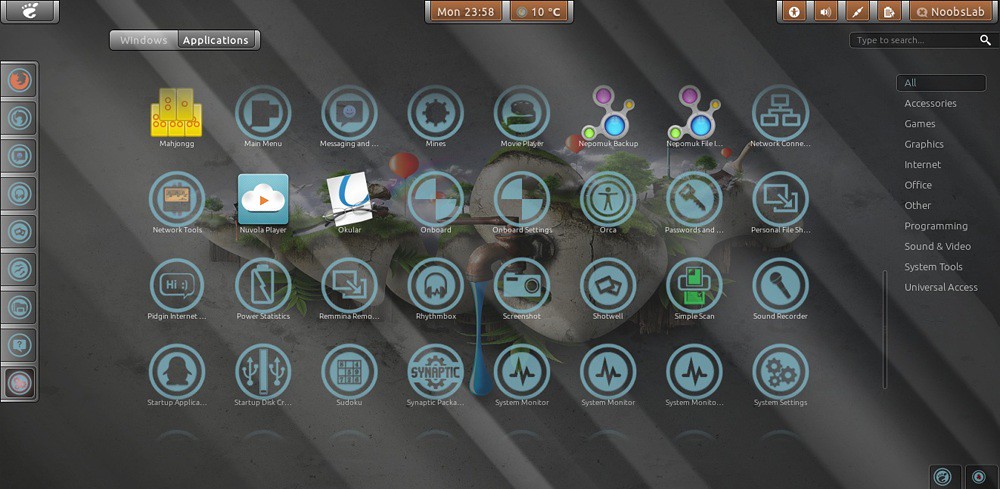
Ubuntu themes

gnome shell themes

To install Zukini Theme on Ubuntu/Linux Mint open Terminal (Press Ctrl+Alt+T) and copy the following commands in the Terminal:
  • sudo add-apt-repository ppa:noobslab/themes
  • sudo apt-get update
  • sudo apt-get install zukini
That's it, Enjoy

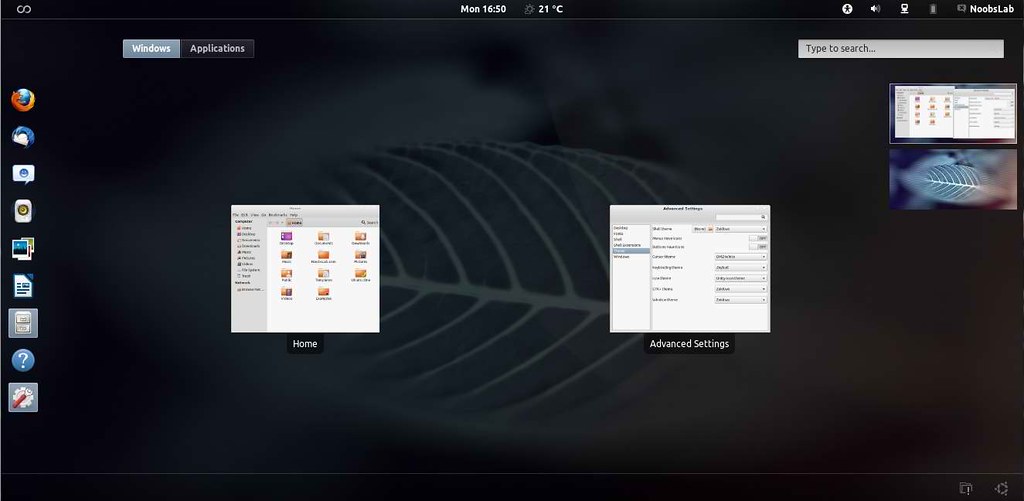
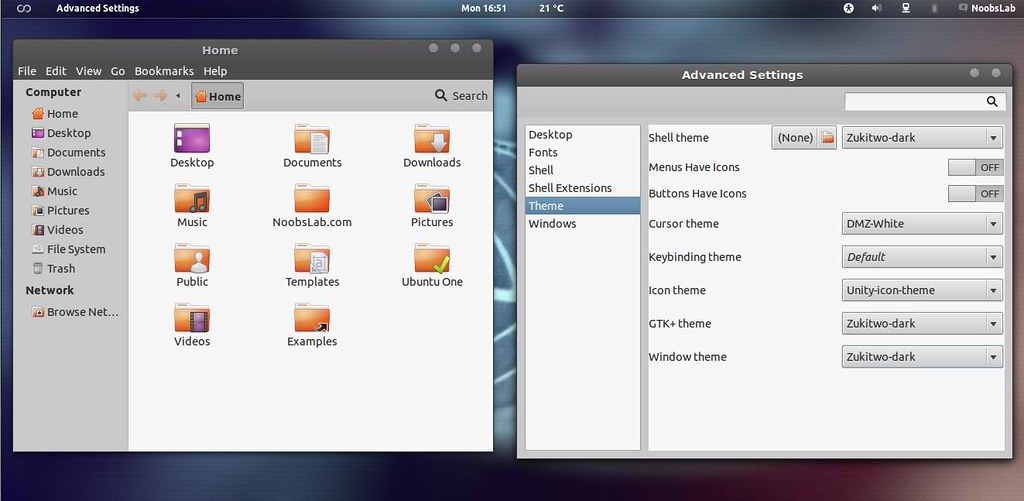
Install Zukitwo theme on Ubuntu/Linux Mint (Gtk3/2 + Gnome Shell) via PPA

Install Zukitwo theme on Ubuntu 12.04 Precise/Ubuntu 11.10 Oneiric/10.04 Lucid/Linux Mint (Gtk3/2 + Gnome Shell) via PPA

There are two Zukitwo theme versions: One is Simple Zukitwo and other is Zukitwo Dark, Both theme Include same Gnome Shell theme.

Important note by Author: This theme is designed around Gnome 3.4 and the 1.0.2 version of the Unico engine. Any later versions included with any development releases may break the theme.

1st Download Wallpaper

Zukitwo Theme:

ubuntu 12.04 themes

zukitwo themes

To install Zukitwo Theme on Ubuntu/Linux Mint open Terminal (Press Ctrl+Alt+T) and copy the following commands in the Terminal:
  • sudo add-apt-repository ppa:noobslab/themes
  • sudo apt-get update
  • sudo apt-get install zukitwo

Zukitwo Dark Theme:

ubuntu gnome shell themes

12.04 precise themes

To install Zukitwo Theme on Ubuntu/Linux Mint open Terminal (Press Ctrl+Alt+T) and copy the following commands in the Terminal:
  • sudo add-apt-repository ppa:noobslab/themes
  • sudo apt-get update
  • sudo apt-get install zukitwo-dark
That's it, Enjoy

Monday, 14 May 2012

Install Malys-GlassArt Gnome Shell 3.4 Themes on Ubuntu/Linux Mint

Install Malys-GlassArt Gnome Shell 3.4 Themes on Ubuntu 12.04/11.10/Linux Mint 13/12

These Malys Themes are available in NoobsLab PPA. Add Following PPA first then install following themes:
  • sudo add-apt-repository ppa:noobslab/malys-themes
  • sudo apt-get update
Here is Malys GlassArt Wallpaper

Gtk Theme and Icons used in ScreenShots

1: Malys GlassArt

ubuntu 12.04 themes

Theme Tested on Gnome Shell 3.4

To Install Malys-GlassArt open Terminal (Press Ctrl+Alt+T) and copy the following commands in the Terminal:
  • sudo apt-get install malys-glassart

2: Malys GlassArt-Arch

gnome 3.4 themes

Theme Tested on Gnome Shell 3.4

To Install Malys-GlassArt-Arch open Terminal (Press Ctrl+Alt+T) and copy the following commands in the Terminal:
  • sudo apt-get install malys-glassart-arch

3: Malys GlassArt-Blue

gnome shell 3.4

Theme Tested on Gnome Shell 3.4

To Install Malys-GlassArt-Blue open Terminal (Press Ctrl+Alt+T) and copy the following commands in the Terminal:
  • sudo apt-get install malys-glassart-blue

4: Malys GlassArt-Fedora

gnome shell 3.4 themes

Theme Tested on Gnome Shell 3.4

To Install Malys-GlassArt-Fedora open Terminal (Press Ctrl+Alt+T) and copy the following commands in the Terminal:
  • sudo apt-get install malys-glassart-fedora

5: Malys GlassArt-Green

ubuntu 12.04 gnome shell

Theme Tested on Gnome Shell 3.4

To Install Malys-GlassArt-Green open Terminal (Press Ctrl+Alt+T) and copy the following commands in the Terminal:
  • sudo apt-get install malys-glassart-green

6: Malys GlassArt-Mint

ubuntu gnome shell themes

Theme Tested on Gnome Shell 3.4

To Install Malys-GlassArt-Mint open Terminal (Press Ctrl+Alt+T) and copy the following commands in the Terminal:
  • sudo apt-get install malys-glassart-mint

7: Malys GlassArt-Orange

gnome shell themes

Theme Tested on Gnome Shell 3.4

To Install Malys-GlassArt-Orange open Terminal (Press Ctrl+Alt+T) and copy the following commands in the Terminal:
  • sudo apt-get install malys-glassart-orange

8: Malys GlassArt-Red

ubuntu 12.04 themes

Theme Tested on Gnome Shell 3.4

To Install Malys-GlassArt-Red open Terminal (Press Ctrl+Alt+T) and copy the following commands in the Terminal:
  • sudo apt-get install malys-glassart-red

9: Malys GlassArt-Ubuntu

ubuntu themes

Theme Tested on Gnome Shell 3.4

To Install Malys-GlassArt-Ubuntu open Terminal (Press Ctrl+Alt+T) and copy the following commands in the Terminal:
  • sudo apt-get install malys-glassart-ubuntu
That's it, Enjoy

Saturday, 11 February 2012

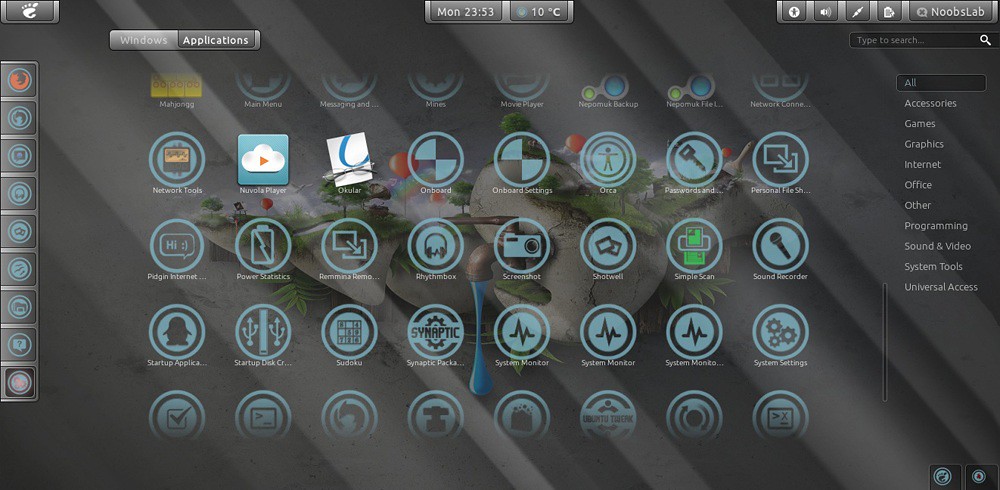
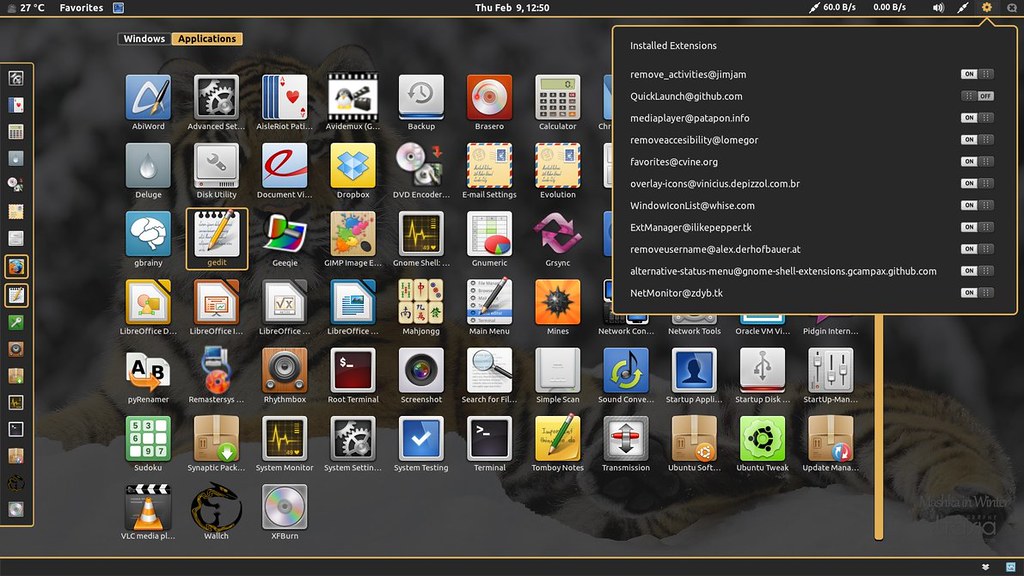
TigerGS Gnome Shell Theme for Ubuntu/Linux Mint/Fedora

Install TigerGS Gnome Shell Theme for Ubuntu 12.04/11.10/Linux Mint/Fedora

Gnome Shell themes

To install TigerGS theme on Gnome shell open Terminal (Press Ctrl+Alt+T) and copy the following commands in the Terminal:
  • mkdir ~/.themes
  • wget http://dl.dropbox.com/u/53319850/tigergs.zip
  • unzip tigergs.zip -d ~/.themes
Now enter the following command to install Gnome Tweak Tool:
  • sudo apt-get install gnome-tweak-tool
Now open Tweak tool and change theme, That's it


Just the Life of Eddie Copyright © 2012 Best Celebrity Wallpaper -- Powered by Blogger