Warung Bebas
Showing posts with label Linux Mint 13. Show all posts

Saturday, 9 June 2012

Install LightDm in Linux Mint 13 Maya

Install LightDm in Linux Mint 13 Maya

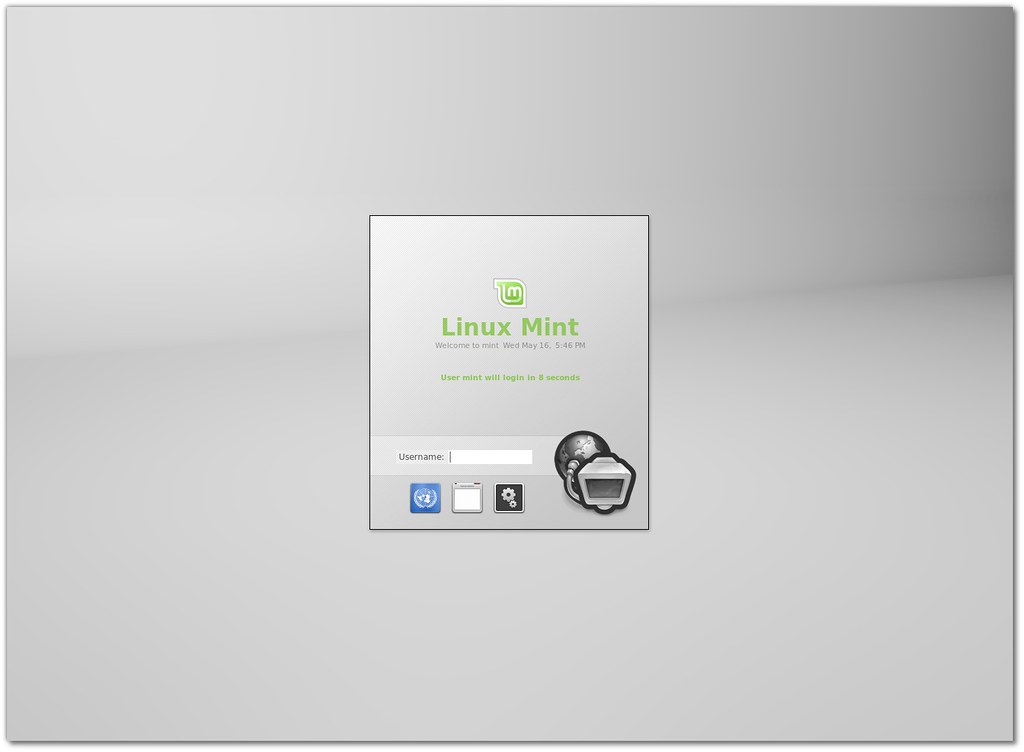
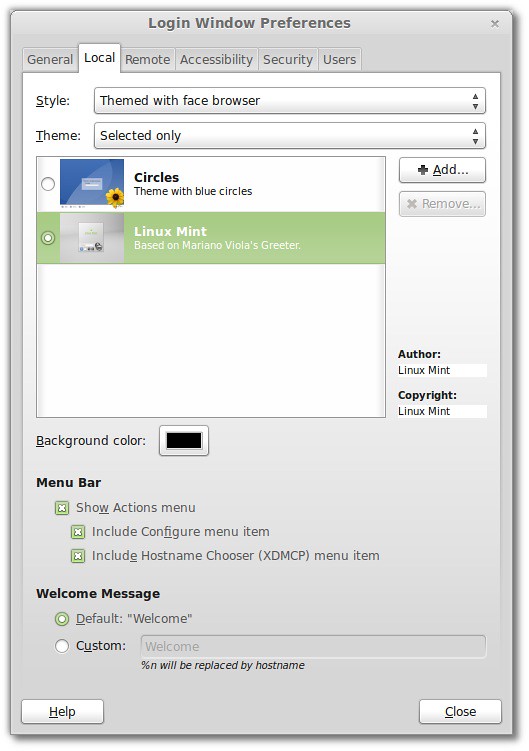
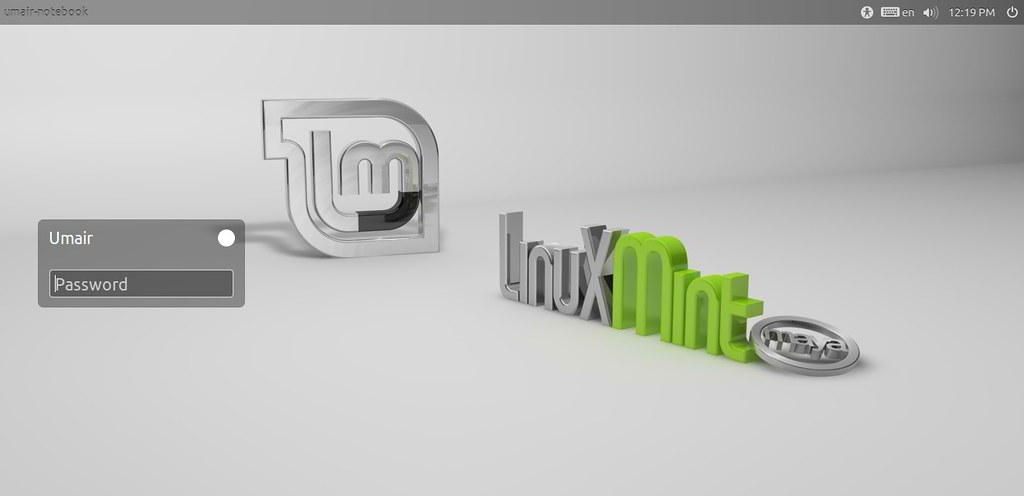
Many People don't like MDM (Mint Display Manager) login screen, they prefer LightDM instead of MDM. Linux Mint 13 brings MDM as default login manager but you can change it easily with LightDM. First of all you will install LightDM then some tweaks for LightDM like removing guest account, Ubuntu logo and white dots. So lets start!

To install LightDM in Linux Mint 13 open Terminal (Press Ctrl+Alt+T) and copy the following command in the Terminal:
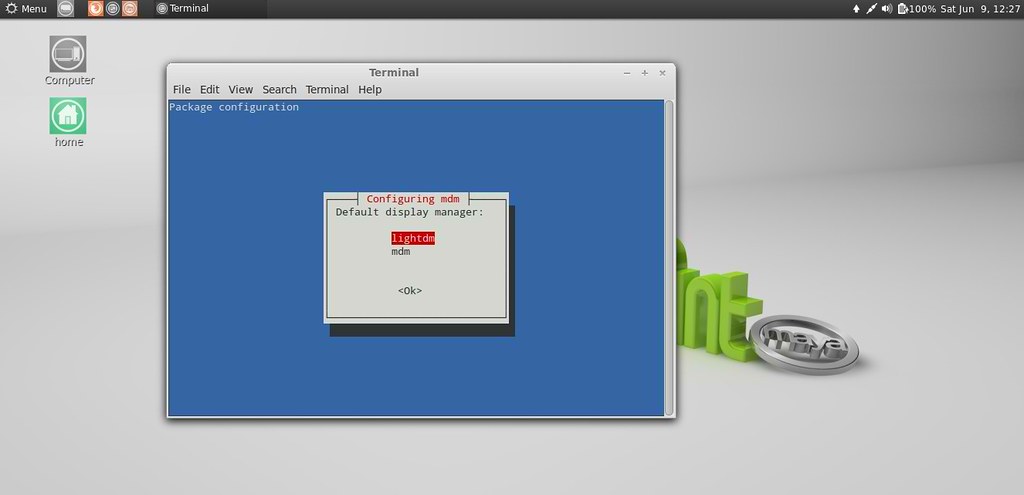
  • sudo apt-get install lightdm gnome-settings-daemon indicator-session-gtk2 unity-greeter ubuntu-mono light-themes
When installation will start Terminal will ask you two options "LightDM" and "MDM", You need to choose "LightDM"

>> Now Remove Dots from LightDM
Enter following following commands in the Terminal to remove white dots from login screen:
  • sudo xhost +SI:localuser:lightdm
  • sudo su lightdm -s /bin/bash
  • gsettings set com.canonical.unity-greeter draw-grid false

>> Remove Ubuntu Logo from LightDM
  • sudo rm /usr/share/unity-greeter/logo.png

>> Disable Guest Account from LightDM
If you don't want Guest account you can easily remove it, Enter following command it will open text file.
  • sudo gedit /etc/lightdm/lightdm.conf
Now add this line at the end of file
allow-guest=false

>> Get back MDM (Mint Display Manager)
If you want to get back MDM simple enter following command in terminal and choose MDM option in Terminal:
  • sudo dpkg-reconfigure mdm
That's it, Enjoy

Friday, 25 May 2012

Linux Mint 13 Maya is Available

linux mint

Clement Lefebvre has announced the finale release of Linux Mint 13, code name "Maya: "The team is proud to announce the release of Linux Mint 13 'Maya'. Available in two editions, Linux Mint 13 features the choice between a productive, stable and mature MATE 1.2 desktop and the brand, new modern-looking and exciting Cinnamon 1.4. These two desktops are among the best available, they're perfectly integrated within Linux Mint and represent great alternatives to GNOME 2 users. Linux Mint 13 is also an LTS (long-term support) release and it will be supported until April 2017." Read the release announcementand release notes for system requirements, known issues and upgrade instructions.

New features at a glance:
  • MATE 1.2
  • Cinnamon 1.4
  • MDM
  • Artwork improvements
  • Search engines
  • For a complete overview and to see screenshots of the new features, visit: �What�s new in Linux Mint 13�.
Important info:
  • Boot hangs on systems with b43 wireless cards
  • 64-bit only for Mint4win
  • Windows popping behind the installer in MATE edition
  • Desktop icons in Cinnamon
  • Make sure to read the �Release Notes� to be aware of important info or known issues related to this release.
System requirements:
  • x86 processor (Linux Mint 64-bit requires a 64-bit processor. Linux Mint 32-bit works on both 32-bit and 64-bit processors).
  • 512 MB RAM (1GB recommended for a comfortable usage).
  • 5 GB of disk space
  • Graphics card capable of 800�600 resolution
  • CD/DVD drive or USB port
linux mint 13
Cinnamon Desktop

linux mint maya
Mate Desktop

Download (SHA256):
Mate Version
Linux Mint-13-mate-dvd-32bit.iso (898MB, torrent)
Linux Mint-13-mate-dvd-64bit.iso (885MB, torrent)
Cinnamon Version
Linux Mint-13-cinnamon-dvd-32bit.iso (817MB, torrent)
Linux Mint-13-cinnamon-dvd-64bit.iso (801MB, torrent)

Thursday, 17 May 2012

Linux Mint 13 "Maya" RC is available for testing

Clement Lefebvre has announced the availability of the release candidate for Linux Mint 13 - in MATE and Cinnamon flavours: "The team is proud to announce the release of Linux Mint 13 RC 'Maya'. Available in two editions, Linux Mint 13 features the choice between a productive, stable and mature MATE 1.2 desktop and the brand new, modern-looking and exciting Cinnamon 1.4. These two desktops are among the best available, they're perfectly integrated within Linux Mint and represent great alternatives to GNOME 2 users. Linux Mint 13 is also an LTS (long-term support) release and it will be supported until April 2017."
Read the release announcement, release notes and what's new page for more information.

Screen Shots
mint cinnamon
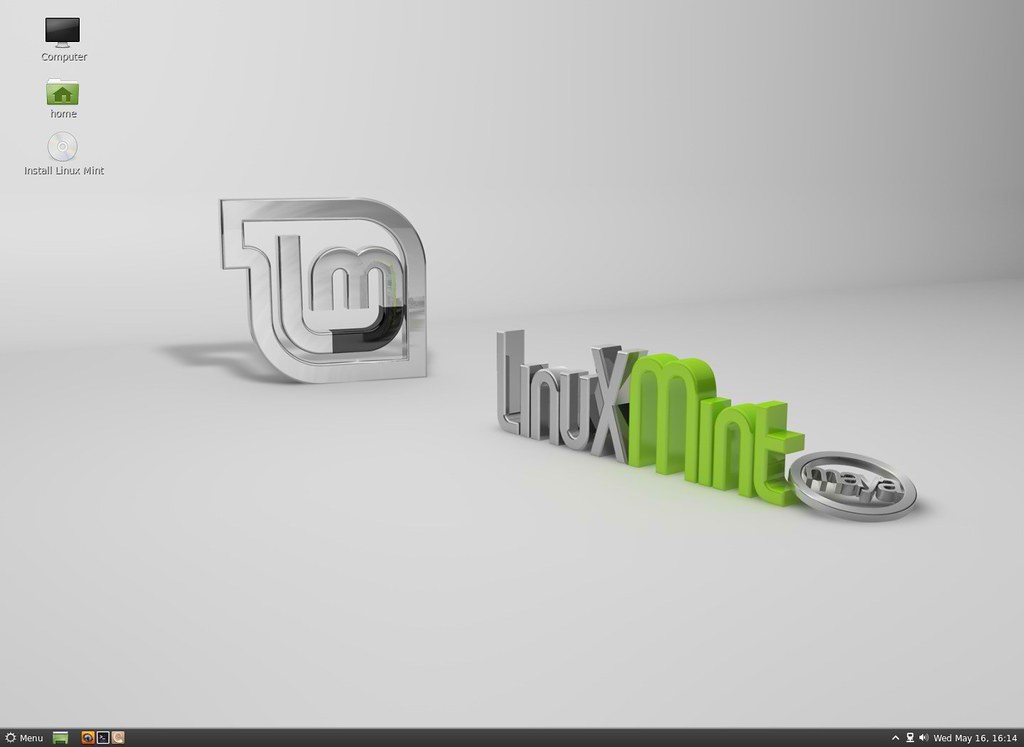
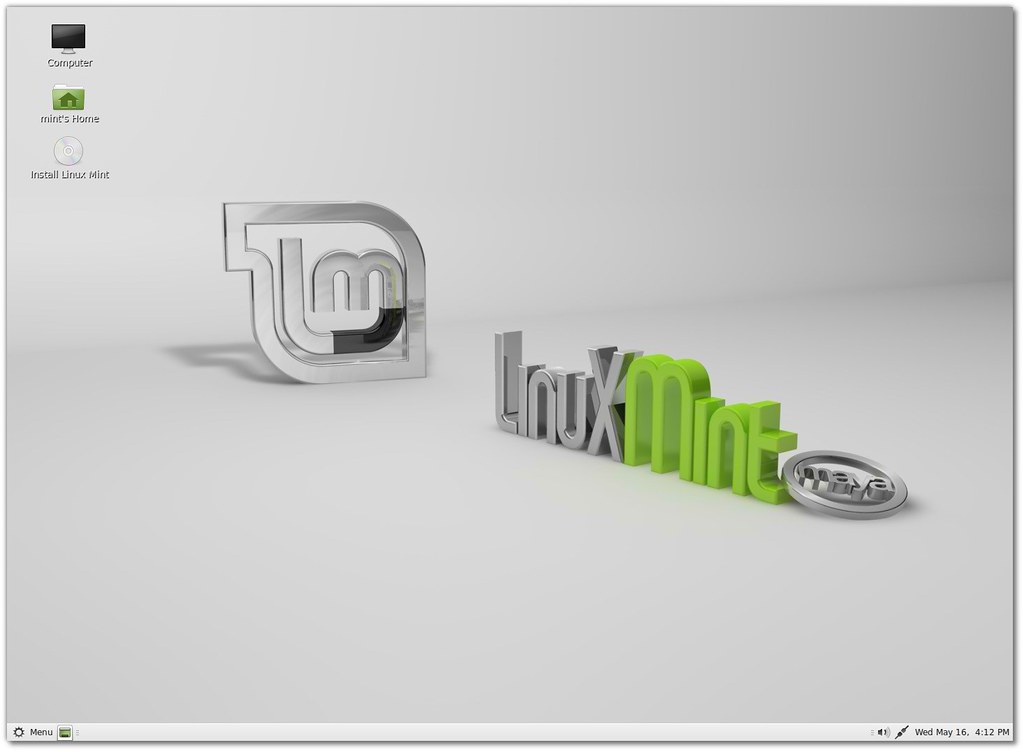
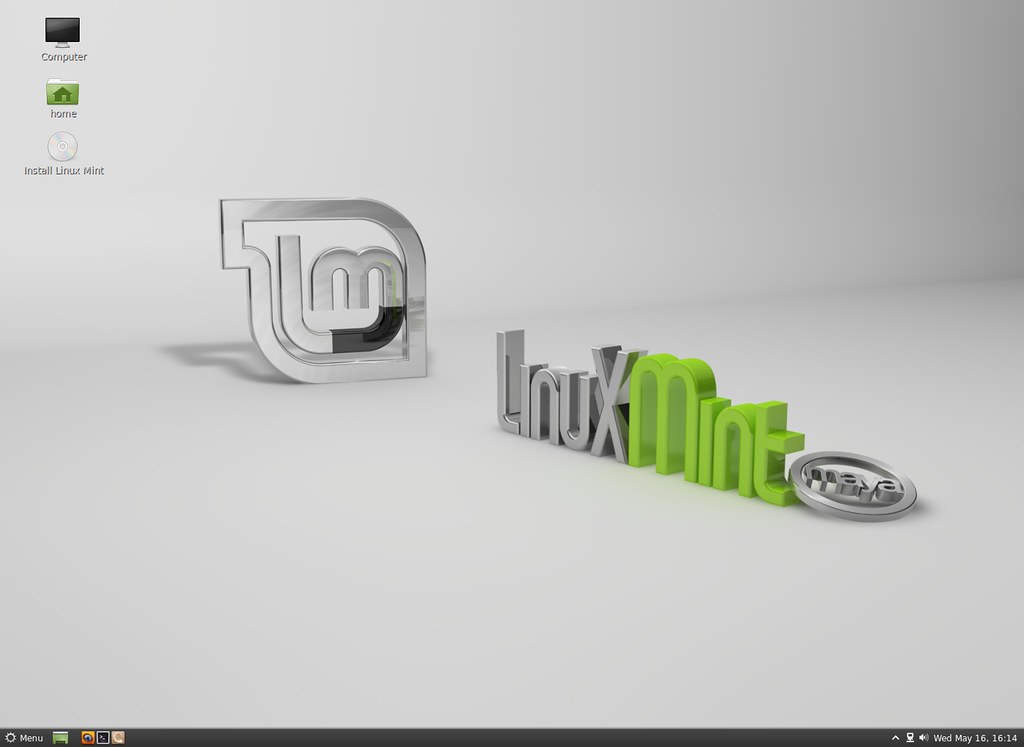
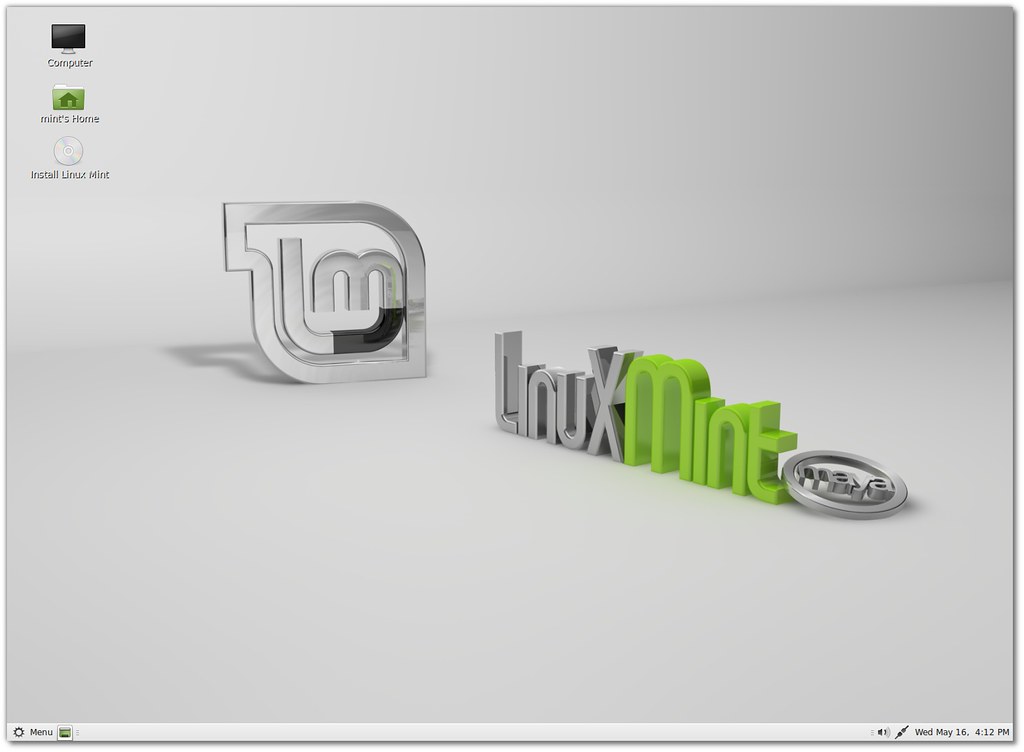
Linux Mint 13 "Maya" Cinnamon Edition

mint mate
Linux Mint 13 "Maya" MATE Edition

linux mint 13
MDM stands for "MDM Display Manager"

Linux mint
MDM comes with a lot of features and configuration options

mint 13
Linux Mint 13 features the latest Mint-X and Mint-Z themes and better support for GTK3.


Download (SHA256): 
Linux Mint-13-mate-dvd-32bit-rc.iso(898MB, torrent)
Linux Mint-13-mate-dvd-64bit-rc.iso (885MB, torrent)
Linux Mint-13-cinnamon-dvd-32bit-rc.iso (817MB, torrent)
Linux Mint-13-cinnamon-dvd-64bit-rc.iso(800MB, torrent)


Just the Life of Eddie Copyright © 2012 Best Celebrity Wallpaper -- Powered by Blogger