0
comments
0
comments
Install Variety Wallpaper Changer in Ubuntu 12.10 Quantal/Ubuntu 12.04 Precise/Linux Mint 14/13
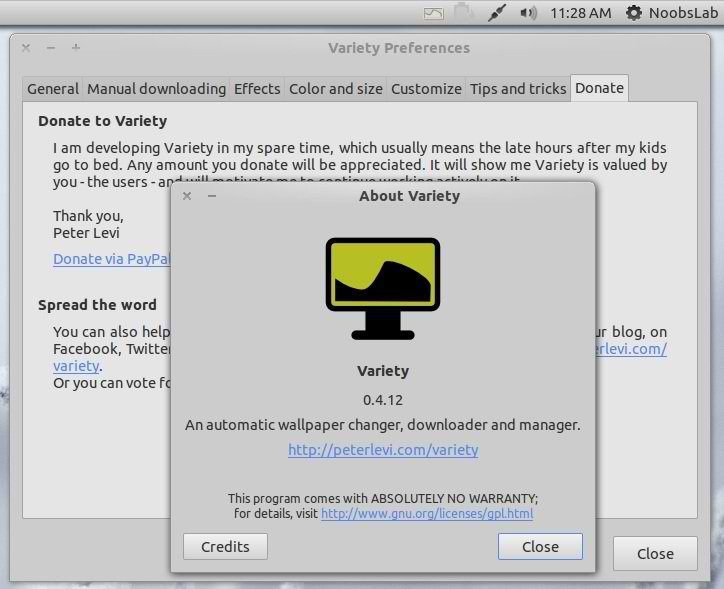
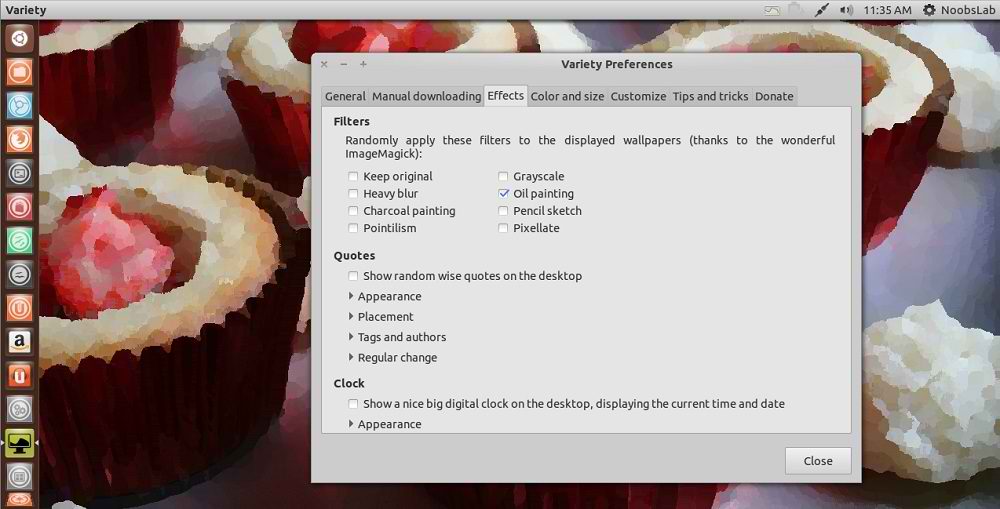
Variety is a wallpaper changer for Ubuntu which is featureful, yet slim and very easy to use. It can automatically download wallpapers from various online sources, allows rotating them on a regular interval or on demand, and provides easy to use ways to separate the great images from the junk.


Changes in this Variety 0.4.12:
To install Variety in Ubuntu/Linux Mint open Terminal (Press Ctrl+Alt+T) and copy the following commands in the Terminal:
Download source for other distributions
Variety is a wallpaper changer for Ubuntu which is featureful, yet slim and very easy to use. It can automatically download wallpapers from various online sources, allows rotating them on a regular interval or on demand, and provides easy to use ways to separate the great images from the junk.
Changes in this Variety 0.4.12:
- Updated tips and changes txt
- Bugfix: Save original wallpaper name when quotes are applied
- Bugfix: a download was forcing the thumbs window to reshow when already hidden
- Minor fix
- Improvements related to image preparing; Minor bug-fixes
- Trigger a download when too few images found; Livelier thumbs when showing folders, not only history and downloads (new downloads are auto-shown)
- Merged in variety-instant-preferences
- Fix: removed class Window was still referred at one place
- Replaced some unnecessary timers with calls to GObject.timeout_add
- Reordered prefs tabs. Command-line way to set options
- Added UI preferences tab
- Added Rating option to main menu - optional (off by default)
- Added funtionality to set image ratings
- Filtering by rating added; Preparations for adding simple functionality to rate images
- Ensure wallpaper is changed even if the current background is a solid color in Gnome/Unity
To install Variety in Ubuntu/Linux Mint open Terminal (Press Ctrl+Alt+T) and copy the following commands in the Terminal:
That's it
- sudo add-apt-repository ppa:peterlevi/ppa
- sudo apt-get update
- sudo apt-get install variety
Download source for other distributions