Warung Bebas
Showing posts with label malys icons. Show all posts

Wednesday, 6 June 2012

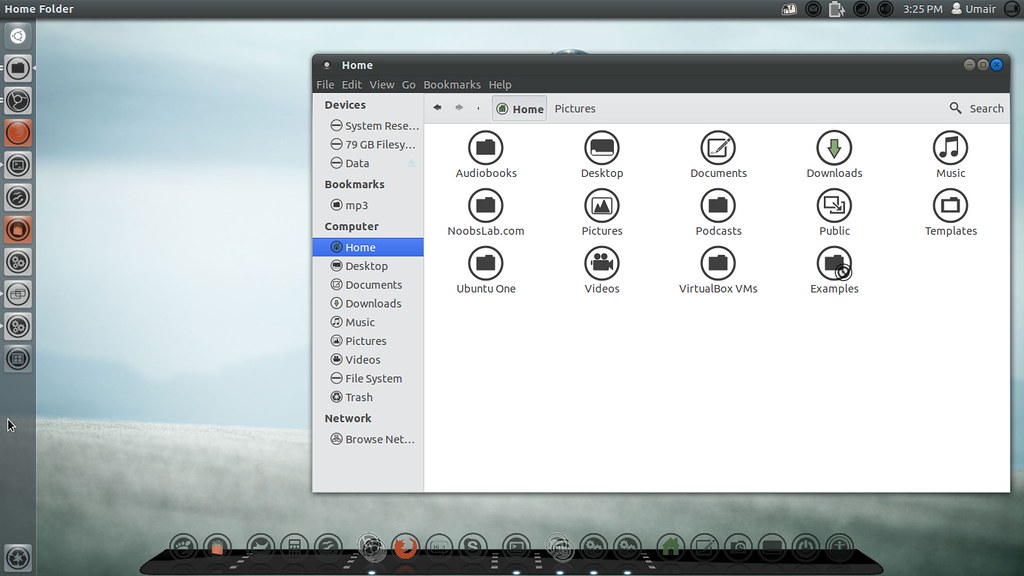
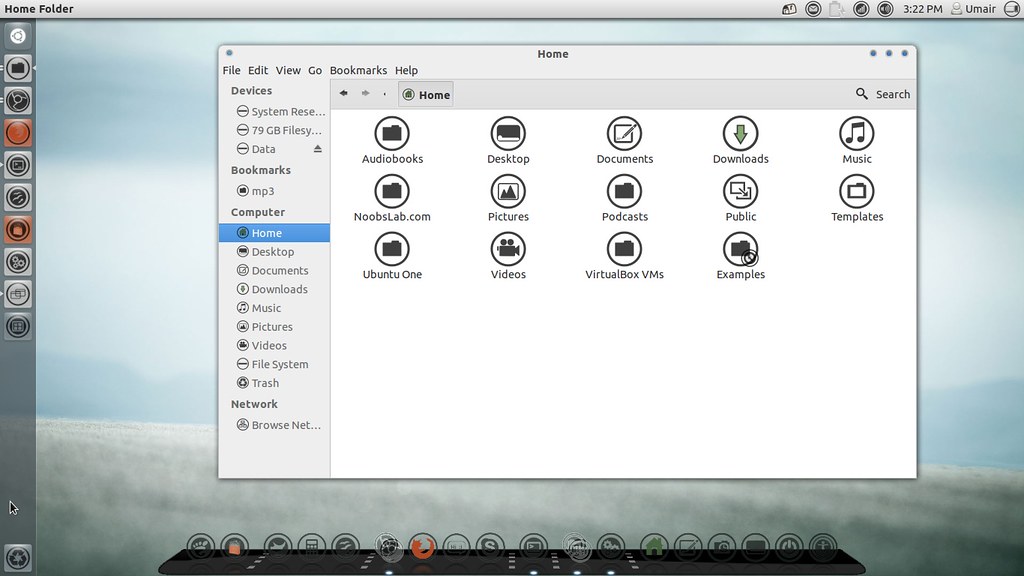
Install Malys-ex icons in Ubuntu/Linux Mint (New Icons)

Install Malys-ex icons in Ubuntu 12.10/12.04/11.10/11.04/10.10/10.04/Linux Mint 13/12/11/10/9/other Ubuntu based distributions

Previously shared Malys icons and themes, Malys is really nice theme and icons creator for linux. Personally I like his work and using his themes + icons personally. Hope you will like his work.
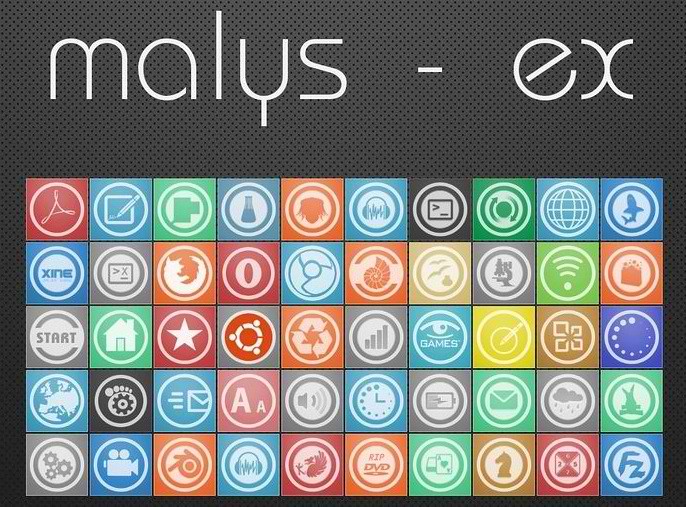
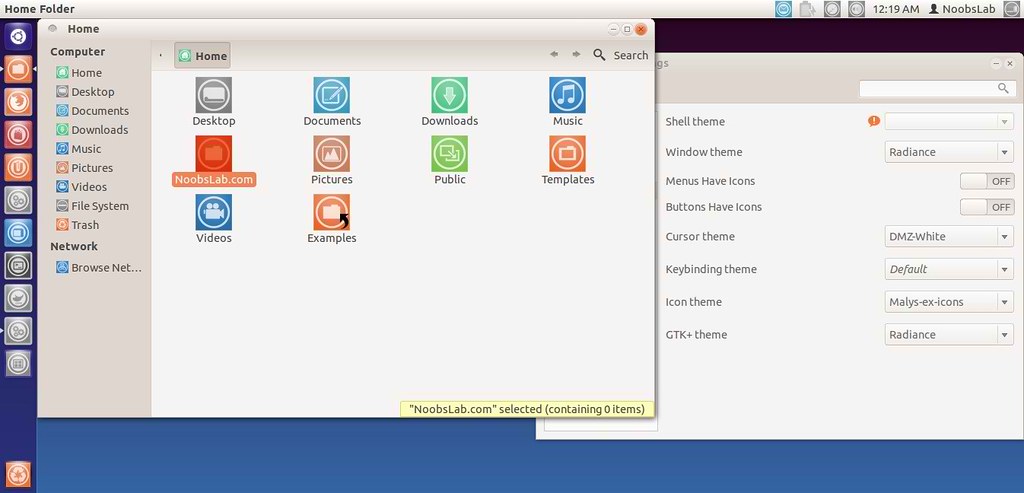
malys icons

ubuntu icons

To install Malys-ex-icons on Ubuntu/Mint open Terminal (Press Ctrl+Alt+T) and copy the following commands in the Terminal:
  • sudo add-apt-repository ppa:noobslab/icons
  • sudo apt-get update
  • sudo apt-get install malys-ex
That's it, Enjoy.
Source: Malys-ex

Sunday, 3 June 2012

Malys Black/Blue Icons Updated to version 1.6 for Ubuntu/Linux Mint via PPA

Install Malys Blue/Black Icons on Ubuntu 12.10/12.04/11.10/11.04/10.10/10.04/Linux Mint/or any Ubuntu based Distribution

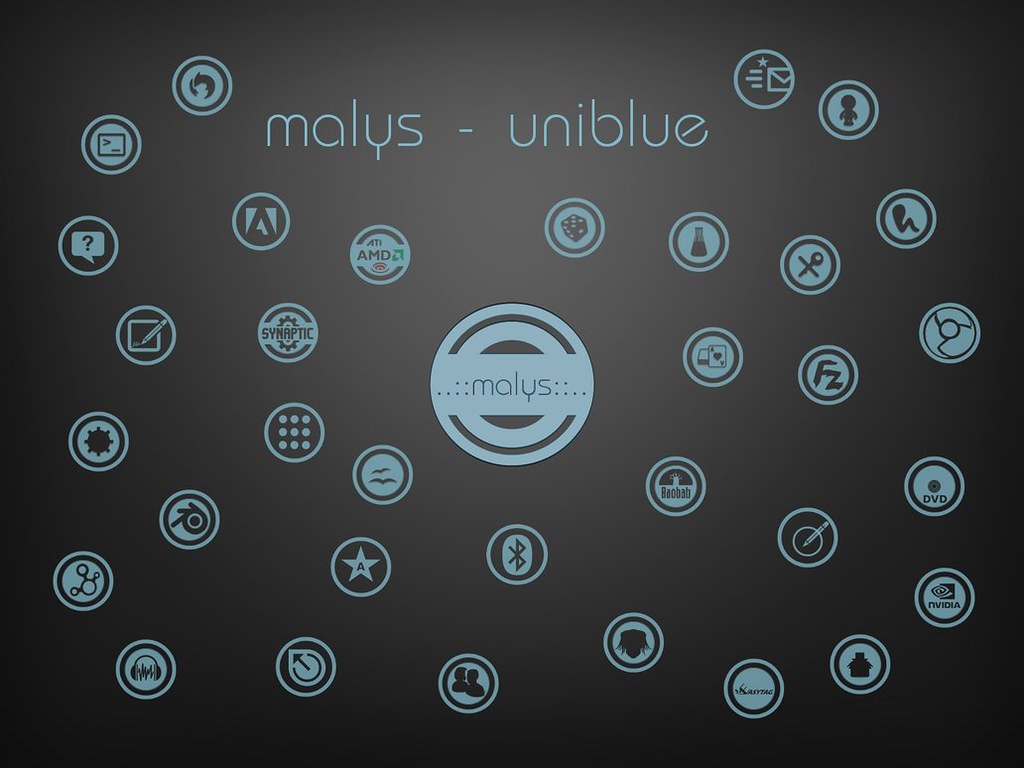
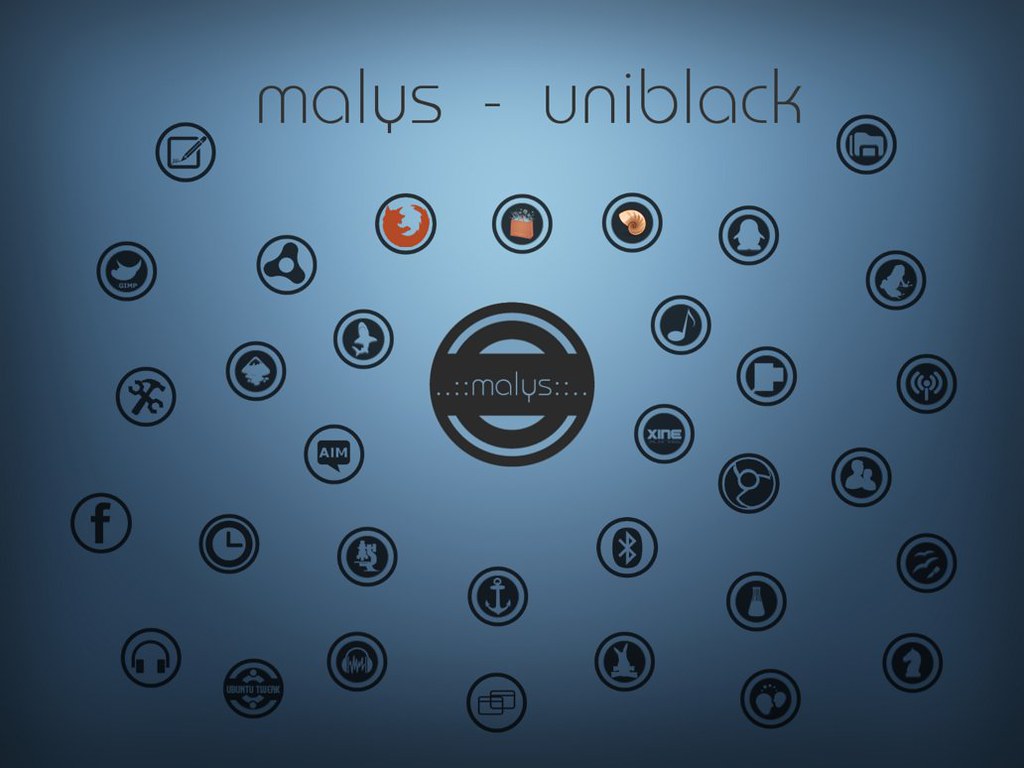
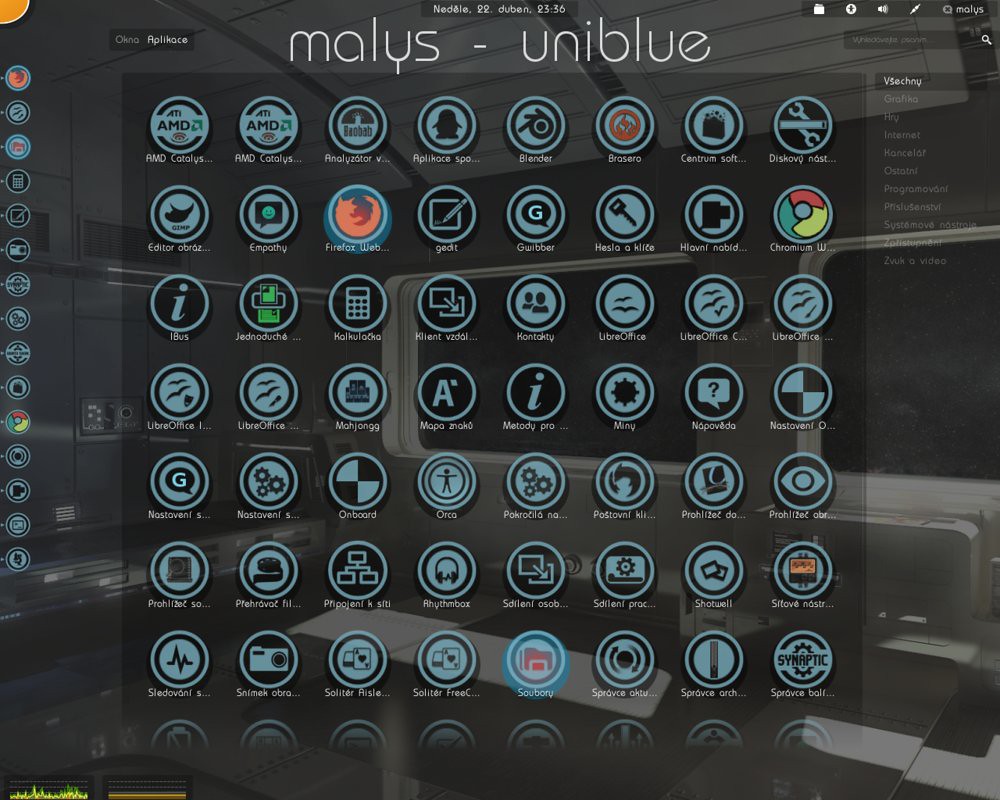
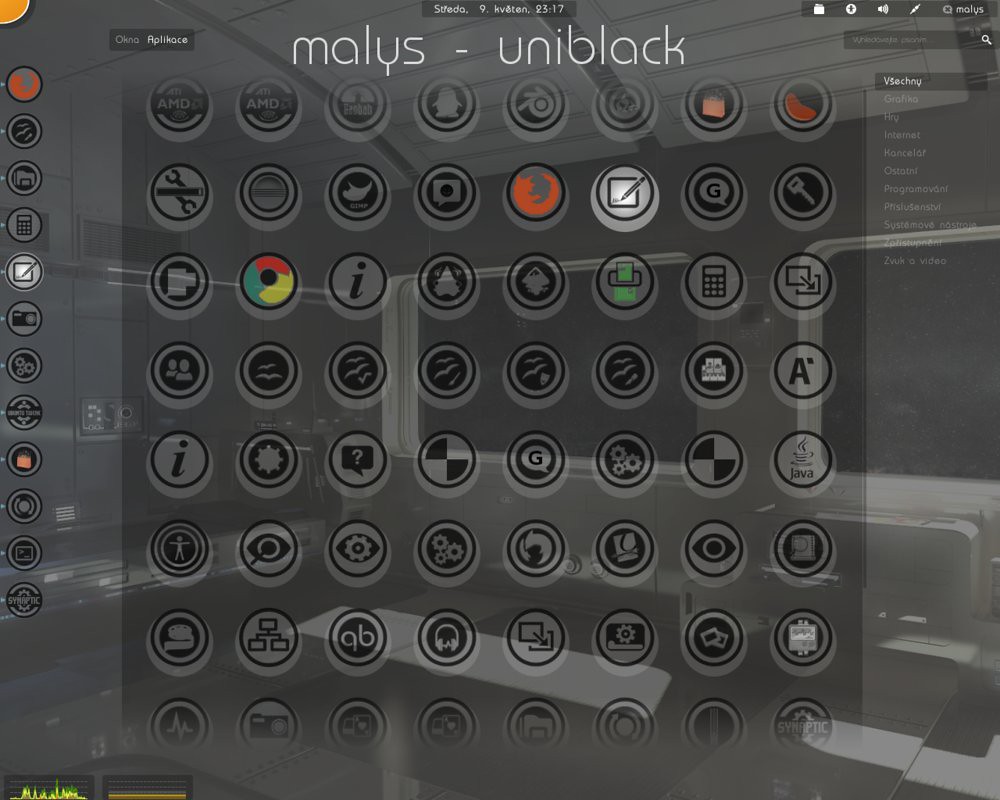
Malys UniBlue/UniBlack Icons updated to ver1.6 and added new icons in this version. For other distro's check source links.
Install Tools to change icons: Gnome-Tweak-Tool, Ubuntu-Tweak

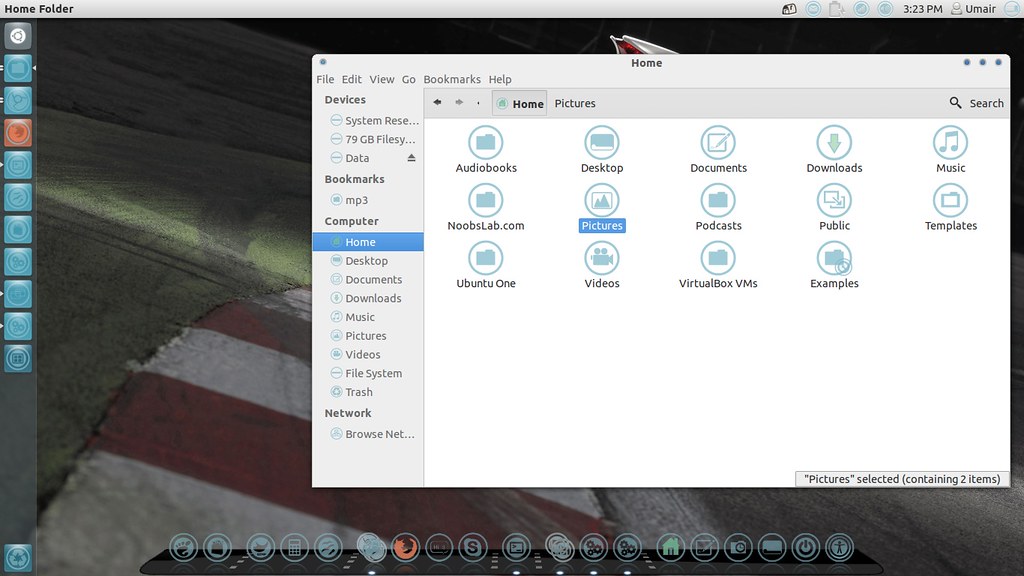
Malys UniBlue Icons

ubuntu icons

linux icons

ubuntu icons

To install Malys-Uniblue-Icons on Ubuntu/Mint open Terminal (Press Ctrl+Alt+T) and copy the following commands in the Terminal:
  • sudo add-apt-repository ppa:noobslab/icons
  • sudo apt-get update
  • sudo apt-get install malys-uniblue

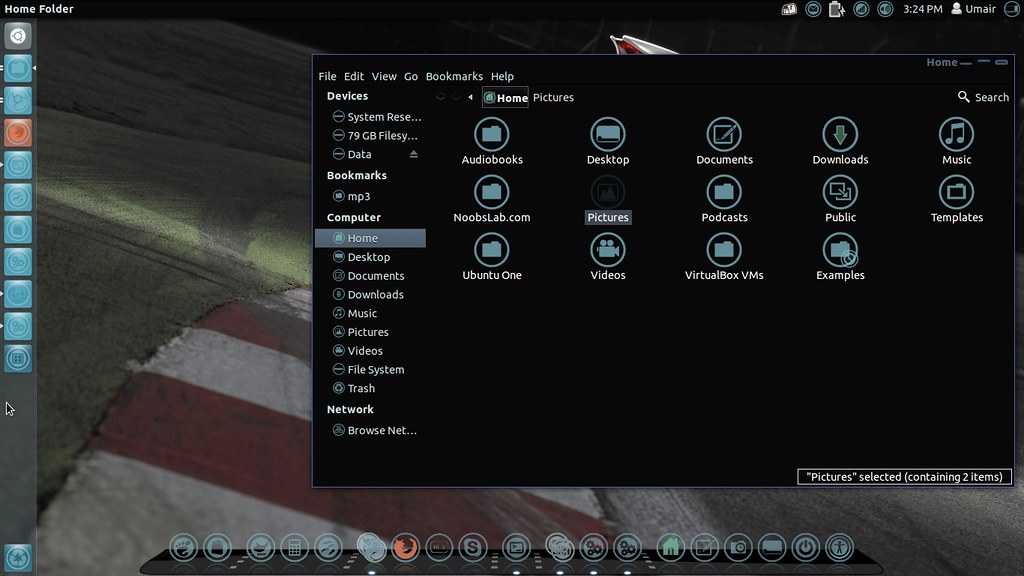
Malys UniBlack Icons

ubuntu icons

ubuntu blue icons

To install Malys-UniBlack-Icons on Ubuntu/Mint open Terminal (Press Ctrl+Alt+T) and copy the following commands in the Terminal:
  • sudo add-apt-repository ppa:noobslab/icons
  • sudo apt-get update
  • sudo apt-get install malys-uniblack
That's it, Enjoy

Sunday, 13 May 2012

Install Malys Blue/Black Icons on Ubuntu/Linux Mint - via PPA

Install Malys Blue/Black Icons on Ubuntu 12.10/12.04/11.10/11.04/10.10/10.04/Linux Mint/or any Ubuntu based Distribution

Install Tools to change icons: Gnome-Tweak-Tool, Ubuntu-Tweak

Malys UniBlue Icons

ubuntu icons

linux icons

ubuntu icons

To install Malys-Uniblue-Icons on Ubuntu/Mint open Terminal (Press Ctrl+Alt+T) and copy the following commands in the Terminal:
  • sudo add-apt-repository ppa:noobslab/icons
  • sudo apt-get update
  • sudo apt-get install malys-uniblue

Malys UniBlack Icons

ubuntu dark icons

ubuntu blue icons

ubuntu icons

To install Malys-UniBlack-Icons on Ubuntu/Mint open Terminal (Press Ctrl+Alt+T) and copy the following commands in the Terminal:
  • sudo add-apt-repository ppa:noobslab/icons
  • sudo apt-get update
  • sudo apt-get install malys-uniblack
That's it, Enjoy
 

Just the Life of Eddie Copyright © 2012 Best Celebrity Wallpaper -- Powered by Blogger