0
comments
0
comments
Install Wine 1.5.2 on Ubuntu 12.04 Precise/Ubuntu 11.10 Oneiric/Linux Mint
Wine lets you run Windows software on other operating systems. With Wine, you can install and run these applications just like you would in Windows.
Wine enables Linux, Mac, FreeBSD, and Solaris users to run Windows applications without a copy of Microsoft Windows. Wine is free software under constant development. Other platforms may benefit as well.

What's new in this release:
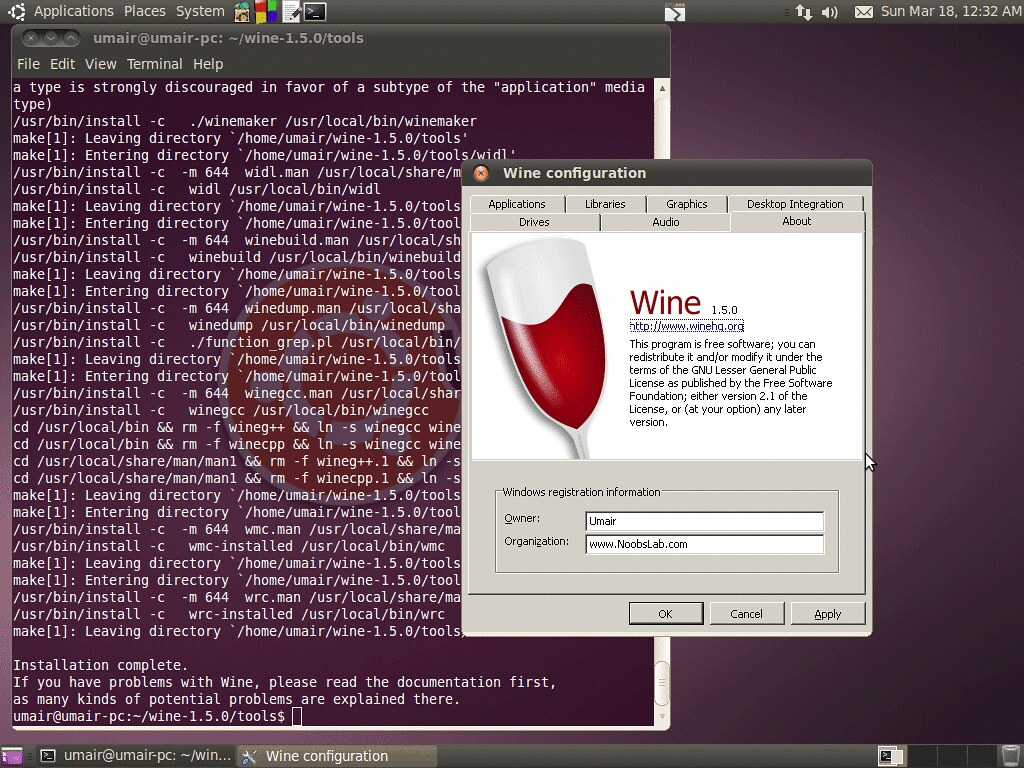
Install Wine on Ubuntu/Linux Mint open Terminal (Press Alt+F2 and type: gnome-terminal -or- Press Ctrl+Alt+T) and copy the following commands in the Terminal:
Check announcement of Wine 1.5.2 version.
Enjoy
Wine lets you run Windows software on other operating systems. With Wine, you can install and run these applications just like you would in Windows.
Wine enables Linux, Mac, FreeBSD, and Solaris users to run Windows applications without a copy of Microsoft Windows. Wine is free software under constant development. Other platforms may benefit as well.
- Improved naming scheme for audio devices.
- Better support for finding system fonts on Mac OS X.
- Beginnings of support for JPEG encoding.
- Several printing fixes.
- Improvements to the URL cache.
- Various bug fixes.
Install Wine on Ubuntu/Linux Mint open Terminal (Press Alt+F2 and type: gnome-terminal -or- Press Ctrl+Alt+T) and copy the following commands in the Terminal:
Here you can download source of Wine 1.5.2 for other Distro's from Source Forge.
- sudo add-apt-repository ppa:ubuntu-wine/ppa
- sudo apt-get update
- sudo apt-get install wine1.5
Check announcement of Wine 1.5.2 version.
Enjoy