Warung Bebas
Showing posts with label Mint. Show all posts

Tuesday, 27 November 2012

Install Ubuntu One Client in Linux Mint 14/13

Install Ubuntu One Client in Linux Mint 14 Nadia/Linux Mint 13 Maya

Ubuntu One is the personal cloud that brings your digital life together, so you can enjoy your content, your way, wherever you are. With our suite of cloud services including storage, sync, sharing and streaming - you have immediate access to your music collection, favorite photos, videos, important documents and more, at any time and from any device.
Ubuntu One gives you 5 GB free storage per account. Also you can get 20 GB with your referral link.

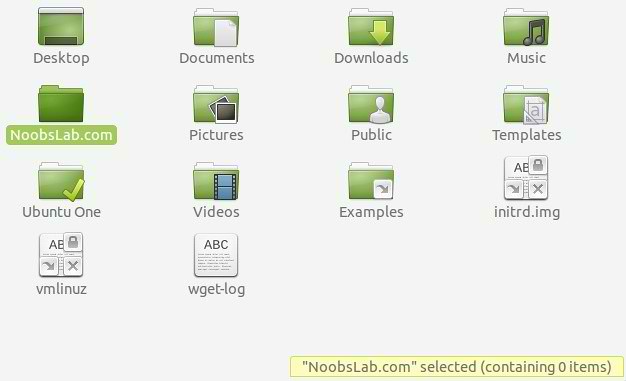
ubuntuone client
Linux mint ubuntuone

To install Ubuntu-One client in Linux Mint 14 'Nadia' open Terminal (Press Ctrl+Alt+T) and copy the following commands in the Terminal:
  • sudo add-apt-repository ppa:ubuntuone/stable
  • sudo apt-get update
  • sudo apt-get install ubuntuone-client ubuntuone-control-panel ubuntuone-client-proxy ubuntuone-control-panel-qt
To install Ubuntu-One client in Linux Mint 13 'Maya' open Terminal (Press Ctrl+Alt+T) and copy the following commands in the Terminal:
  • sudo add-apt-repository ppa:ubuntuone/stable
  • sudo apt-get update
  • sudo apt-get install ubuntuone-client ubuntuone-control-panel-gtk ubuntuone-client-proxy
That's it, Enjoy
Monday, 12 November 2012

Linux Mint 14 'Nadia' RC Has Been Released

Clement Lefebvre has announced the availability of the release candidate for Linux Mint 14 - in the usual MATE and Cinnamon flavours: "The team is proud to announce the release of Linux Mint 14 Nadia RC. For the first time since Linux Mint 11, the development team was able to capitalize on upstream technology which works and fits its goals. After six months of incremental development, Linux Mint 14 features an impressive list of improvements, increased stability and a refined desktop experience. We're very proud of MATE, Cinnamon, MDM and all the components used in this release, and we're very excited to show you how they all fit together in Linux Mint 14. New features: MATE 1.4 comes with numerous bug fixes, Bluetooth and mate-keyring are now functional and caja features support for Dropbox...."
Read the release announcement, release notes for more information, known issues and screenshots.

What's new?
  • Cinnamon 1.6
  • Workspace OSD
  • Window Quick-List
  • Notifications Applet
  • Alt-Tab Thumbnails and Window Previews
  • Improved Sound Applet
  • Nemo File Manager

Download (SHA256):
Linux Mint-14-mate-dvd-32bit-rc.iso (966MB, torrent)
Linux Mint-14-mate-dvd-64bit-rc.iso (961MB,torrent)
Linux Mint-14-cinnamon-dvd-32bit-rc.iso (879MB, torrent)
Linux Mint-14-cinnamon-dvd-64bit-rc.iso (873MB, torrent)


Wednesday, 5 September 2012

Install Mint-X Icons in Ubuntu/Other Ubuntu Based Distro's (Mint 13 Icons)

Install Mint-X Icons in Ubuntu 12.10 Quantal/Ubuntu 12.04 Precise/Ubuntu 11.10 Oneiric/Other Ubuntu Based Distro's (Mint 13 Icons)

Linux Mint is famous distribution in Linux world, Mint is based on Ubuntu. So today I decided to bring Mint-X Icons for Ubuntu/Other Ubuntu based Distributions. These icons extracted from Linux Mint 13 Version. Mint-X icons available in two versions, one is dark for light color themes and light icons for dark themes.


To Install Mint-X Icons in Ubuntu open Terminal (Press Ctrl+Alt+T) and copy the following commands in the Terminal:
  • sudo add-apt-repository ppa:noobslab/icons
  • sudo apt-get update
  • sudo apt-get install mint-x-icons
That's it, Enjoy
Source: Linux Mint

Tuesday, 4 September 2012

Install Razor-qt Light Weight Desktop in Ubuntu/Linux Mint

Install Razor-qt Light Weight Desktop in Ubuntu 12.04 Precise/Ubuntu 11.10/11.04/10.10/10.04/Linux Mint 13/12/11/10/9

Razor-qt is an advanced, easy-to-use, and fast desktop environment based on Qt technologies. It has been tailored for users who value simplicity, speed, and an intuitive interface. Unlike most desktop environments, Razor-qt also works fine with weak machines.

Screen Shots:
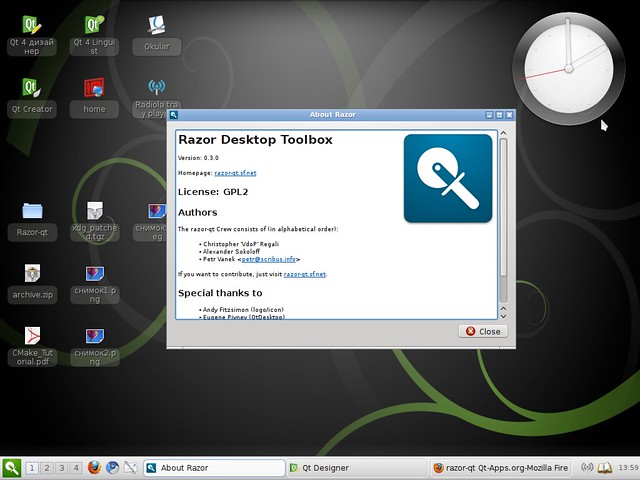
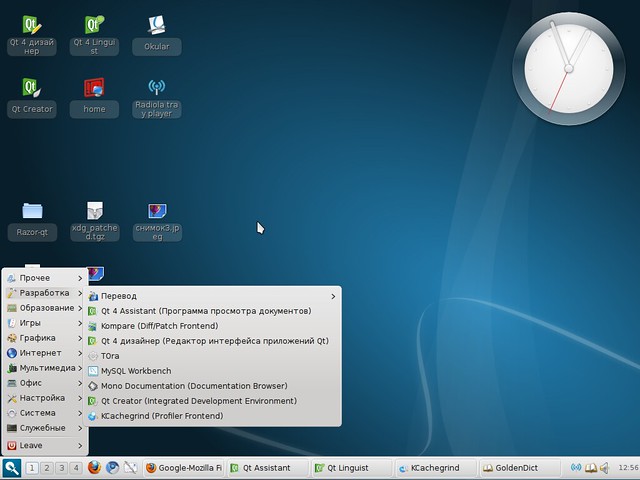
razor-qt

linux razor qt

ubuntu razor

light ubuntu razor

To install RazorQT in Ubuntu/Linux Mint open Terminal (Press Ctrl+Alt+T) and copy the following commands in the Terminal:
  • sudo add-apt-repository ppa:razor-qt
  • sudo apt-get update
  • sudo apt-get install razorqt
For other distro's check this page.
Source: Razor-qt

Saturday, 1 September 2012

Install Wine 1.5.12 in Ubuntu/Mint (New Release)

Install Wine 1.5.12 in Ubuntu 12.04 Precise/11.10/11.04/Linux Mint (New Release)

Wine lets you run Windows software on other operating systems. With Wine, you can install and run these applications just like you would in Windows.
Wine enables Linux, Mac, FreeBSD, and Solaris users to run Windows applications without a copy of Microsoft Windows. Wine is free software under constant development. Other platforms may benefit as well.
winehq ubuntu
What's new in this release:
  • Support for disabling individual joysticks.
  • Better support for D3DX9 constant tables.
  • Some XRandR improvements.
  • Various bug fixes.

Install Wine in Ubuntu/Linux Mint open Terminal (Press Ctrl+Alt+T) and copy the following commands in the Terminal:
  • sudo add-apt-repository ppa:ubuntu-wine/ppa
  • sudo apt-get update
  • sudo apt-get install wine1.5
  • sudo apt-get install winetricks
Here you can download source of Wine 1.5.12 for other Distro's from Source Forge.
Check announcement of Wine 1.5.12 version.
Enjoy

Thursday, 19 July 2012

Install HandBrake 0.9.8 Video Converter in Ubuntu/Linux Mint (New Release)

Install HandBrake 0.9.8 Video Converter in Ubuntu 12.04/11.10/11.04/10.10/10.04/9.04/Linux Mint (New Release)

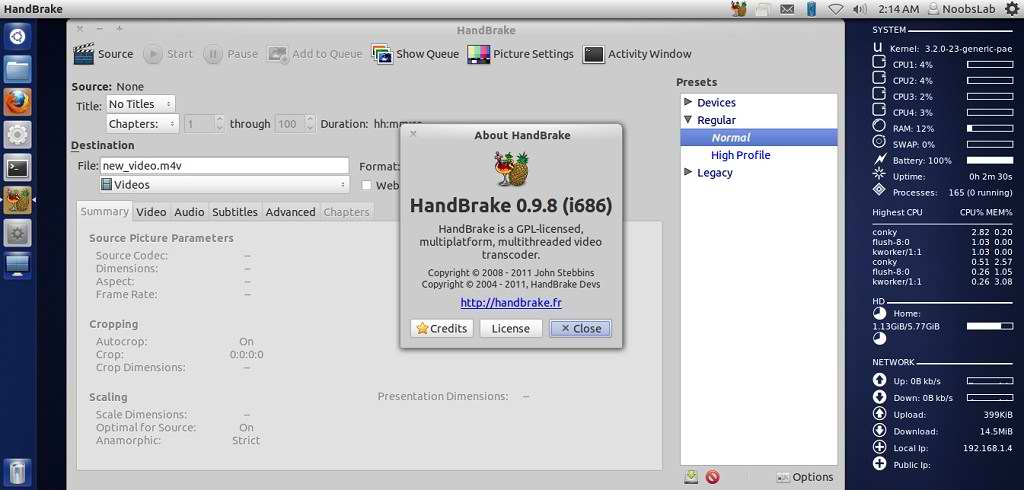
HandBrake is an open-source, GPL-licensed, multiplatform, multithreaded video transcoder, available for MacOS X, Linux and Windows.

ubuntu converter

Outputs Formats:
  • File format: MP4(M4V) and MKV
  • Video: H.264(x264), MPEG-4(ffmpeg), MPEG-2(ffmpeg), or Theora(libtheora)
  • Audio: AAC, CoreAudio AAC/HE-AAC (OS X Only), MP3, Flac, AC3, or Vorbis. AC-3, DTS, DTS-HD, AAC and MP3 pass-thru
Misc features:
  • Chapter selection, Chapter Markers
  • Subtitles
    • Vobsub and Closed Captions
    • SRT import and passthru
    • SSA passthru or burn-in (experimental)
  • Constant Quality or Average Bitrate Video Encoding
  • Support for VFR, CFR and VFR
  • Video and Filters: Deinterlacing, Decomb, Detelecine, Deblock, Grayscale Cropping and scaling
  • Live Video Preivew
  • Built-in presets for common devices

To install HandBrake Video Converter in Ubuntu/Linux Mint open Terminal (Press Ctrl+Alt+T) and copy the following commands in the Terminal:
  • sudo add-apt-repository ppa:stebbins/handbrake-releases
  • sudo apt-get update
  • sudo apt-get install handbrake-gtk handbrake-cli
That's it, Enjoy
Source: handbrake.fr

Install Malys-Ex icons 1.1 in Ubuntu/Linux Mint (New Update)

Install Malys-Ex icons 1.1 in Ubuntu 12.10/Ubuntu 12.04/11.10/11.04/10.10/10.04/Linux Mint/Ubuntu based distro (New Update)

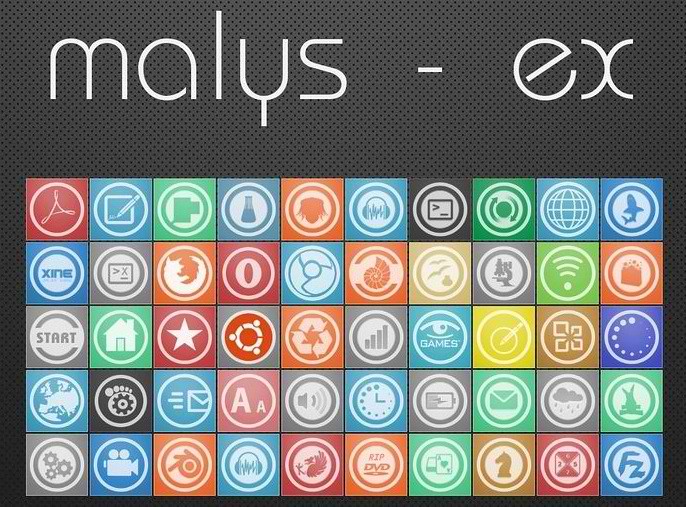
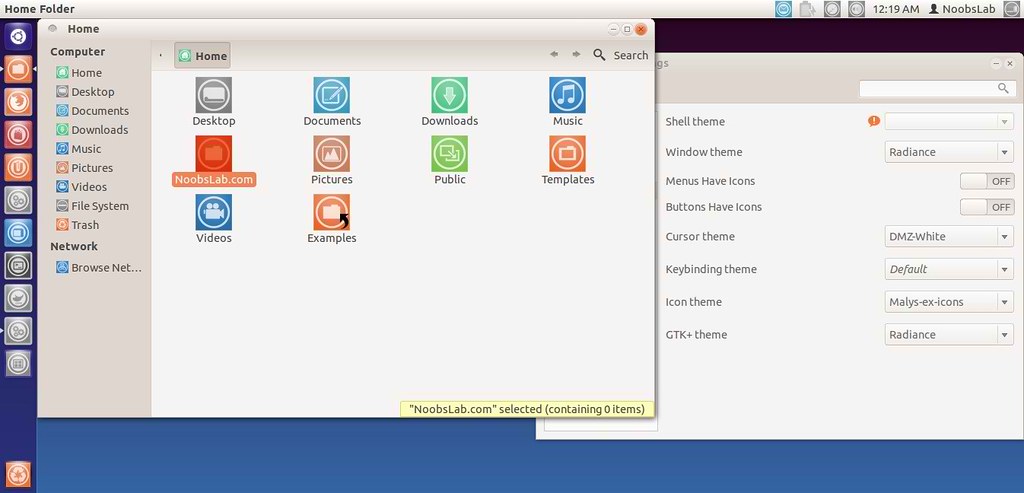
Previously shared Malys icons and themes, Malys is really nice theme and icons creator for linux. Personally I like his work and using his themes + icons personally. Hope you will like his work.

malys icons

ubuntu icons

To install Malys-ex-icons on Ubuntu/Mint open Terminal (Press Ctrl+Alt+T) and copy the following commands in the Terminal:
  • sudo add-apt-repository ppa:noobslab/icons
  • sudo apt-get update
  • sudo apt-get install malys-ex
That's it, Enjoy.
Source: Malys-ex

Tuesday, 17 July 2012

Install Mozilla Firefox 14 in Ubuntu/Linux Mint (New Release)

Install Firefox 14 on Ubuntu 12.10/Ubuntu 12.04 Precise/Ubuntu 11.10 Oneiric/11.04 Natty/Linux Mint (New Release)

Mozilla Firefox is a free and open source web browser developed for Microsoft Windows, Mac OS X, and Linux coordinated by Mozilla Corporation and Mozilla Foundation. Firefox uses the Gecko layout engine to render web pages, which implements current and anticipated web standards. As of May 2012, Firefox has approximately 25% of worldwide usage share of web browsers, making it the third most widely used web browser.

firefox

What's new in this Release:
  • Google searches now utilize HTTPS
  • Full screen support for Mac OS X Lion implemented
  • Plugins can now be configured to only load on click (requires an about:config change)
  • The Awesome Bar now auto-completes typed URLs
  • Improved site identity manager, to prevent spoofing of an SSL connection with favicons
  • Pointer Lock API implemented
  • New API to prevent your display from sleeping
  • New text-transform and font-variant CSS improvements for Turkic languages and Greek
  • Various security fixes
  • GIF animation can gets stuck when src and image size are changed
  • OS X: nsCocoaWindow::ConstrainPosition uses wrong screen in multi-display setup
  • CSS :hover regression when an element's class name is set by Javascript

Note: You Don't need add ppa in Ubuntu/Linux mint, because Ubuntu repositories already have latest firefox version. Just enter 2nd and 3rd command.

To install Firefox 14 on Ubuntu/Linux Mint open Terminal (Press Ctrl+Alt+T) and copy the following commands in the Terminal:
  • sudo add-apt-repository ppa:ubuntu-mozilla-security/ppa
  • sudo apt-get update
  • sudo apt-get install firefox
Here you can find firefox in other languages.
That's it, Enjoy

Monday, 16 July 2012

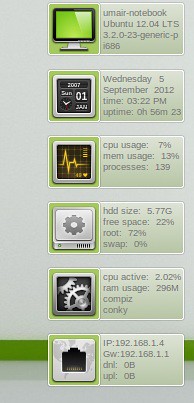
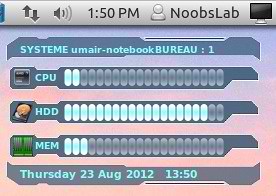
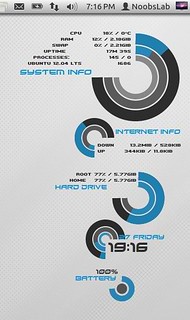
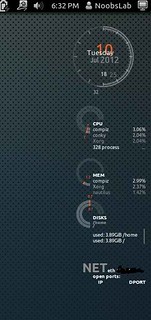
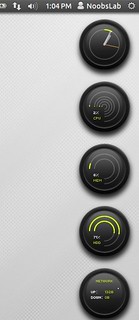
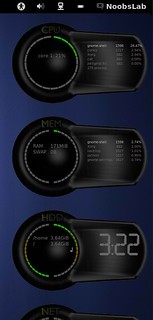
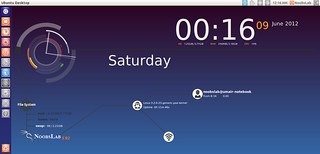
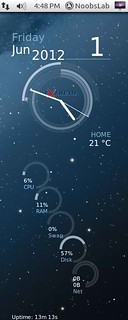
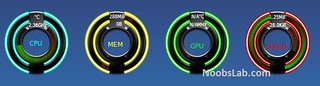
Conky Collection for Ubuntu/Linux Mint/Fedora/OpenSuse/Other Distro's

Conky Collection for Ubuntu 12.10 Quantal Quetzal/Ubuntu 12.04 Precise Pangolin/Ubuntu 11.10 Oneiric/Any Ubuntu Version/Linux Mint/Fedora/Other Linux Distro's

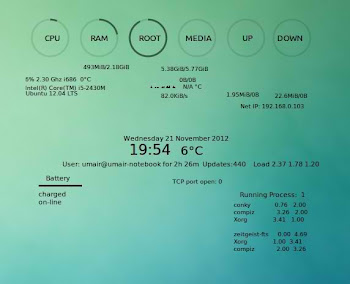
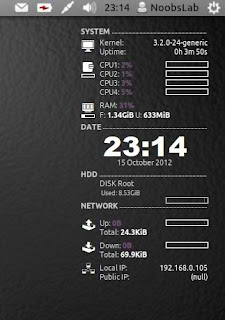
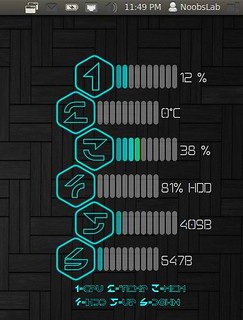
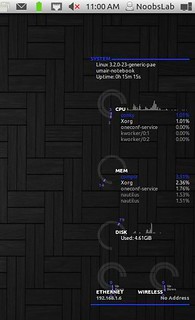
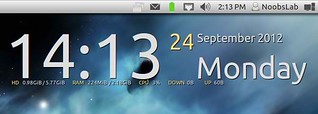
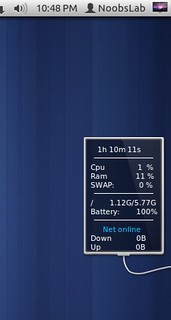
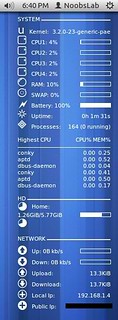
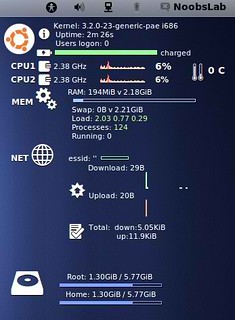
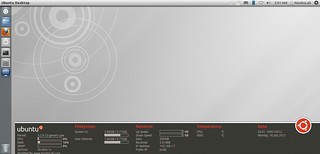
Now a day's conky gadgets are almost going down, Few guys are working on Conky gadgets. So NoobsLab decided to keep this work up for Linux guys. NoobsLab make available conky for all Linux environments like: Unity, Gnome Shell, Cinnamon, Mate, Gnome Classic and others.

Basic-Conky for Ubuntu/Mint/Fedora/Other Linux Distro's
 New
Bar-Conky for Ubuntu/Mint/Fedora/Other Linux Distro's
Nadia-Conky for Ubuntu/Mint/Fedora/Other Linux Distro's
HGM-Hudnet-Conky for Ubuntu/Mint/Fedora/Other Linux Distro's
123-Conky for Ubuntu/Mint/Fedora/Other Linux Distro's
Linux-Conky for Ubuntu/Mint/Fedora/Other Linux Distro's
Techno-Conky for Ubuntu/Mint/Fedora/Other Linux Distro's
1st-Conky for Ubuntu/Mint/Fedora/Other Linux Distro's
Colors-Conky for Ubuntu/Mint/Fedora/Other Linux Distro's
Legacy Conky for Ubuntu/Mint/Fedora/Other Linux Distro's
Lunatico Rings Conky for Ubuntu/Mint/Fedora/Other Linux Distro's
Gotham Conky for Ubuntu/Mint/Fedora/Other Linux Distro's
Energreen Conky for Ubuntu/Mint/Fedora/Other Linux Distro's
DeadSpace Conky for Ubuntu/Mint/Fedora/Other Linux Distro's
Reloj Conky for Ubuntu/Mint/Fedora/Other Linux Distro's
Two Conky for Ubuntu/Mint/Fedora/Other Linux Distro's
Tab Conky for Ubuntu/Mint/Fedora/Other Linux Distro's
Hardy Conky for Ubuntu/Mint/Fedora/Other Linux Distro's
Patch Conky for Ubuntu/Mint/Fedora/Other Linux Distro's
Lucid Conky for Ubuntu/Mint/Fedora/Other Linux Distro's
(Red, Gray, Orange) Conky in Ubuntu/Mint/Fedora/Other Linux Distro's
Sample Conky in Ubuntu/Mint/Fedora/Other Linux Distro's
Cores Conky in Ubuntu/Mint/Fedora/Other Linux Distro's
Infinity Conky in Ubuntu/Mint/Fedora/Other Linux Distro's
 Hot
Tron Conky in Ubuntu/Mint/Fedora/Other Linux Distro's
Lua Conky in Ubuntu/Mint/Fedora/Other Linux Distro's
 Hot


>>>Conky Installation<<<

Install Conky in Fedora open terminal and copy the following commands in the Terminal:
  • yum install conky

Install Conky in Ubuntu/Linux Mint open terminal (Press Ctrl+Alt+T) and copy the following commands in the Terminal:
  • sudo apt-get install conky conky-all

First of all Download Startup script with following commands:
  • wget -O .start-conky http://goo.gl/6RrEw
  • chmod +x .start-conky
Now open Startup Applications > click Add > New Dialog box will open click on Browse > Now (Press Ctrl+H) see following screenshot.

Saturday, 12 May 2012

Install Shotwell 0.12.3 on Ubuntu/Linux Mint (New Release)

Install Shotwell 0.12.3 on Ubuntu 12.04/Linux Mint (New Release)

Yorba has just released Shotwell 0.12.3, a bug-fix release of our popular GNOME-based photo manager. This version fixes a critical issue in which the absence of a certain .ui file would cause the application to fail to launch in direct-edit mode.

shotwell

What's new in this Release?
  • Straighten photo feature
  • Support for GTK+3
  • Flickr login now uses OAuth authentication
  • Greater support for Android devices
  • Saved searches can exclude all photos tagged with a given string
  • Lots of bug fixes!

To install Shotwell on Ubuntu/Linux Mint open Terminal (Press Ctrl+Alt+T) and copy the following commands in the Terminal:
  • sudo add-apt-repository ppa:yorba/ppa
  • sudo apt-get update
  • sudo apt-get install shotwell
If you already have shotwell just enter following commands:
  • sudo add-apt-repository ppa:yorba/ppa
  • sudo apt-get update
  • sudo apt-get upgrade
Site of Shotwell. That's it

Sunday, 15 April 2012

Install Wine 1.5.2 on Ubuntu 12.04/11.10/Linux Mint via PPA (New Release)

Install Wine 1.5.2 on Ubuntu 12.04 Precise/Ubuntu 11.10 Oneiric/Linux Mint

Wine lets you run Windows software on other operating systems. With Wine, you can install and run these applications just like you would in Windows.
Wine enables Linux, Mac, FreeBSD, and Solaris users to run Windows applications without a copy of Microsoft Windows. Wine is free software under constant development. Other platforms may benefit as well.

winehq ubuntu


What's new in this release:
  • Improved naming scheme for audio devices.
  • Better support for finding system fonts on Mac OS X.
  • Beginnings of support for JPEG encoding.
  • Several printing fixes.
  • Improvements to the URL cache.
  • Various bug fixes.

Install Wine on Ubuntu/Linux Mint open Terminal (Press Alt+F2 and type: gnome-terminal -or- Press Ctrl+Alt+T) and copy the following commands in the Terminal:
  • sudo add-apt-repository ppa:ubuntu-wine/ppa
  • sudo apt-get update
  • sudo apt-get install wine1.5
Here you can download source of Wine 1.5.2 for other Distro's from Source Forge.
Check announcement of Wine 1.5.2 version.
Enjoy
 

Just the Life of Eddie Copyright © 2012 Best Celebrity Wallpaper -- Powered by Blogger