0
comments
0
comments
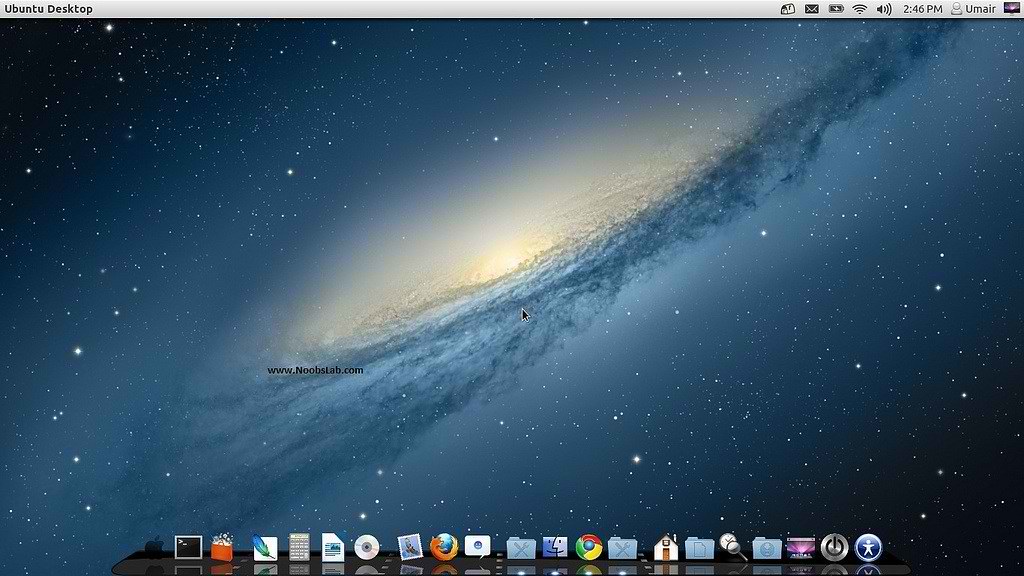
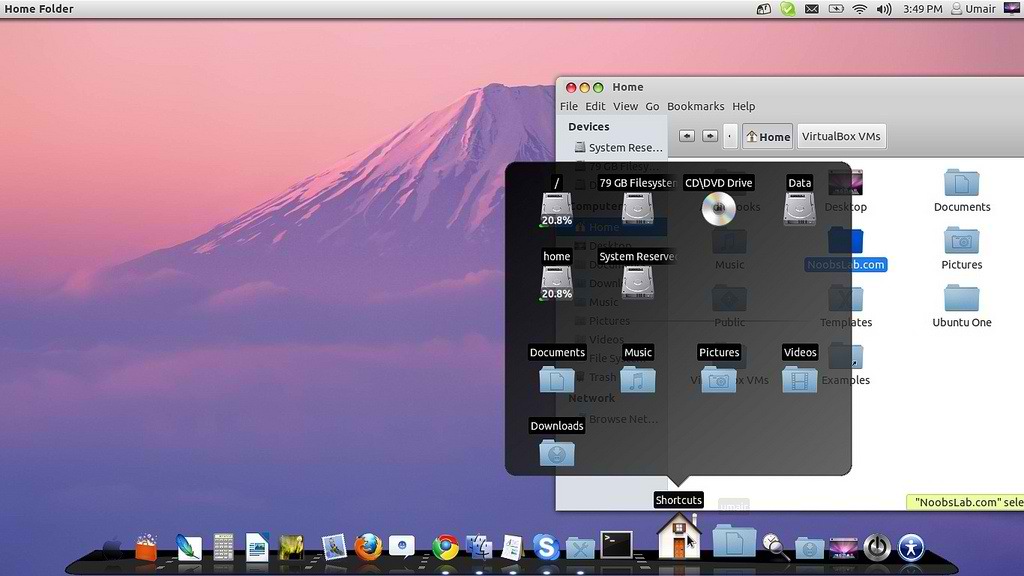
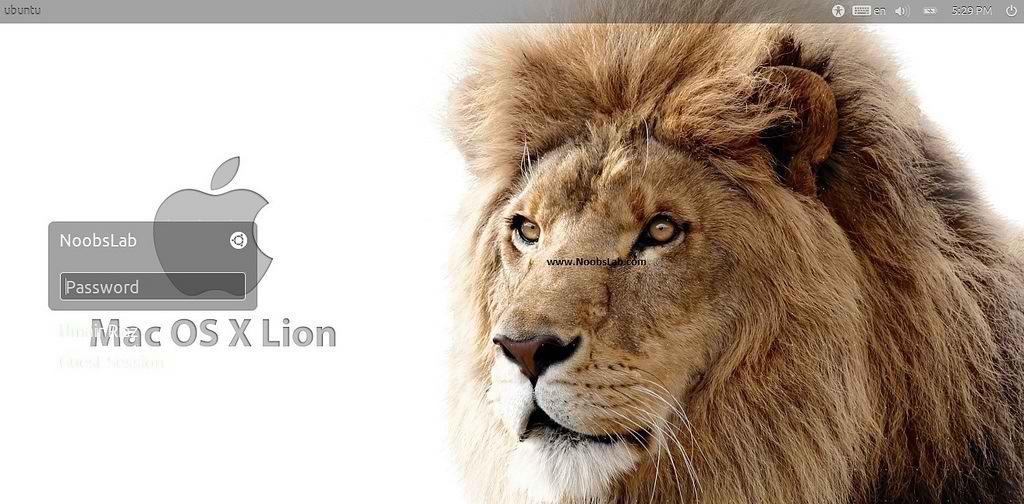
Install Mac OS X Lion Theme on Ubuntu 12.04 Precise Pangolin/Ubuntu 12.10 Quantal Quetzal/11.10 Oneiric/Linux Mint 13/12
Previous shared Mac OS X Lion for Ubuntu 11.10, People liked this theme also we should thank to Author.
Many People Search for Macbuntu 12.04/Macbuntu 11.10/Mac4lin, Mac Ubuntu theme and so on. So here we are ready with Mac OS X Lion Theme for Ubuntu 12.04 Precise Pangolin and Hopefully Mac Theme will work with Linux Mint 13.


Now Theme Installation:
1: Download Mac OS X Lion Wallpapers
2: Install Latest Cairo Dock
3: To Install Mac OS X Lion Theme on Ubuntu 12.04 Precise Pangolin open Terminal (Press Ctrl+Alt+T) and copy the following commands in the Terminal:
4: Apply Mac OS X Splash:
 Install Following commands to install splash:
If you don't like Paw Splash, You can get back Ubuntu splash:
Enter following command and select Ubuntu Splash number:

5: Install Compiz Setting Manager to Autohide Unity Launcher:

6: Install Gnome Tweak Tool to change Themes, Icons, Cursors:

Go here to Remove White Dots from Login Screen.
Previous shared Mac OS X Lion for Ubuntu 11.10, People liked this theme also we should thank to Author.
Many People Search for Macbuntu 12.04/Macbuntu 11.10/Mac4lin, Mac Ubuntu theme and so on. So here we are ready with Mac OS X Lion Theme for Ubuntu 12.04 Precise Pangolin and Hopefully Mac Theme will work with Linux Mint 13.



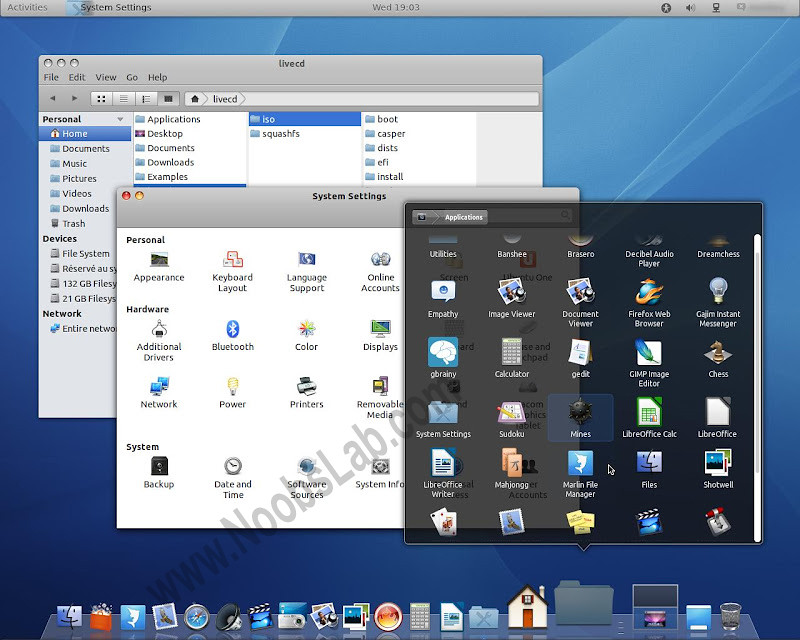
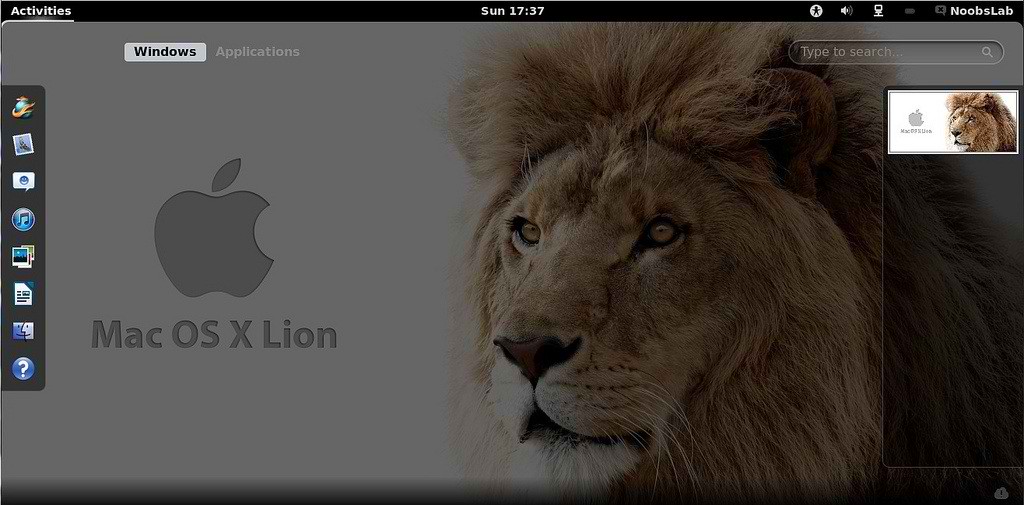
How Gnome Shell Looks? (Not applied on Gnome Shell - Only GTK Applied)

>>>Note: Here is New 2nd Version of Mac OS X Lion Theme for Ubuntu 12.04 Precise<<<
>>>Note: Here is New Mac OS X Lion Theme for Ubuntu 12.10 Quantal<<<
Now Theme Installation:
1: Download Mac OS X Lion Wallpapers
2: Install Latest Cairo Dock
3: To Install Mac OS X Lion Theme on Ubuntu 12.04 Precise Pangolin open Terminal (Press Ctrl+Alt+T) and copy the following commands in the Terminal:
- sudo add-apt-repository ppa:noobslab/themes
Now Enter This Command then go to install commands- sudo apt-get update
Install Icons- sudo apt-get install mac-os-lion-icons
Install Theme- sudo apt-get install mac-os-lion-theme
Install Cursors from here
4: Apply Mac OS X Splash:

Enter following command and select paw-osx splash:
- wget -O Paw-OSX.zip http://goo.gl/vN4T8
- unzip Paw-OSX.zip
- sudo cp -R Paw-OSX/ /lib/plymouth/themes
- sudo update-alternatives --install /lib/plymouth/themes/default.plymouth default.plymouth /lib/plymouth/themes/Paw-OSX/paw-osx.plymouth 100
Now Enter this command:
- sudo update-alternatives --config default.plymouth
- sudo update-initramfs -u
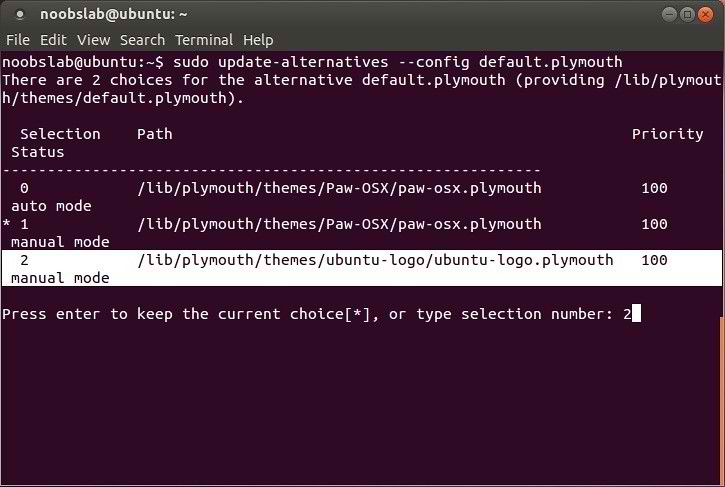
If you don't like Paw Splash, You can get back Ubuntu splash:
Enter following command and select Ubuntu Splash number:
Now Enter this command to update Splash:
- sudo update-alternatives --config default.plymouth
See the following picture.
- sudo update-initramfs -u
5: Install Compiz Setting Manager to Autohide Unity Launcher:
- sudo apt-get install compizconfig-settings-manager

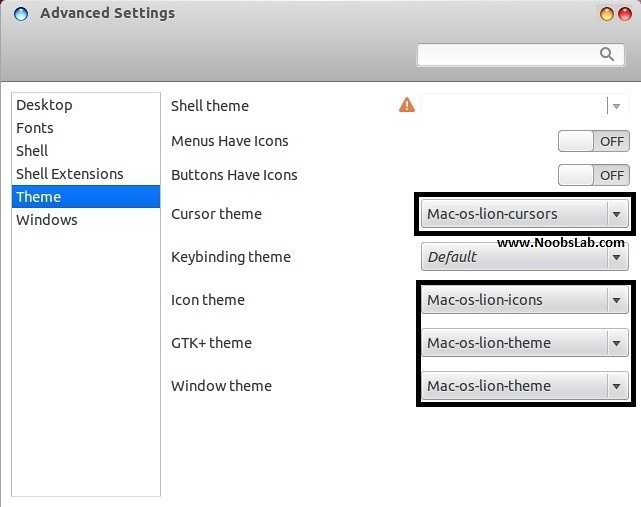
6: Install Gnome Tweak Tool to change Themes, Icons, Cursors:
- sudo apt-get install gnome-tweak-tool
Go here to Remove White Dots from Login Screen.
Credit to Author