 0
comments
0
comments
Install Darkenza Icons in Ubuntu 12.10/12.04/11.10/11.04/10.10/9.04/Linux Mint
These Darkenza icons brings from faenza icons, Author made these icons for those users who like dark icons. This icon is complete pack and support all latest Ubuntu/Linux Distro's.


To install Darkenza icons in Ubuntu/Linux Mint open Terminal (Press Ctrl+Alt+T) and copy the following commands in the Terminal:
These Darkenza icons brings from faenza icons, Author made these icons for those users who like dark icons. This icon is complete pack and support all latest Ubuntu/Linux Distro's.
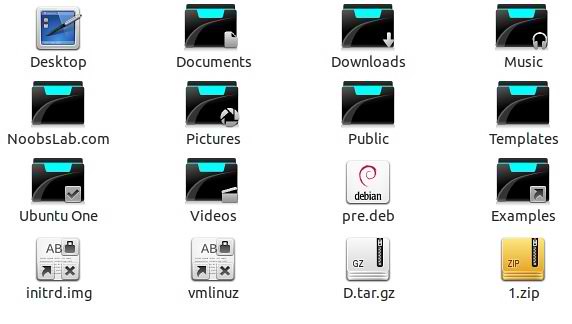
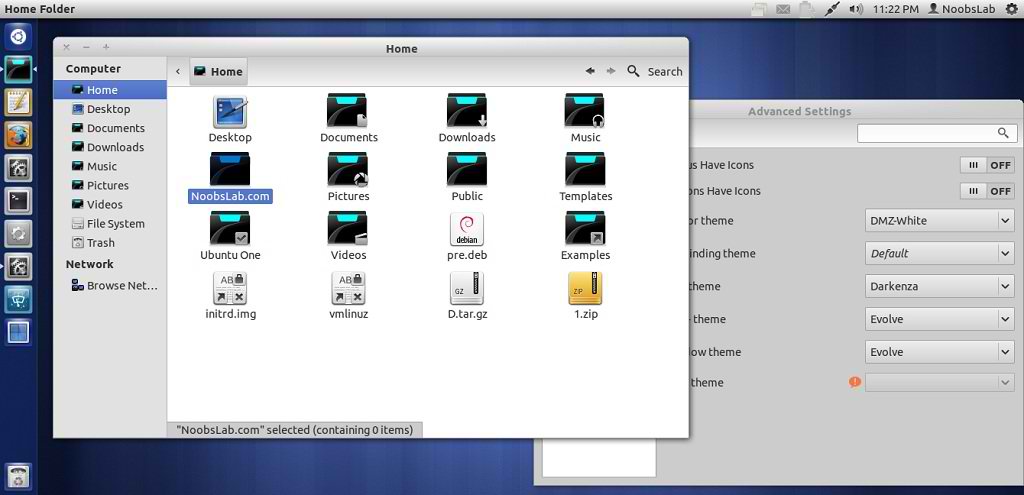
To install Darkenza icons in Ubuntu/Linux Mint open Terminal (Press Ctrl+Alt+T) and copy the following commands in the Terminal:
That's it, Enjoy
- sudo add-apt-repository ppa:noobslab/icons
- sudo apt-get update
- sudo apt-get install darkenza
Source: darkenza-icon


