 0
comments
0
comments
Install Unsettings on Ubuntu 12.04 Precise Pangolin/Ubuntu 11.10 Oneiric Ocelot/Linux Mint
UnSettings is new tool for Ubuntu tweaking. There are some tweaking programs like MyUnity, Gnome Tweak Tool, Ubuntu-Tweak but This program include some unique features. You can easily disable global menu, dash customization, windows scroll-bar overlay enable/disable, launcher opacity + other options, panel opaque enable/disable, change themes fonts and many more.


To install unsettings on Ubuntu 12.04/11.10 open Terminal (Press Ctrl+Alt+T) and copy the following commands in the Terminal:
UnSettings is new tool for Ubuntu tweaking. There are some tweaking programs like MyUnity, Gnome Tweak Tool, Ubuntu-Tweak but This program include some unique features. You can easily disable global menu, dash customization, windows scroll-bar overlay enable/disable, launcher opacity + other options, panel opaque enable/disable, change themes fonts and many more.

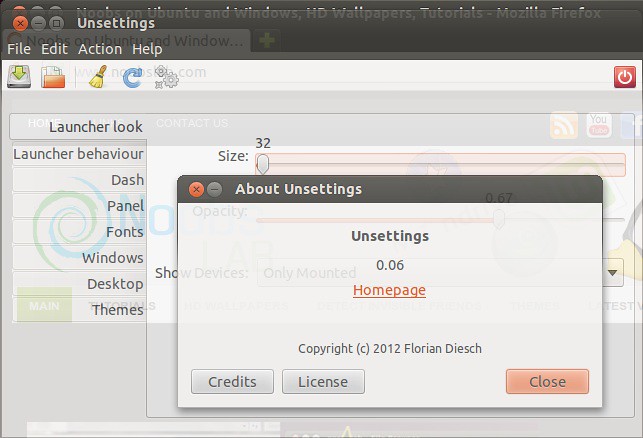
To install unsettings on Ubuntu 12.04/11.10 open Terminal (Press Ctrl+Alt+T) and copy the following commands in the Terminal:
Here is the page on launchpad, Reports bugs on this page.
- sudo add-apt-repository ppa:diesch/testing
- sudo apt-get update
- sudo apt-get install unsettings


