Warung Bebas
Showing posts with label gtk 3. Show all posts

Monday, 6 August 2012

Install DeLorean Dark themes on Ubuntu 12.04/Linux Mint 13 (GTK 3)

Install DeLorean Dark themes on Ubuntu 12.04 Precise/Linux Mint 13 Maya (GTK 3)

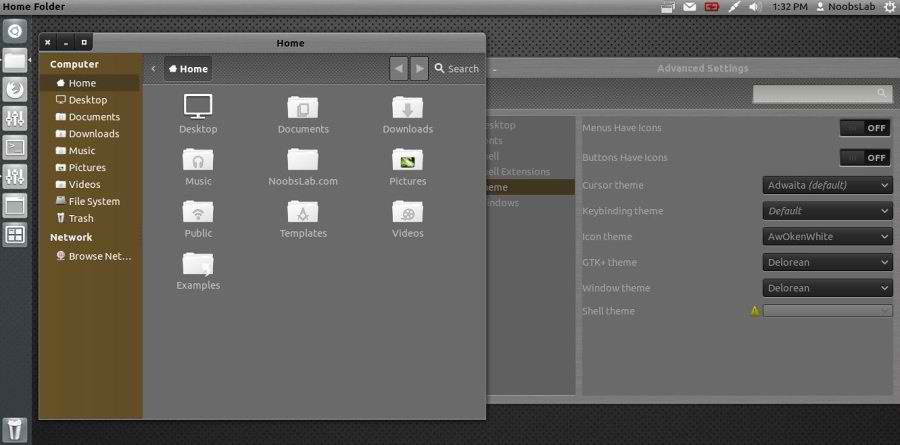
DeLorean is a very silk and really beautiful dark GTK3 theme that is also very clean in its design allowing a relaxed usability that is always a difficult thing to achieve with dark themes.

Install Awoken Icons

1: Delorean Dark Theme
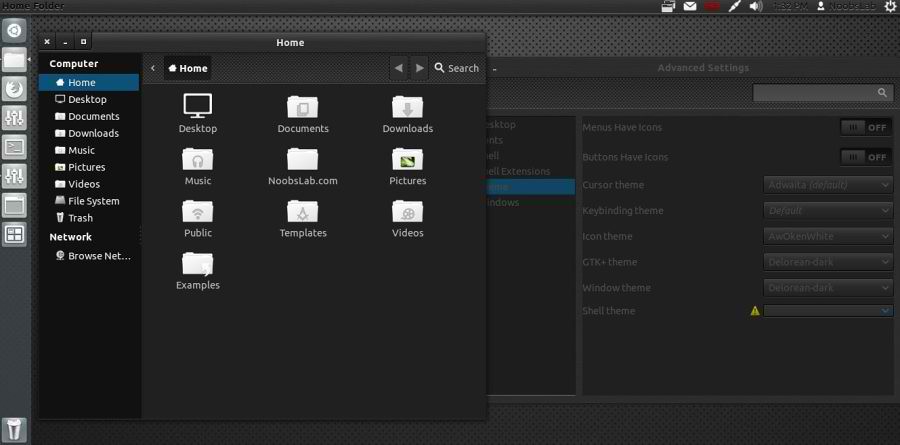

To install Delorean Dark theme on Ubuntu/Linux Mint open Terminal (Press Ctrl+Alt+T) and copy the following commands in the Terminal:
  • sudo add-apt-repository ppa:killhellokitty/themes.ppa
  • sudo apt-get update
  • sudo apt-get install delorean-dark

2: Delorean Theme


To install Delorean theme on Ubuntu/Linux Mint open Terminal (Press Ctrl+Alt+T) and copy the following commands in the Terminal:
  • sudo add-apt-repository ppa:killhellokitty/themes.ppa
  • sudo apt-get update
  • sudo apt-get install delorean
That's it, Enjoy

Sunday, 5 August 2012

Install Malys-RevoLT themes on Ubuntu/Linux Mint (GTK 3)

Install Malys-RevoLT themes on Ubuntu 12.10 Quantal/Ubuntu 12.04 Precise/Ubuntu 11.10 Oneiric/Linux Mint (GTK 3)

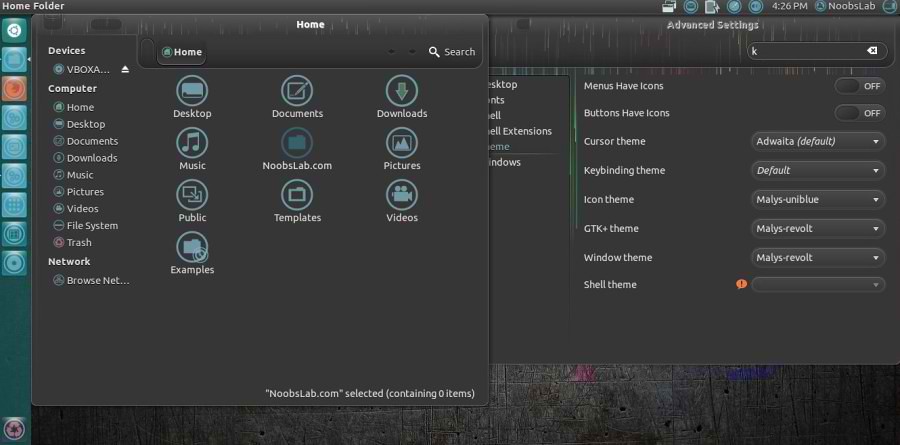
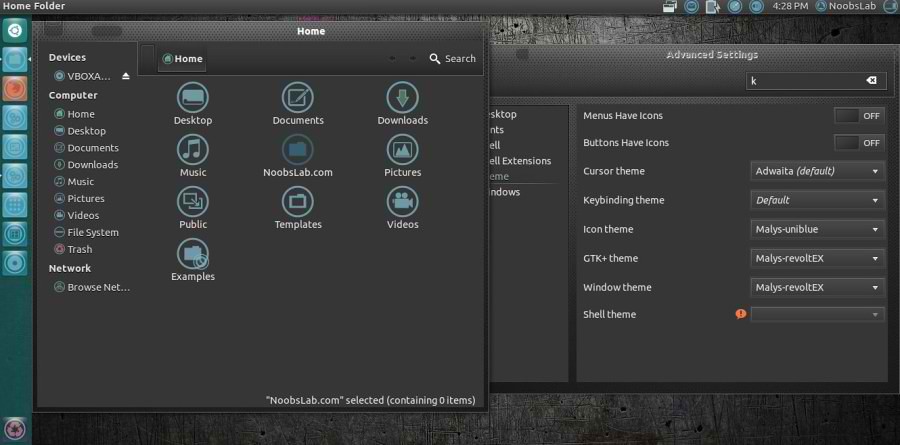
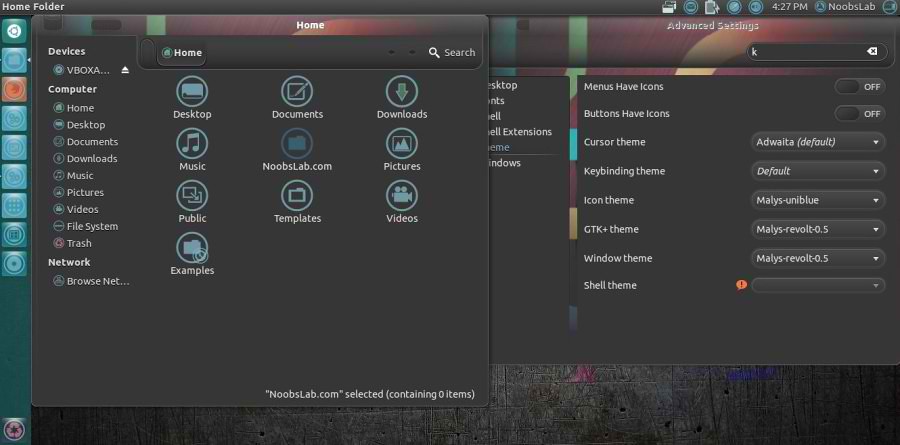
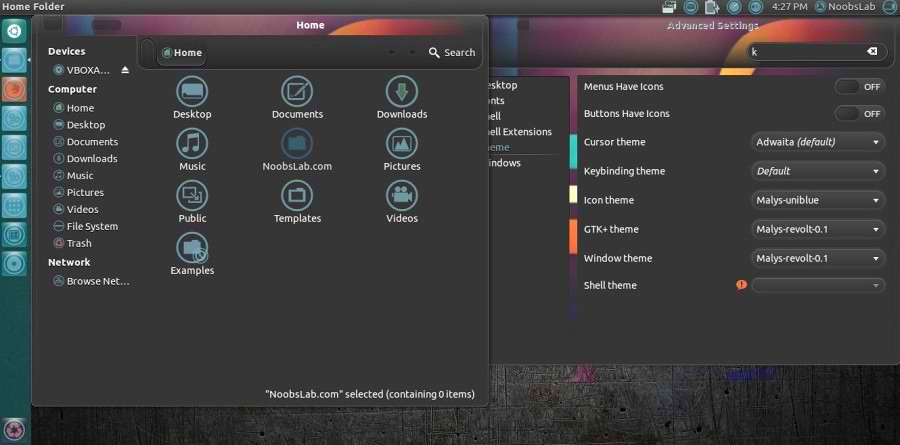
We have themes collection for Ubuntu/Mint/other distributions. This Malys-Revolt theme is really nice for those who like dark themes. This theme contains four versions, most recent version is Malys-RevoltEX Which is included in this package.

1st Download Wallpapers
2nd Install Malys-UniBlue Icons

You can use these Tools to change theme and icons: Gnome Tweak Tool, Ubuntu Tweak

Malys-Revolt Version
ubuntu themes

Malys-RevoltEX Version
ubuntu themes

Malys-Revolt-0.5 Version
ubuntu themes

Malys-Revolt-0.1 Version
ubuntu themes

To install Malys-Revolt themes on Ubuntu/Linux Mint open Terminal (Press Ctrl+Alt+T) and copy the following commands in the Terminal:
  • sudo add-apt-repository ppa:noobslab/malys-themes
  • sudo apt-get update
  • sudo apt-get install malys-revolt
That's it, Enjoy
Source: Malys RevoLT

Tuesday, 31 July 2012

Install Malys-Inversio Themes on Ubuntu/Linux Mint (GTK 3)

Install Malys-Inversio Themes on Ubuntu 12.10/12.04/11.10/Linux Mint (GTK 3)/Ubuntu based Distributions

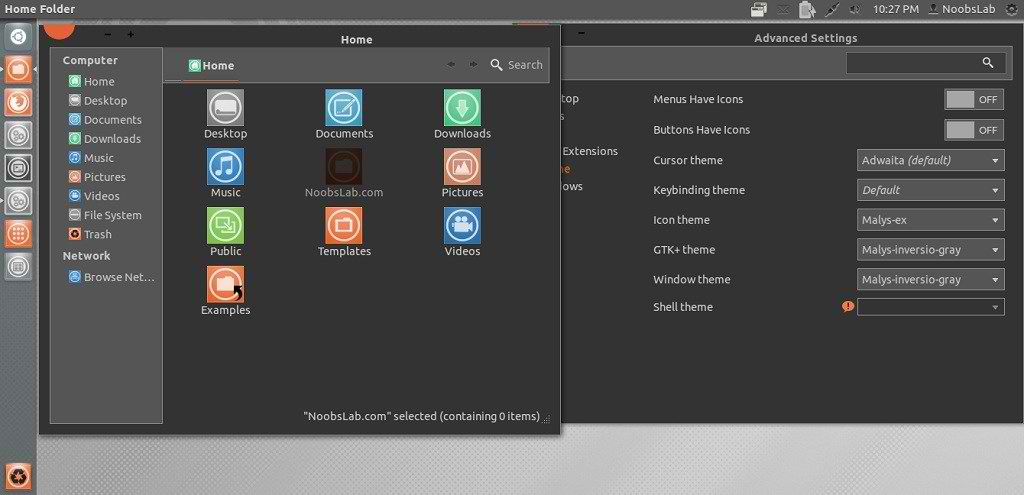
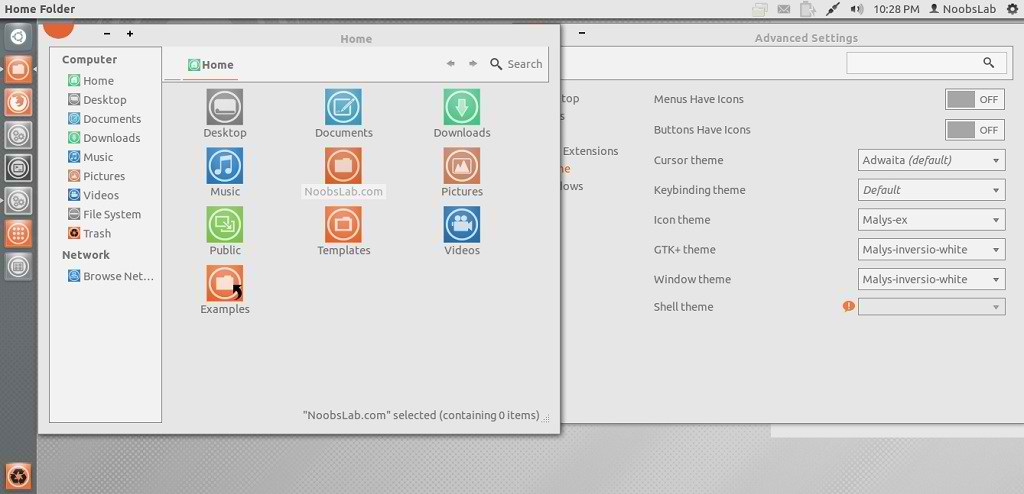
Malys is really nice themes and icons creator. Here you can find Malys other themes and icons. This malys-Inversio theme is made for GTK3. There are two versions in this theme gray and white.

You can use these Tools to change theme and icons: Gnome Tweak Tool, Ubuntu Tweak

1st: Install Malys-ex Icons
2nd: Download Wallpapers

Malys-Inversio-Gray
ubuntu themes

Malys-Inversio-White
ubuntu themes

To install Malys-Inversio on Ubuntu/Linux Mint open Terminal (Press Ctrl+Alt+T) and copy the following commands in the Terminal:
  • sudo add-apt-repository ppa:noobslab/malys-themes
  • sudo apt-get update
  • sudo apt-get install malys-inversio
That's it, Enjoy

Sunday, 3 June 2012

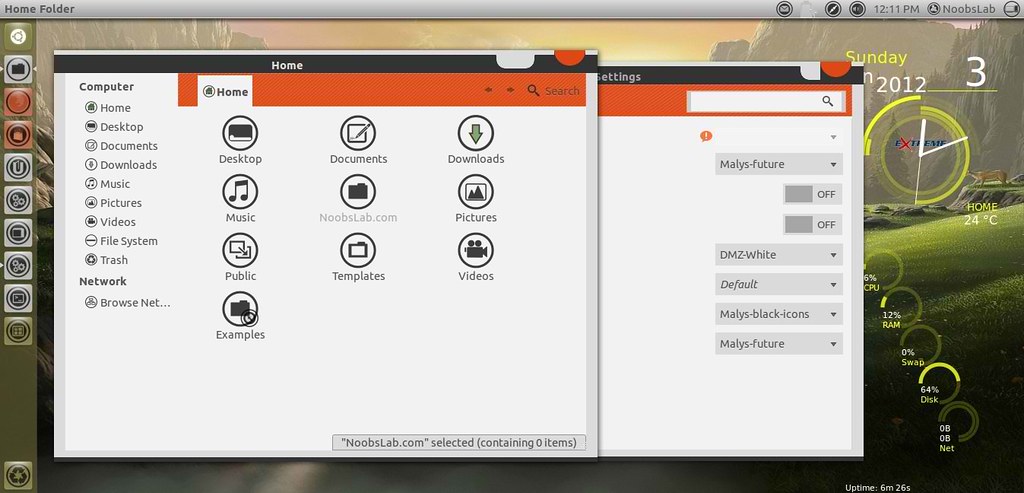
Install Malys-Future theme on Ubuntu/Linux Mint (GTK 3/2)

Install Malys-Future theme on Ubuntu 12.04/11.10/Linux Mint 13/12 (GTK 3/2)

ubuntu malys themes

ubuntu themes

1st: Download Future Wallpapers
2nd: Move Minimize, Maximize, Close Button to Right
3rd: Malys-UniBlack Icons
4th: Install Fonts enter following commands:
  • mkdir ~/.fonts
  • wget -O bahamas-font.zip http://dl.dropbox.com/u/53319850/NoobsLab.com/bahamas-font.zip
  • unzip bahamas-font.zip -d ~/.fonts
To install Malys-Future theme on Ubuntu/Linux Mint open Terminal (Press Ctrl+Alt+T) and copy the following commands in the Terminal:
  • sudo add-apt-repository ppa:noobslab/malys-themes
  • sudo apt-get update
  • sudo apt-get install malys-future
for other older Ubuntu version/other distro's checkout source link.
That's it, Enjoy
Source: Malys-Future
 

Just the Life of Eddie Copyright © 2012 Best Celebrity Wallpaper -- Powered by Blogger