Warung Bebas
Showing posts with label ubuntu gtk themes. Show all posts

Sunday, 5 August 2012

Install Malys-RevoLT themes on Ubuntu/Linux Mint (GTK 3)

Install Malys-RevoLT themes on Ubuntu 12.10 Quantal/Ubuntu 12.04 Precise/Ubuntu 11.10 Oneiric/Linux Mint (GTK 3)

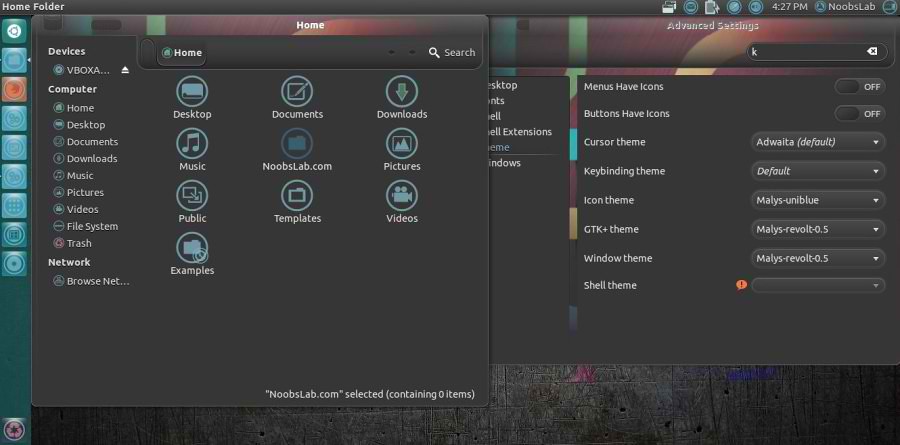
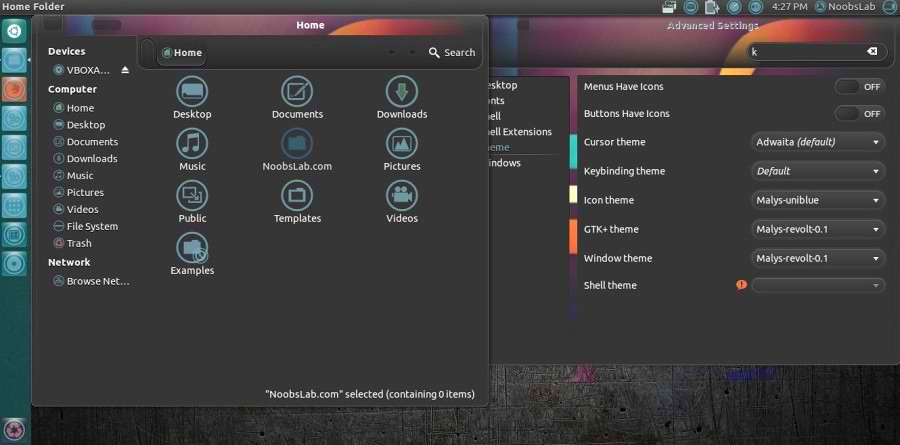
We have themes collection for Ubuntu/Mint/other distributions. This Malys-Revolt theme is really nice for those who like dark themes. This theme contains four versions, most recent version is Malys-RevoltEX Which is included in this package.

1st Download Wallpapers
2nd Install Malys-UniBlue Icons

You can use these Tools to change theme and icons: Gnome Tweak Tool, Ubuntu Tweak
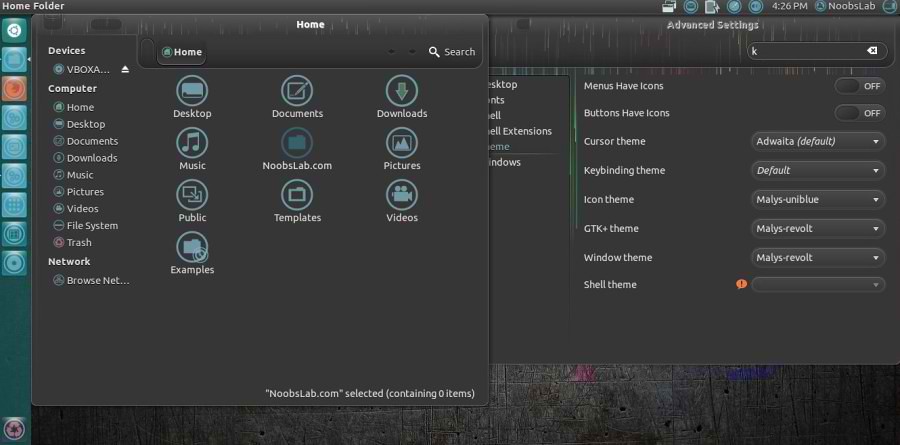
Malys-Revolt Version
ubuntu themes

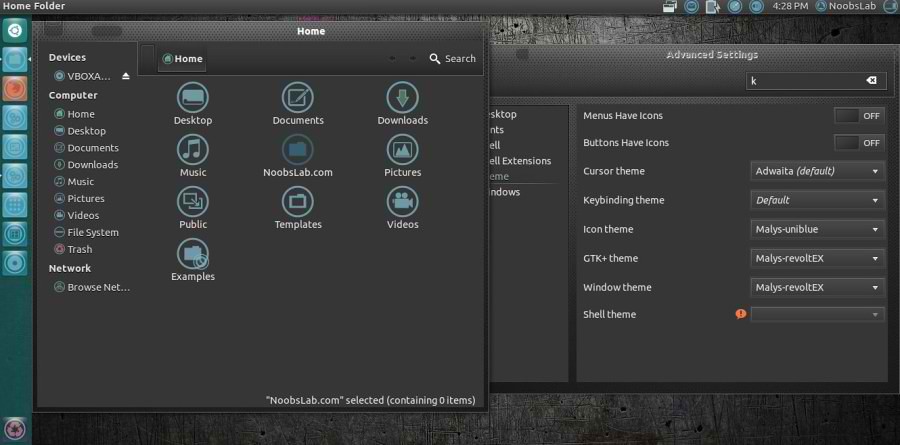
Malys-RevoltEX Version
ubuntu themes

Malys-Revolt-0.5 Version
ubuntu themes

Malys-Revolt-0.1 Version
ubuntu themes

To install Malys-Revolt themes on Ubuntu/Linux Mint open Terminal (Press Ctrl+Alt+T) and copy the following commands in the Terminal:
  • sudo add-apt-repository ppa:noobslab/malys-themes
  • sudo apt-get update
  • sudo apt-get install malys-revolt
That's it, Enjoy
Source: Malys RevoLT

Tuesday, 31 July 2012

Install Malys-Inversio Themes on Ubuntu/Linux Mint (GTK 3)

Install Malys-Inversio Themes on Ubuntu 12.10/12.04/11.10/Linux Mint (GTK 3)/Ubuntu based Distributions

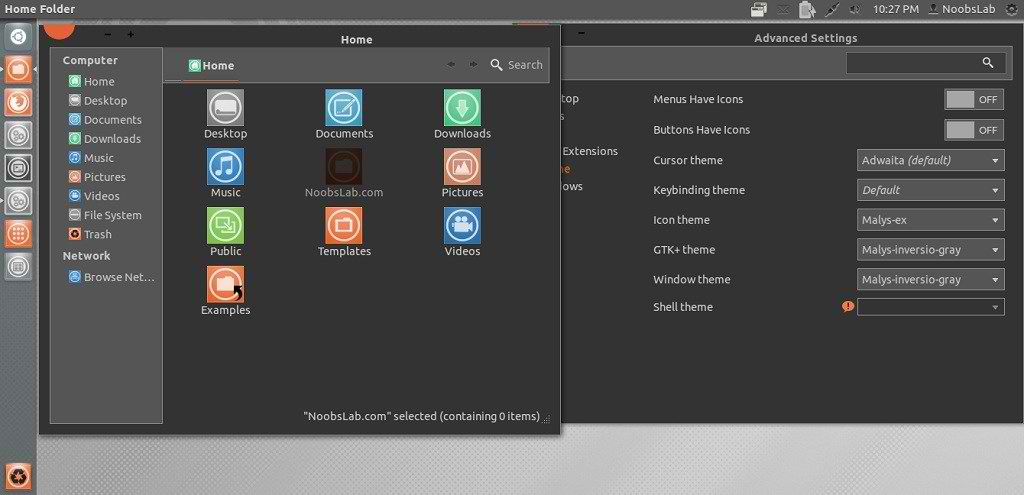
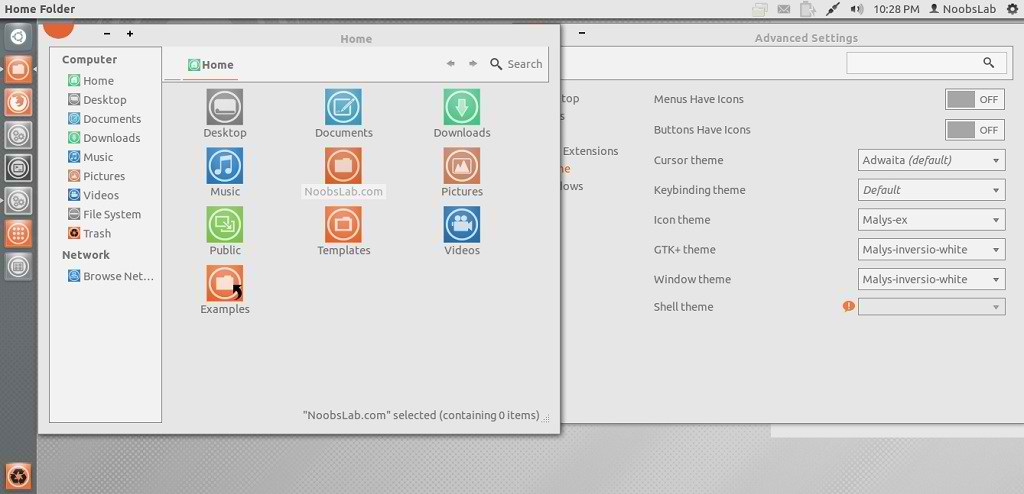
Malys is really nice themes and icons creator. Here you can find Malys other themes and icons. This malys-Inversio theme is made for GTK3. There are two versions in this theme gray and white.

You can use these Tools to change theme and icons: Gnome Tweak Tool, Ubuntu Tweak
1st: Install Malys-ex Icons
2nd: Download Wallpapers

Malys-Inversio-Gray
ubuntu themes

Malys-Inversio-White
ubuntu themes

To install Malys-Inversio on Ubuntu/Linux Mint open Terminal (Press Ctrl+Alt+T) and copy the following commands in the Terminal:
  • sudo add-apt-repository ppa:noobslab/malys-themes
  • sudo apt-get update
  • sudo apt-get install malys-inversio
That's it, Enjoy

Friday, 6 July 2012

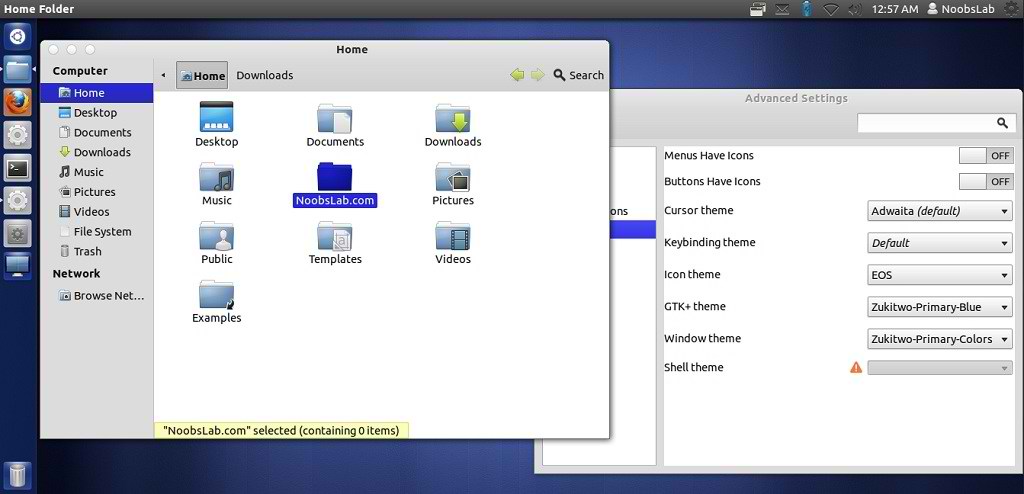
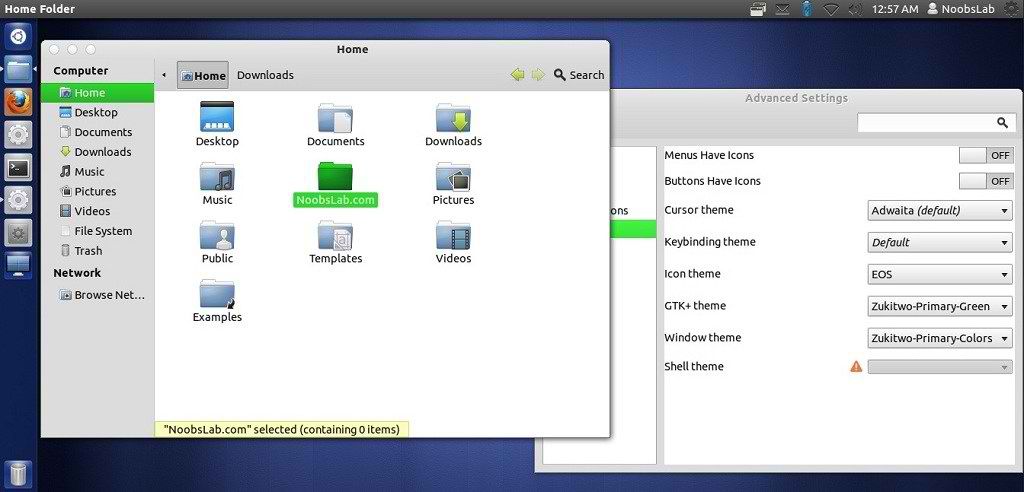
Install Zukitwo Primary Colors Theme on Ubuntu/Linux Mint

Install Zukitwo Primary Colors Theme on Ubuntu 12.10/Ubuntu 12.04/Ubuntu 11.10/Linux Mint

You can use These Tools to change theme: Gnome Tweak Tool, Ubuntu Tweak

zukitwo theme

ubuntu theme

Ubuntu themes

There are three GTK2, GTK3, GNOME Shell and Cinnamon themes in all (Red, Green and Blue) as well as common Metacity/Mutter and XFWM themes for all three themes (Zukitwo-Primary-Colors).

To install Zukitwo-Primary-Colors theme on Ubuntu/Linux Mint (Press Ctrl+Alt+T) and copy the following commands in the Terminal:
  • mkdir ~/.themes
  • wget -O zukitwo_pc.zip http://dl.dropbox.com/u/53319850/NoobsLab.com/zukitwo_primary_colors.zip
  • unzip zukitwo_pc.zip -d ~/.themes
Enjoy
Source: Deviantart

Sunday, 3 June 2012

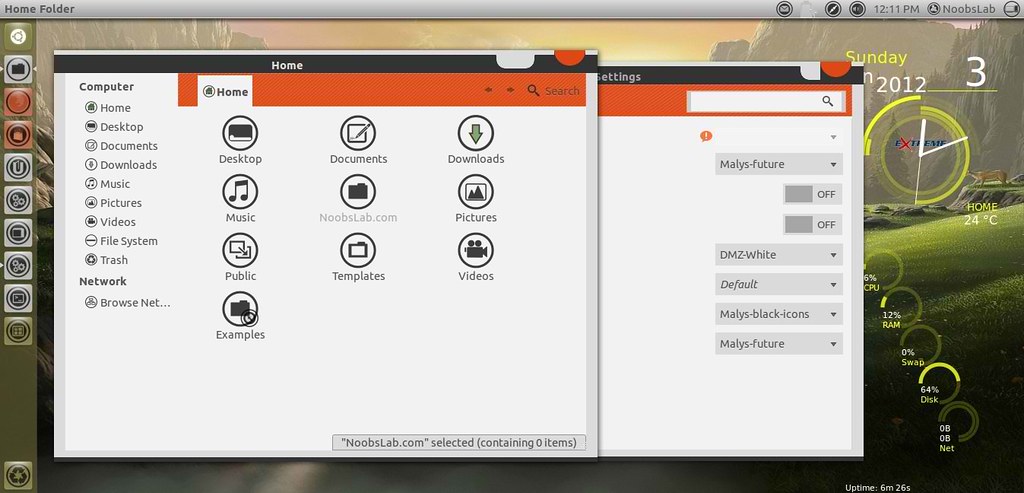
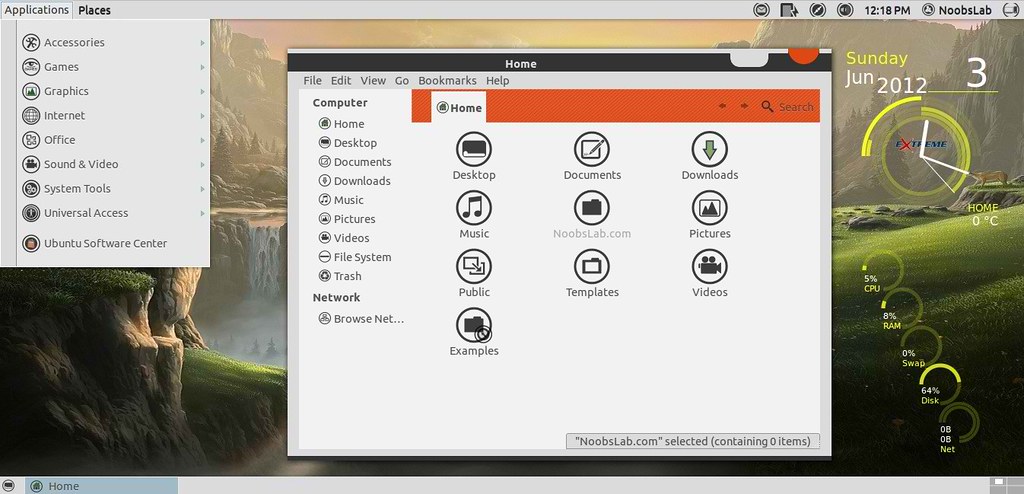
Install Malys-Future theme on Ubuntu/Linux Mint (GTK 3/2)

Install Malys-Future theme on Ubuntu 12.04/11.10/Linux Mint 13/12 (GTK 3/2)

ubuntu malys themes

ubuntu themes

1st: Download Future Wallpapers
2nd: Move Minimize, Maximize, Close Button to Right
3rd: Malys-UniBlack Icons
4th: Install Fonts enter following commands:
  • mkdir ~/.fonts
  • wget -O bahamas-font.zip http://dl.dropbox.com/u/53319850/NoobsLab.com/bahamas-font.zip
  • unzip bahamas-font.zip -d ~/.fonts
To install Malys-Future theme on Ubuntu/Linux Mint open Terminal (Press Ctrl+Alt+T) and copy the following commands in the Terminal:
  • sudo add-apt-repository ppa:noobslab/malys-themes
  • sudo apt-get update
  • sudo apt-get install malys-future
for other older Ubuntu version/other distro's checkout source link.
That's it, Enjoy
Source: Malys-Future
 

Just the Life of Eddie Copyright © 2012 Best Celebrity Wallpaper -- Powered by Blogger