0
comments
0
comments
Install Mac OS X Theme on Ubuntu 12.10 Quantal Quetzal/Ubuntu 12.04 Precise Pangolin/Linux Mint 14
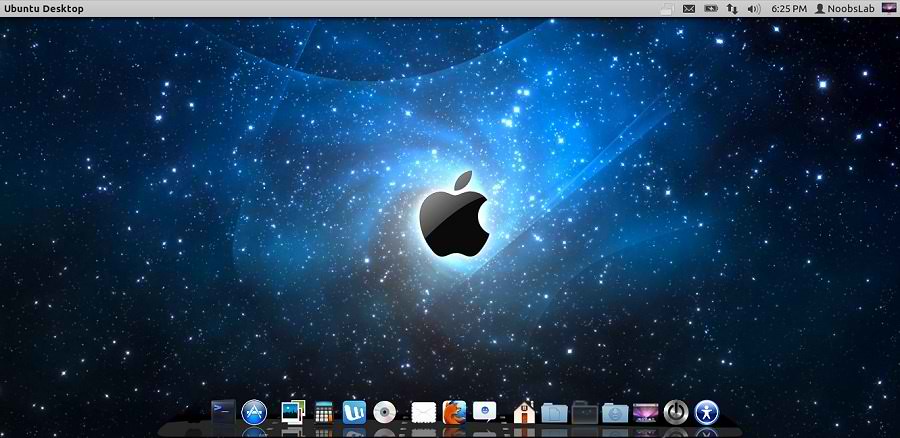
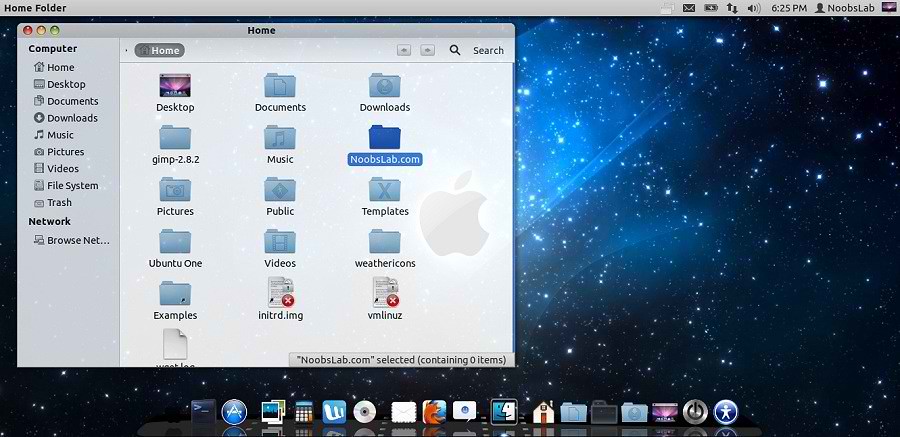
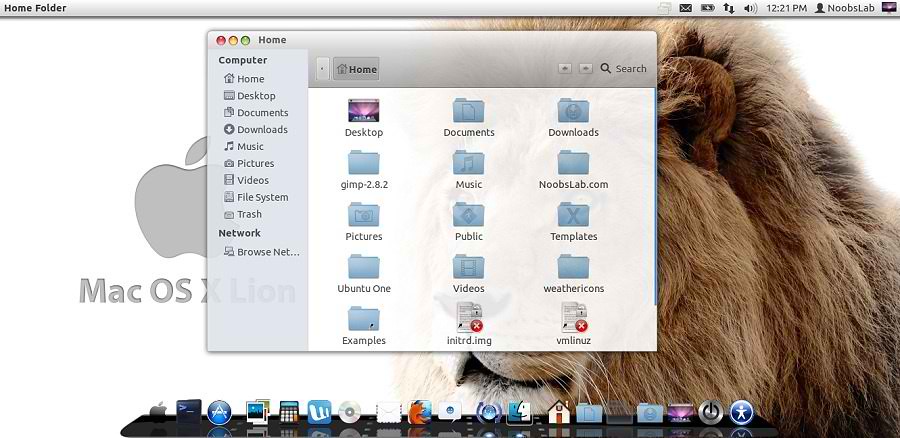
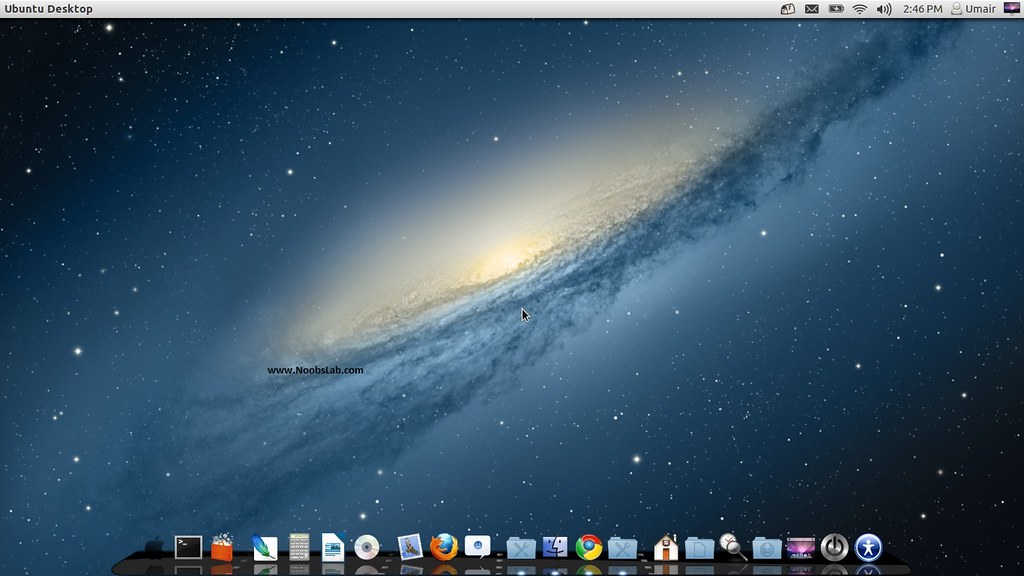
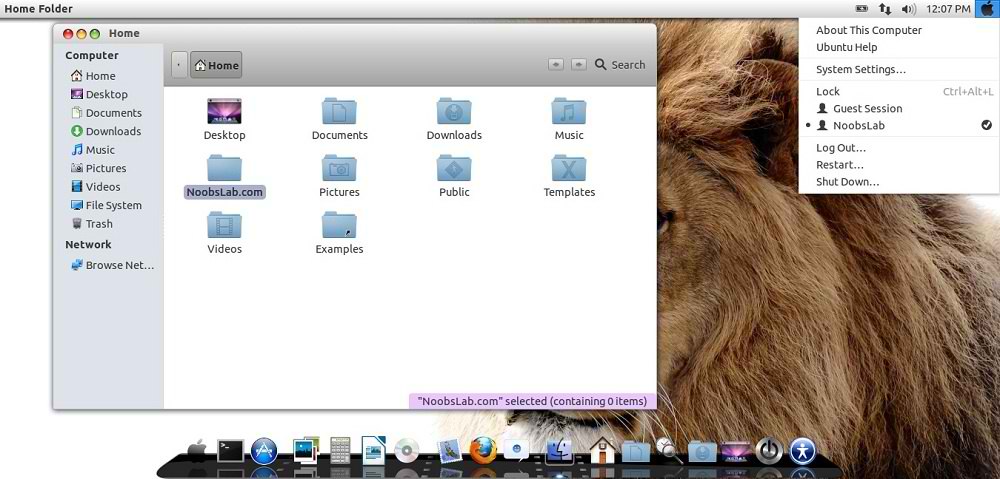
Mac OS X theme now available for Ubuntu 12.10 Quantal Quetzal. Previous shared Mac OS X Lion Version 2 for Ubuntu 12.04 Precise, People liked this theme also we should thank to Author who made this available theme for everyone. Many people looking for Macbuntu 12.04/Macbuntu 12.10/Macbuntu 11.10/Mac4lin, Mac Ubuntu theme and so on. So here we are ready with Mac OS X Lion Theme for Ubuntu 12.10 Quantal Quetzal and Hopefully Mac Theme will work with new coming Linux Mint 14.
This time NoobsLab also included mac theme for Gnome-Shell, So now you can also use this theme under Gnome Shell 3.6. This ipad theme shared by Hani Ahmed on facebook with NoobsLab.
>> Mac Theme For Ubuntu 12.04 Precise Pangolin/Linux Mint 13
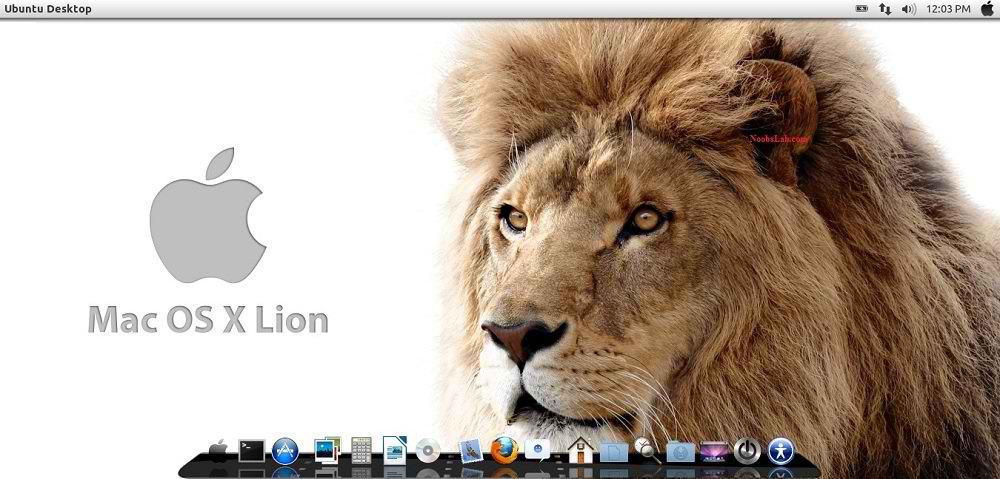
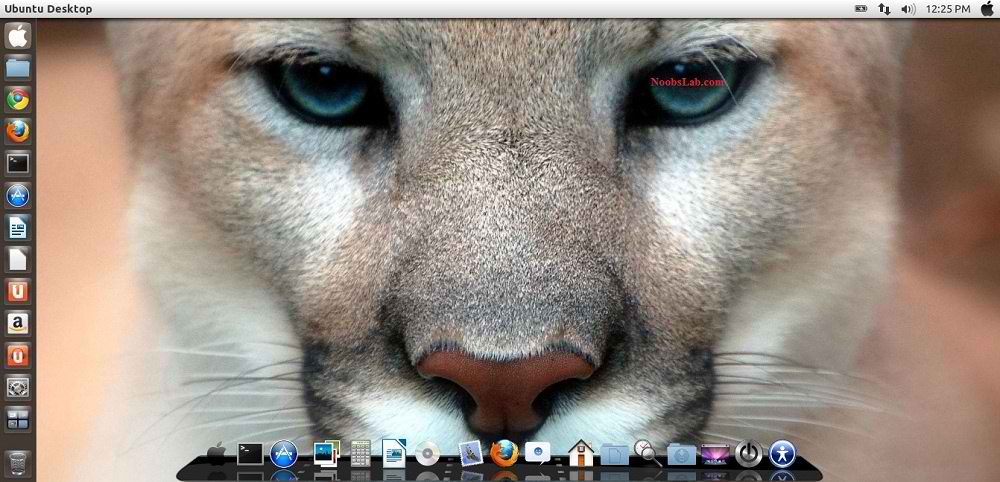
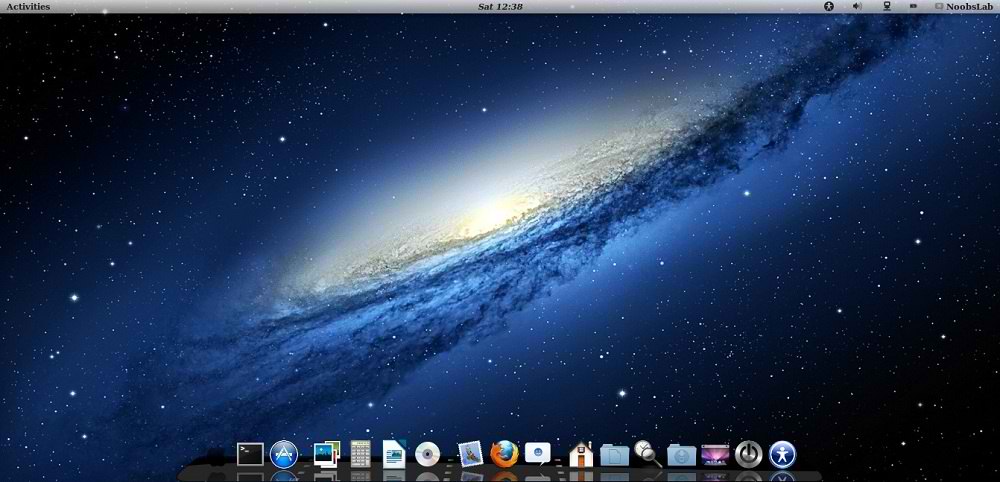
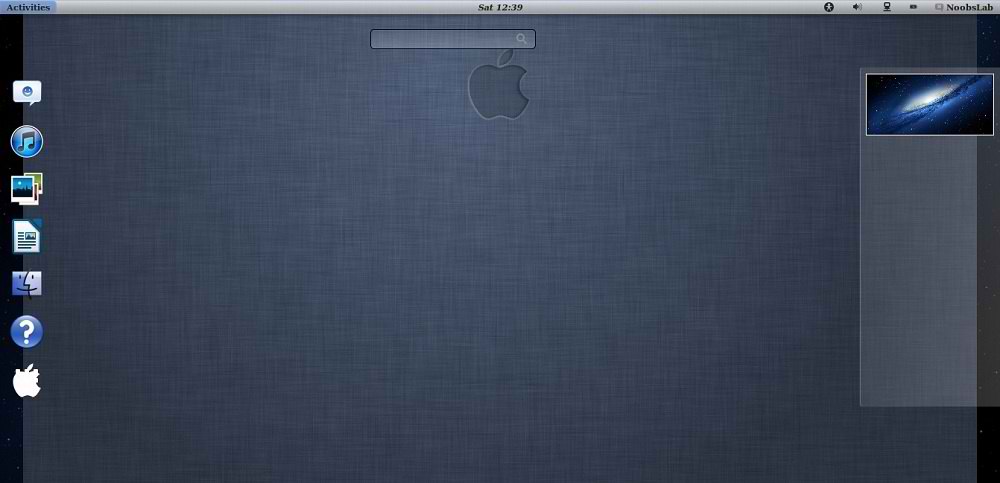
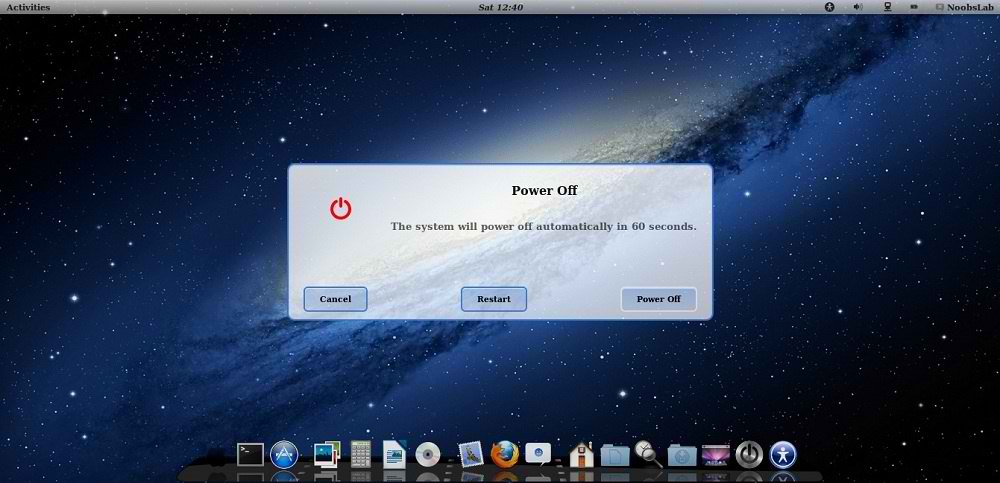
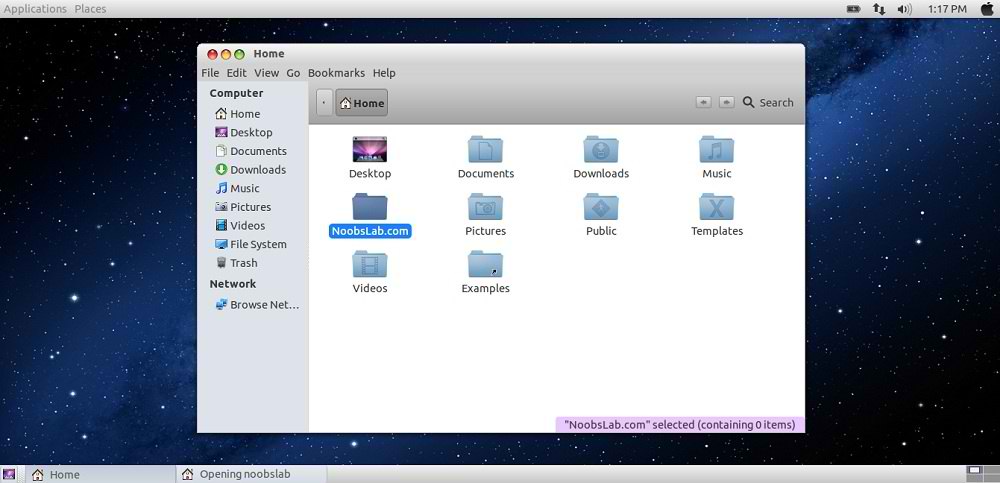 Theme tested with GTK 3.6 and Gnome Shell 3.6
What's new in this Version?
1: Download Mac OS X Wallpapers
>> Install Mac theme for Firefox - Thanks Ahmed Alajeeli for tip
2: Install Latest Cairo Dock

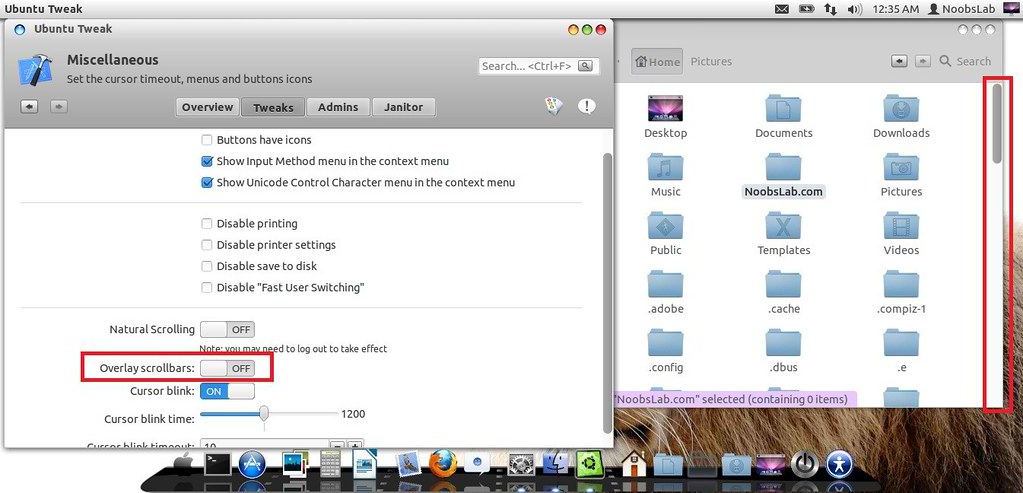
3: Remove Overlay Scrollbars
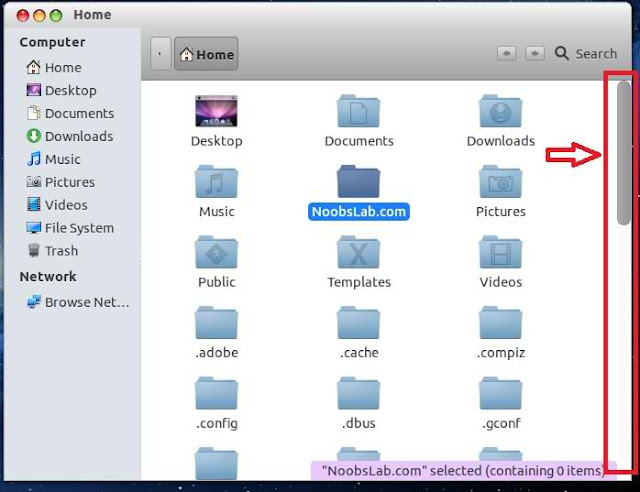 Enter following command in terminal to disable overlay scrollbar:
4: Install New Apple Logo in Launcher
 Enter following commands to install Apple Logo:
If you want back Ubuntu enter following commands in terminal:
Now Theme Installation:
5: To Install Mac OS X Lion Theme and Icons on Ubuntu open Terminal (Press Ctrl+Alt+T) and copy the following commands in the Terminal:
6: Disable Crash reports:
Usually you noticed Ubuntu 12.10crashes more than previous versions, so you can disable reports with following command:
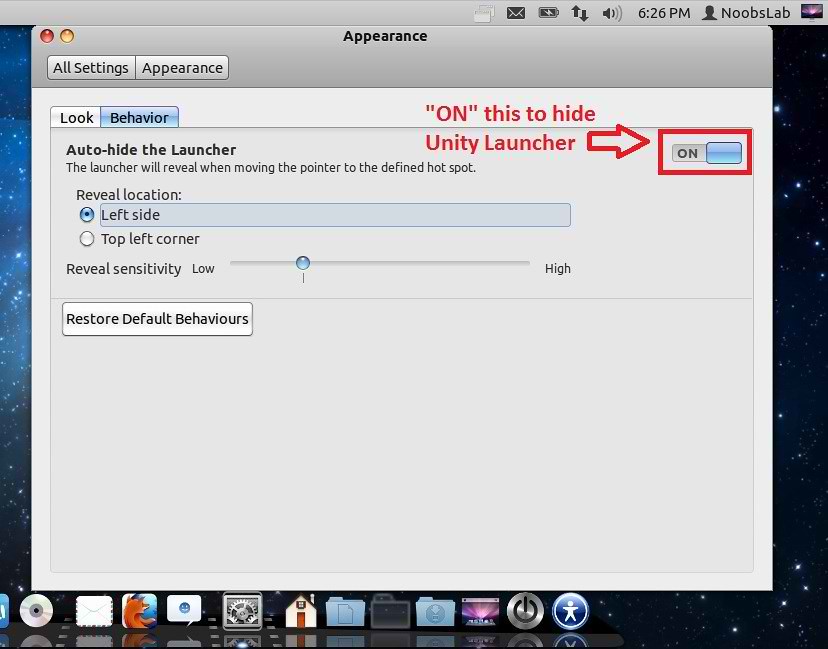
7: Install Compiz Setting Manager to Autohide Unity Launcher:

8: Install Gnome Tweak Tool/Ubuntu Tweak to change Themes, Icons:
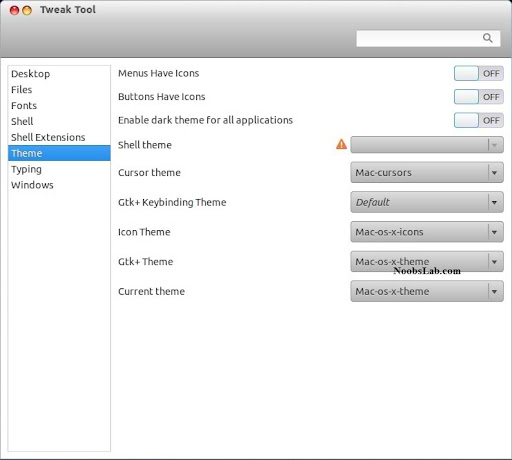
8: Remove White Dots from Login Screen.
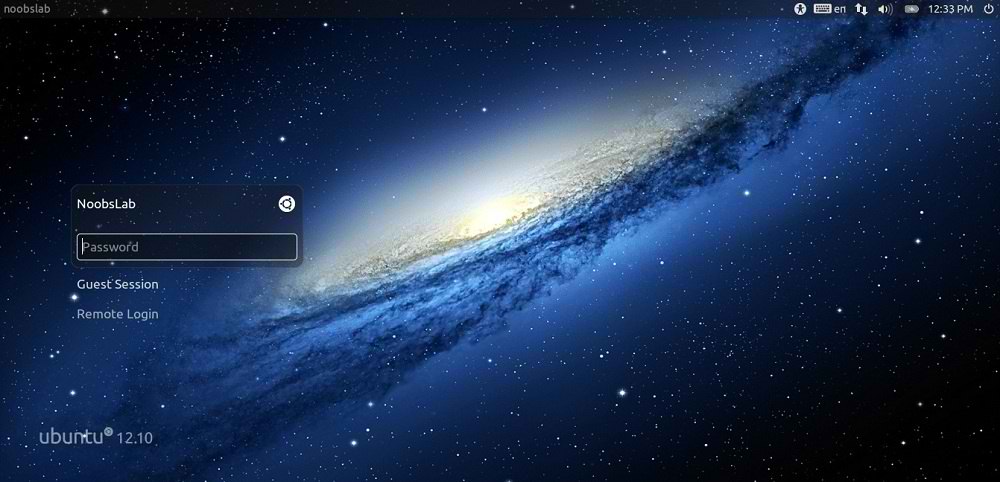 Enter following commands in terminal to remove white dots:
Mac OS X theme now available for Ubuntu 12.10 Quantal Quetzal. Previous shared Mac OS X Lion Version 2 for Ubuntu 12.04 Precise, People liked this theme also we should thank to Author who made this available theme for everyone. Many people looking for Macbuntu 12.04/Macbuntu 12.10/Macbuntu 11.10/Mac4lin, Mac Ubuntu theme and so on. So here we are ready with Mac OS X Lion Theme for Ubuntu 12.10 Quantal Quetzal and Hopefully Mac Theme will work with new coming Linux Mint 14.
This time NoobsLab also included mac theme for Gnome-Shell, So now you can also use this theme under Gnome Shell 3.6. This ipad theme shared by Hani Ahmed on facebook with NoobsLab.
>> Mac Theme For Ubuntu 12.04 Precise Pangolin/Linux Mint 13
Mac Gnome Shell
Mac Gnome Classic
What's new in this Version?
- Fixes Many bugs
- Shiny, Smooth, and Fast
- fix color matching between top panel and window when maximized
- Theme for Gnome Shell
Mac Icons
1: Download Mac OS X Wallpapers
>> Install Mac theme for Firefox - Thanks Ahmed Alajeeli for tip
2: Install Latest Cairo Dock
Right Click on Cairo Dock > Select Launch Cairo-Dock at Startup
If you want to install mac theme for Cairo-Dock, Just go in Configuration then Theme tab Select Mac theme and Apply.
3: Remove Overlay Scrollbars
If you want to get back overlay bar, enter following command:
- gsettings set com.canonical.desktop.interface scrollbar-mode normal
- gsettings reset com.canonical.desktop.interface scrollbar-mode
4: Install New Apple Logo in Launcher
It will ask to replace file, Type "A" and Press enter
- wget -O apple-logo.zip http://goo.gl/NZyKc
- sudo unzip apple-logo.zip -d /usr/share/unity/6/
If you want back Ubuntu enter following commands in terminal:
It will ask to replace file, Type "A" and Press enter
- wget -O ubuntu-logo.zip http://goo.gl/mU42p
- sudo unzip ubuntu-logo.zip -d /usr/share/unity/6/
Now Theme Installation:
5: To Install Mac OS X Lion Theme and Icons on Ubuntu open Terminal (Press Ctrl+Alt+T) and copy the following commands in the Terminal:
Install Mac Cursors copy the following commands in the Terminal:
- sudo add-apt-repository ppa:noobslab/themes
Now Enter This Command then go to install commands- sudo apt-get update
Install Icons- sudo apt-get install mac-os-x-icons
Install Theme- sudo apt-get install mac-os-x-theme
To Uninstall Cursors
- wget -O mac-cursors.zip http://goo.gl/eYtho
- sudo unzip mac-cursors.zip -d /usr/share/icons/
- sudo rm mac-cursors.zip
- cd /usr/share/icons/mac-cursors
- sudo chmod +x install-mac-cursors.sh uninstall-mac-cursors.sh
- ./install-mac-cursors.sh
- cd /usr/share/icons/mac-cursors
- ./uninstall-mac-cursors.sh
6: Disable Crash reports:
Usually you noticed Ubuntu 12.10crashes more than previous versions, so you can disable reports with following command:
- sudo sed -i "s/enabled=1/enabled=0/g" '/etc/default/apport'
7: Install Compiz Setting Manager to Autohide Unity Launcher:
- sudo apt-get install compizconfig-settings-manager
8: Install Gnome Tweak Tool/Ubuntu Tweak to change Themes, Icons:
- sudo apt-get install gnome-tweak-tool
8: Remove White Dots from Login Screen.
That's it, Enjoy
- sudo xhost +SI:localuser:lightdm
- sudo su lightdm -s /bin/bash
- gsettings set com.canonical.unity-greeter draw-grid false
Say Thanks to Author