0
comments
0
comments
Install reNIX GTK + Gnome Shell theme in Ubuntu 12.04 Precise/Ubuntu 11.10 Oneiric/Linux Mint 13/12 (New Theme)
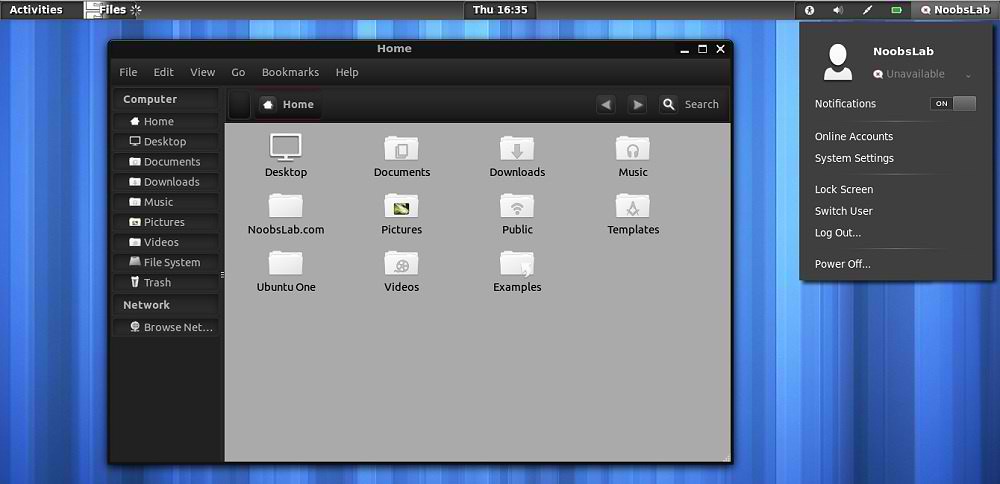
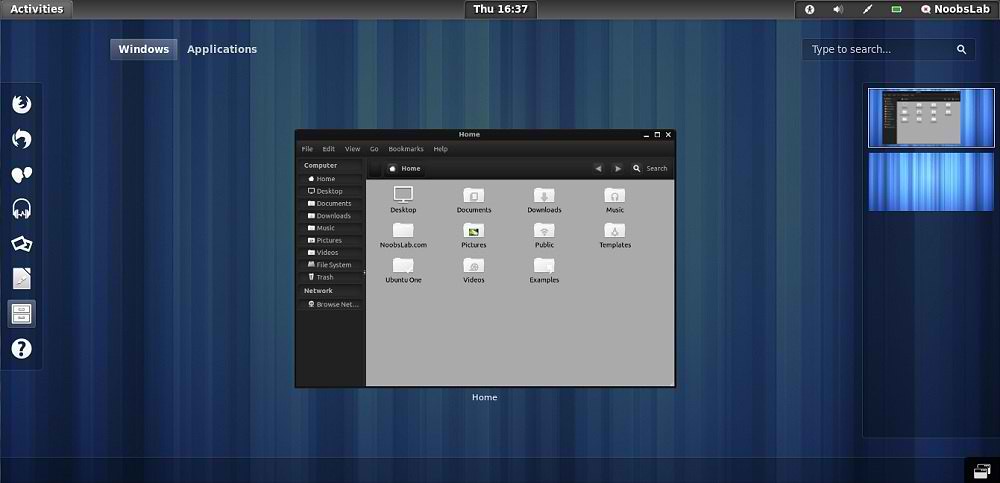
We have themes collection for Ubuntu/Mint/other distributions. reNIX theme is inpired by Android IceCream Version. So guys made this available for Ubuntu/Mint/Other Linux Versions. NoobsLab did small modification in this theme for better results.
1st Download Wallpapers
2nd Install eOS Icons for this theme and also check Icons Collection
3rd Download reNIX Theme for Chrome/Chromium (Download and just drag+drop to Browser for installation)
You can use these Tools to change theme and icons: Gnome Tweak Tool, Ubuntu Tweak
reNIX GTK Version

reNIX Gnome Shell Version

 Theme Tested on Ubuntu 12.04 Precise Pangolin with Gnome Shell 3.4.1 + GTK 3
Install Fonts for this theme open Terminal and enter commands:
We have themes collection for Ubuntu/Mint/other distributions. reNIX theme is inpired by Android IceCream Version. So guys made this available for Ubuntu/Mint/Other Linux Versions. NoobsLab did small modification in this theme for better results.
1st Download Wallpapers
2nd Install eOS Icons for this theme and also check Icons Collection
3rd Download reNIX Theme for Chrome/Chromium (Download and just drag+drop to Browser for installation)
You can use these Tools to change theme and icons: Gnome Tweak Tool, Ubuntu Tweak
reNIX GTK Version
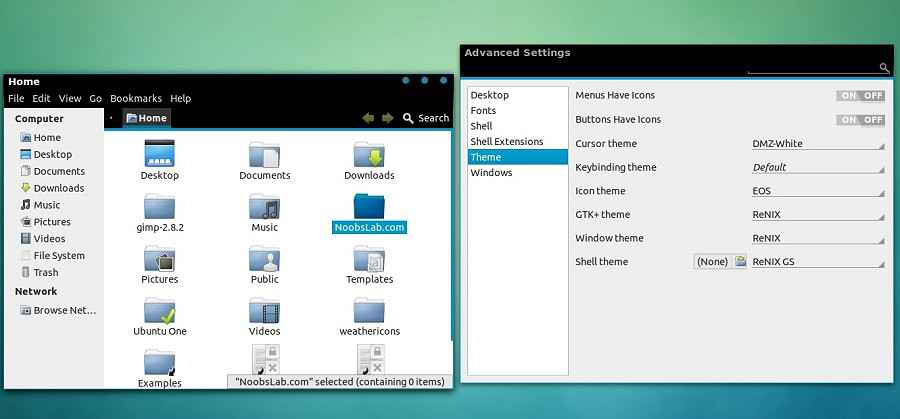
reNIX Gnome Shell Version

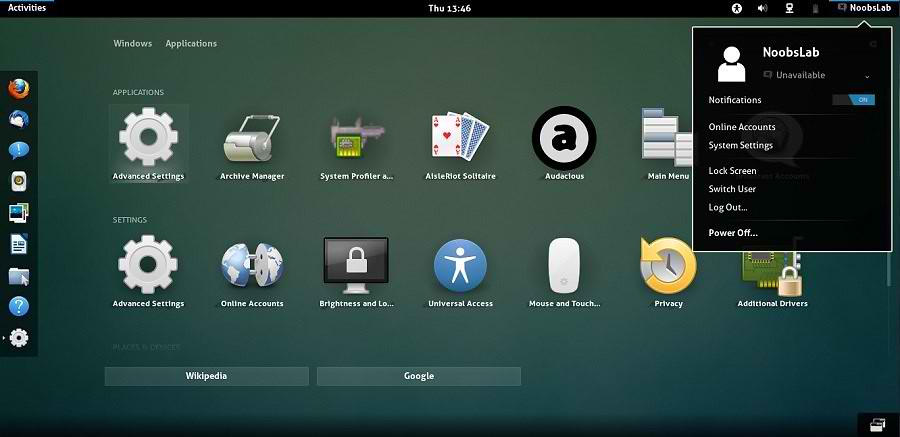
Install Fonts for this theme open Terminal and enter commands:
To install reNIX theme on Ubuntu/Linux Mint open Terminal (Press Ctrl+Alt+T) and copy the following commands in the Terminal:
- mkdir ~/.fonts
- wget -O aller-fonts-renix.zip http://dl.dropbox.com/u/53319850/NoobsLab.com/others/aller-fonts-renix.zip
- unzip aller-fonts-renix.zip -d ~/.fonts
- sudo rm aller-fonts-renix.zip
For GTK 3
- sudo add-apt-repository ppa:noobslab/themes
- sudo apt-get update
For Gnome Shell
- sudo apt-get install renix-gtk
That's it, Enjoy
- sudo apt-get install renix-gs
Sources: