0
comments
0
comments
Install VLC 2.0.5 Media Player in Ubuntu 12.10 Quantal/13.04 Raring/Linux Mint 14 and VLC 2.0.3 for Ubuntu 12.04 Precise Pangolin/11.10 Oneiric Ocelot/Linux Mint 13/12
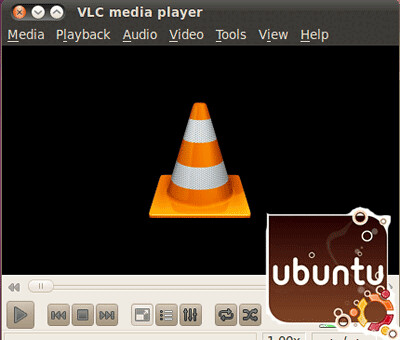
VLC media player (initially VideoLAN Client) is a highly portable multimedia player for various audio and video formats (MPEG, DivX/Xvid, Ogg, and many more) as well as DVDs, VCDs, and various streaming protocols. However in recent years it has also become a extremely powerful server to stream live and on demand video in several formats to our network and the Internet.


 Features:
VLC media player (initially VideoLAN Client) is a highly portable multimedia player for various audio and video formats (MPEG, DivX/Xvid, Ogg, and many more) as well as DVDs, VCDs, and various streaming protocols. However in recent years it has also become a extremely powerful server to stream live and on demand video in several formats to our network and the Internet.

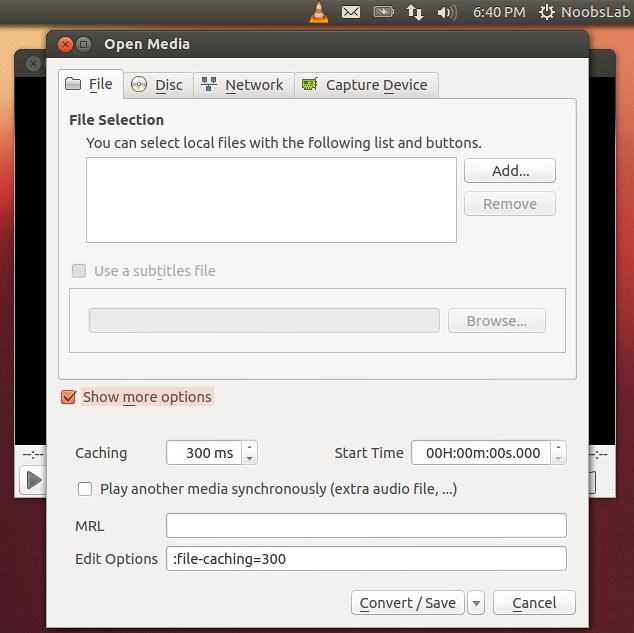

- Simple, fast and powerful media player.
- Plays everything: Files, Discs, Webcams, Devices and Streams.
- Plays most codecs with no codec packs needed:
- MPEG-2, DivX, H.264, MKV, WebM, WMV, MP3...
- Runs on all platforms: Windows, Linux, Mac OS X, Unix...
- Completely Free, 0 spyware, 0 ads and no user tracking.
- Can do media conversion and streaming.
- More info.
- Improve reliability for RTSP streams sent by some IP cameras
- Fix DVB-S delivery system detection
- Fix playback initial synchronization with PulseAudio
- Fix file output bug affecting floating point on big endian systems
- Fix crash in Freetype with embedded fonts
- Fix wrong aspect ratio in some cases
- Fix Mpeg-2 audio and video encoders initialization
- Fix crash with some embedded subtitle fonts
- Fix SWF potential crash on malformed files
- Fix some MKV crashes when ordered editions have empty or broken links
- Fix division by 0 in AIFF demuxer
- Fix buffer overflow in HTML subtitles parser
- Fix crash with some embedded subtitle fonts
To install VLC in Ubuntu/Linux Mint open Terminal (Press Ctrl+Alt+T) and copy the following commands in the Terminal:
That's it, Enjoy
- sudo add-apt-repository ppa:videolan/stable-daily
- sudo apt-get update
- sudo apt-get install vlc
Source: videolan