Warung Bebas
Showing posts with label ubuntu precise themes. Show all posts

Monday, 21 May 2012

Install Zukini Theme on Ubuntu/Linux Mint (Gnome Shell + Gtk3/2)

Install Zukini Theme on Ubuntu 12.04/11.10/10.04/Linux Mint (Gnome Shell + Gtk3/2)

Important note by Author: This theme is designed around Gnome 3.4 and the 1.0.2 version of the Unico engine. Any later versions included with any development releases may break the theme.

1st: Download Wallpaper
2nd: Install Faenza Icons

Ubuntu themes

gnome shell themes

To install Zukini Theme on Ubuntu/Linux Mint open Terminal (Press Ctrl+Alt+T) and copy the following commands in the Terminal:
  • sudo add-apt-repository ppa:noobslab/themes
  • sudo apt-get update
  • sudo apt-get install zukini
That's it, Enjoy

Thursday, 17 May 2012

Install Malys-Revolt GTK Theme on Ubuntu 12.04 Precise/11.10 Oneiric/Linux Mint 13/12

Install Malys-Revolt GTK Theme on Ubuntu 12.04 Precise Pangolin/Ubuntu 11.10 Oneiric Ocelot/Linux Mint 13 Maya/12 Lisa

1st: Here is UniBlue Icons for this theme
2nd: Move Minimize, Maximize, Close Button to Right
3rd: Download Malys Revolt Wallpaper

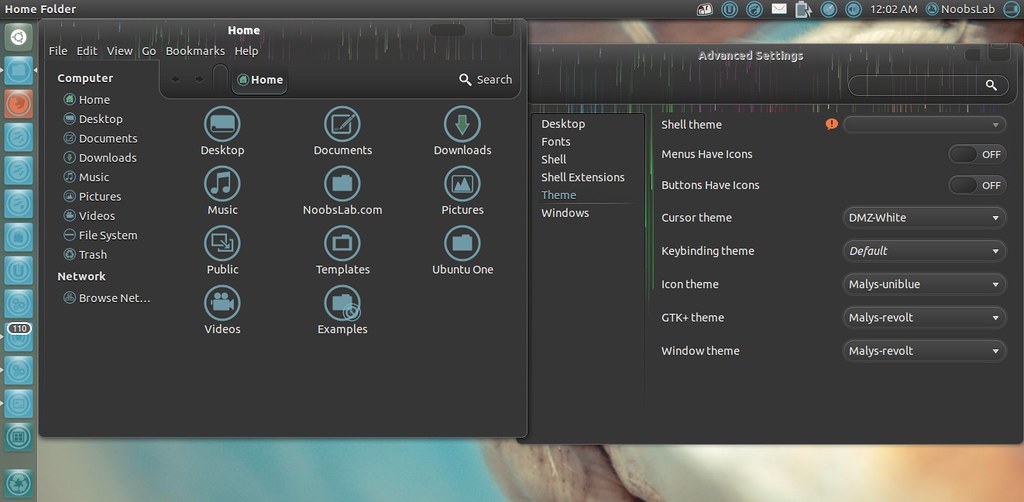
1: Malys-Revolt 1.0 Version:

Ubuntu 12.04 themes

Theme Tested on Ubuntu 12.04 Precise Pangolin

To install Malys Revolt on Ubuntu/Mint open Terminal (Press Ctrl+Alt+T) and copy the following commands in the Terminal:
  • sudo add-apt-repository ppa:noobslab/malys-themes
  • sudo apt-get update
  • sudo apt-get install malys-revolt

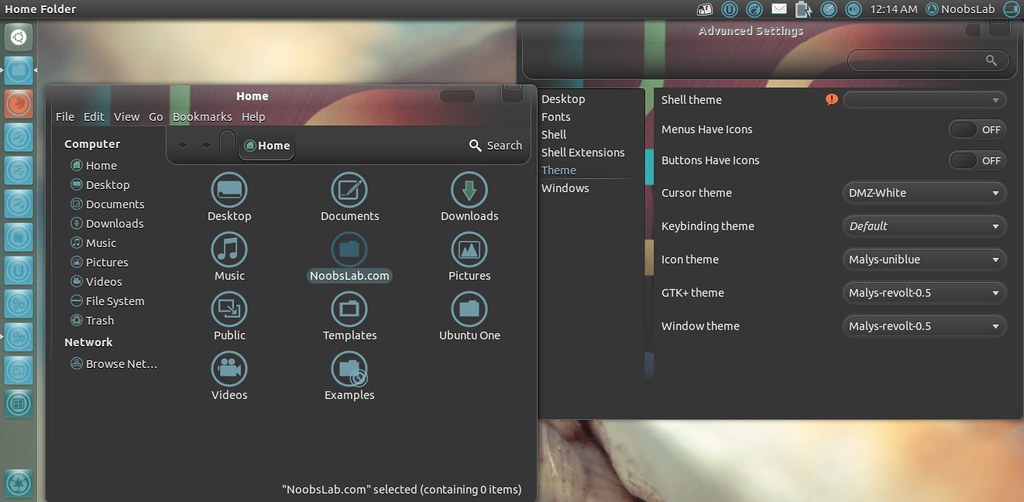
2: Malys-Revolt 0.5 Version:

Ubuntu 12.04 themes

Theme Tested on Ubuntu 12.04 Precise Pangolin

To install Malys Revolt on Ubuntu/Mint open Terminal (Press Ctrl+Alt+T) and copy the following commands in the Terminal:
  • sudo add-apt-repository ppa:noobslab/malys-themes
  • sudo apt-get update
  • sudo apt-get install malys-revolt-0.5

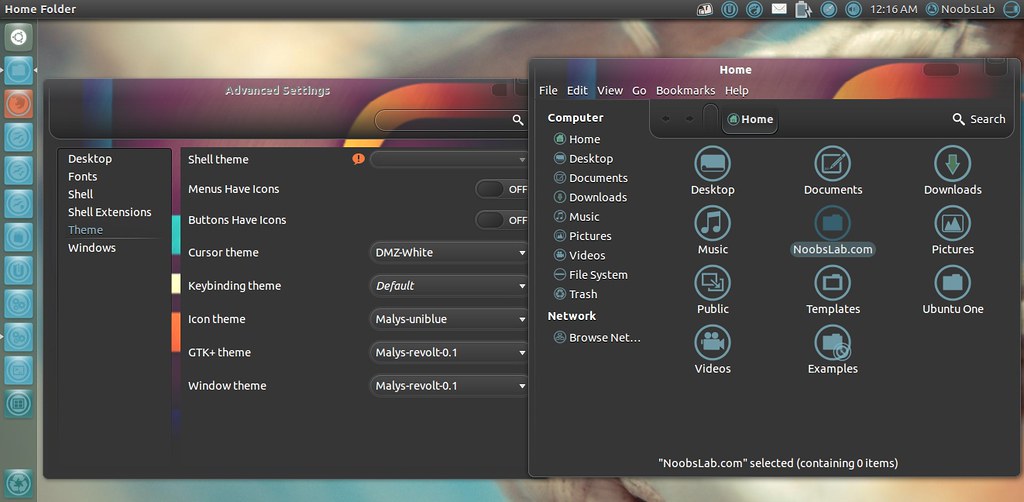
3: Malys-Revolt 0.1 Version:

Ubuntu 12.04 themes

Theme Tested on Ubuntu 12.04 Precise Pangolin

To install Malys Revolt on Ubuntu/Mint open Terminal (Press Ctrl+Alt+T) and copy the following commands in the Terminal:
  • sudo add-apt-repository ppa:noobslab/malys-themes
  • sudo apt-get update
  • sudo apt-get install malys-revolt-0.1
That's it, Enjoy
Source: Malys Revolt

Tuesday, 15 May 2012

Install DarkShine theme on Ubuntu/Linux Mint (Gnome Shell 3.2-3.4)

Install DarkShine theme on Ubuntu 12.04/11.10/Linux Mint 13-12 (Gnome Shell 3.2-3.4)

Satya ported his Darkshine theme to Gnome Shell 3.4, it also works with Gnome Shell 3.2

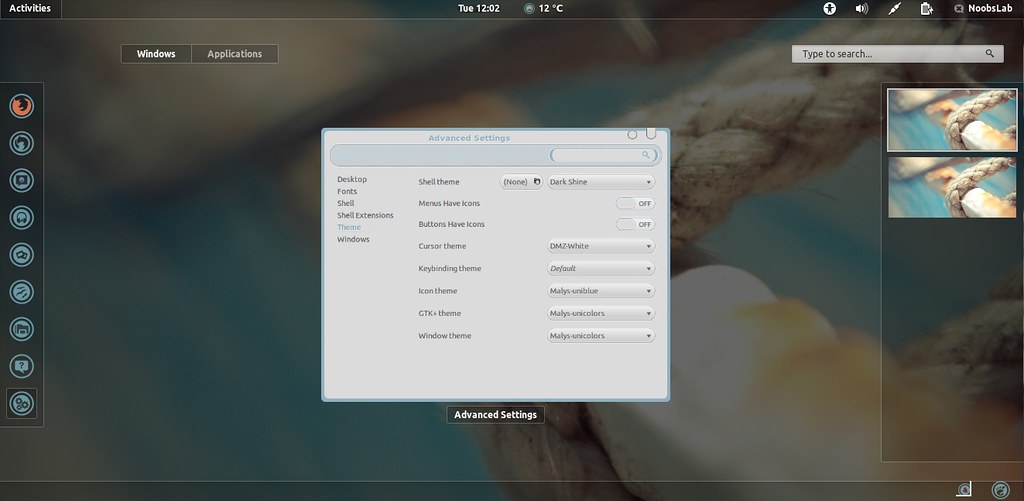
Gtk Theme and Icons used in ScreenShot

Ubuntu themes

Dark Shine is a dark and Gnome Shell theme with transparent white borders that give it a glowing feel. Dark Shine is compatible with Gnome Shell 3.2 & 3.4.

To install Dark Shine on Ubuntu/Mint open Terminal (Press Ctrl+Alt+T) and copy the following commands in the Terminal:
  • sudo add-apt-repository ppa:satyajit-happy/themes
  • sudo apt-get update
  • sudo apt-get install gnome-shell-theme-dark-shine
That's it, Enjoy

Monday, 14 May 2012

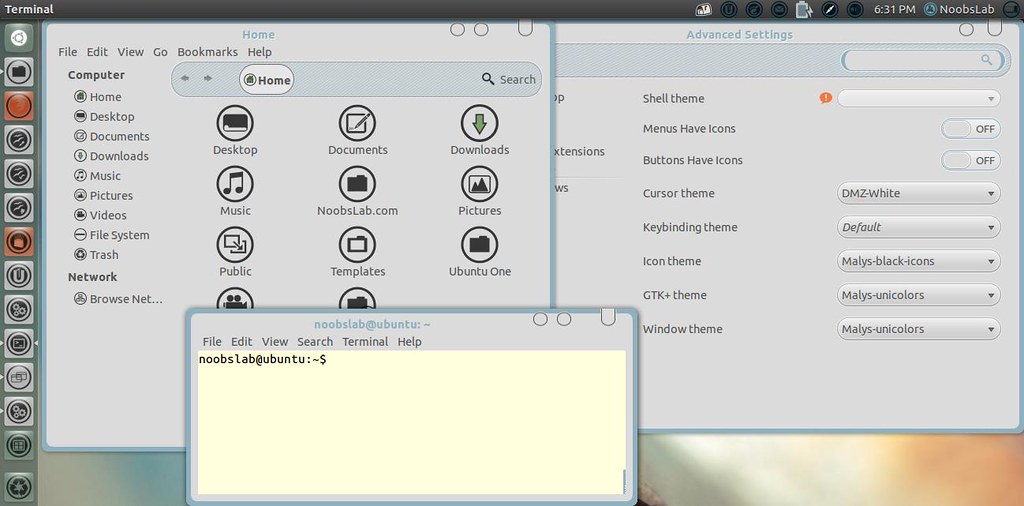
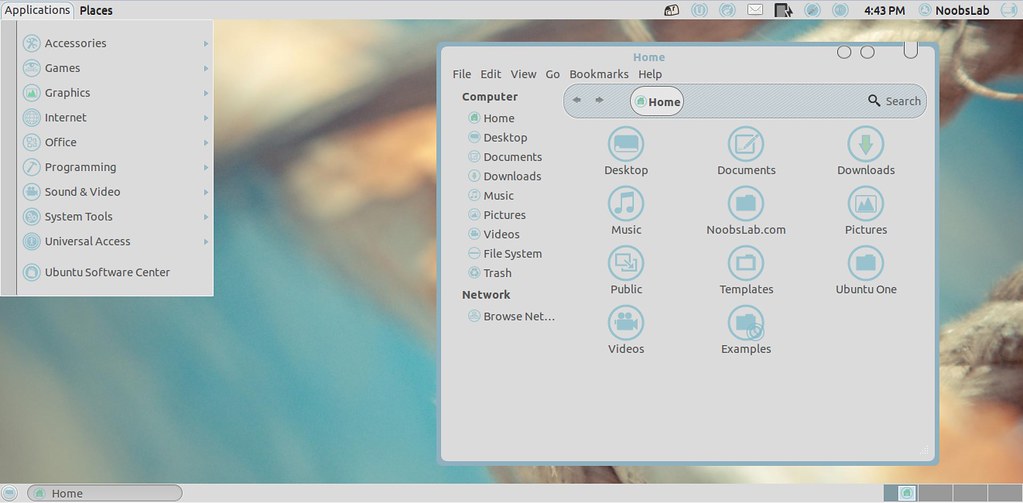
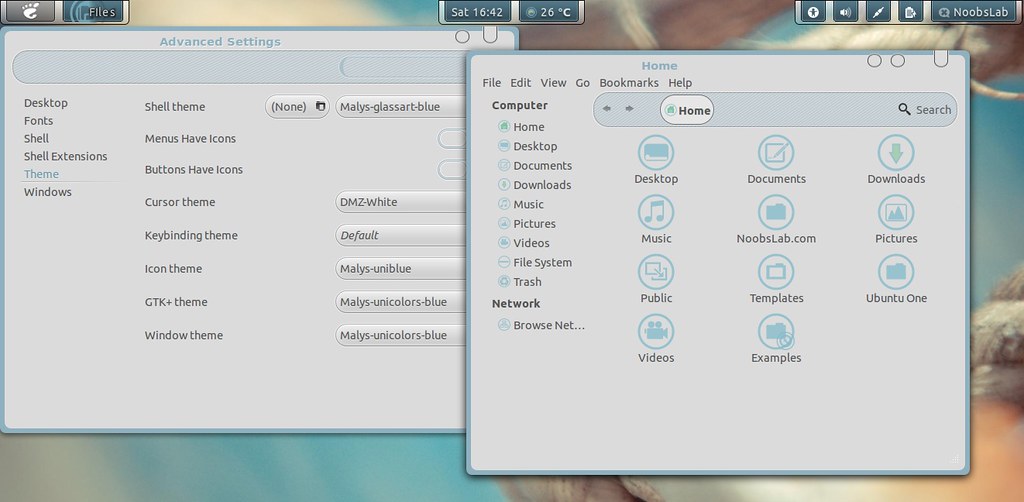
Install Malys-Unicolors GTK3/2 Theme on Ubuntu/Linux Mint

Install Malys-Unicolors GTK3/2 Theme on Ubuntu 12.04 Precise/11.10 Oneiric/Linux Mint 13/12

1st: Install Malys UniBlue or UniBlack Icons
2nd: Move Minimize, Maximize, Close Button to Right
3rd: Download Malys-UniColor Wallpaper

Use Tweak Tools to change theme and icons: Ubuntu Tweak, Gnome Tweak Tool

1: Malys-UniColors-Blue

Ubuntu 12.04 themes

Themes Tested on Ubuntu 12.04 Precise Pangolin.

To install Malys-Unicolors Theme on Ubuntu/Linux Mint open Terminal (Press Ctrl+Alt+T) and copy the following commands in the Terminal:
  • sudo add-apt-repository ppa:noobslab/malys-themes
  • sudo apt-get update
  • sudo apt-get install malys-unicolors-blue

2: Malys-UniColors-Gray

ubuntu 12.04 Themes

To install Malys-Unicolors Theme on Ubuntu/Linux Mint open Terminal (Press Ctrl+Alt+T) and copy the following commands in the Terminal:
  • sudo add-apt-repository ppa:noobslab/malys-themes
  • sudo apt-get update
  • sudo apt-get install malys-unicolors-gray
More ScreenShots

Gnome Classic
gnome classic themes

Gnome Shell
gnome shell themes

That's it, Enjoy

Sunday, 19 February 2012

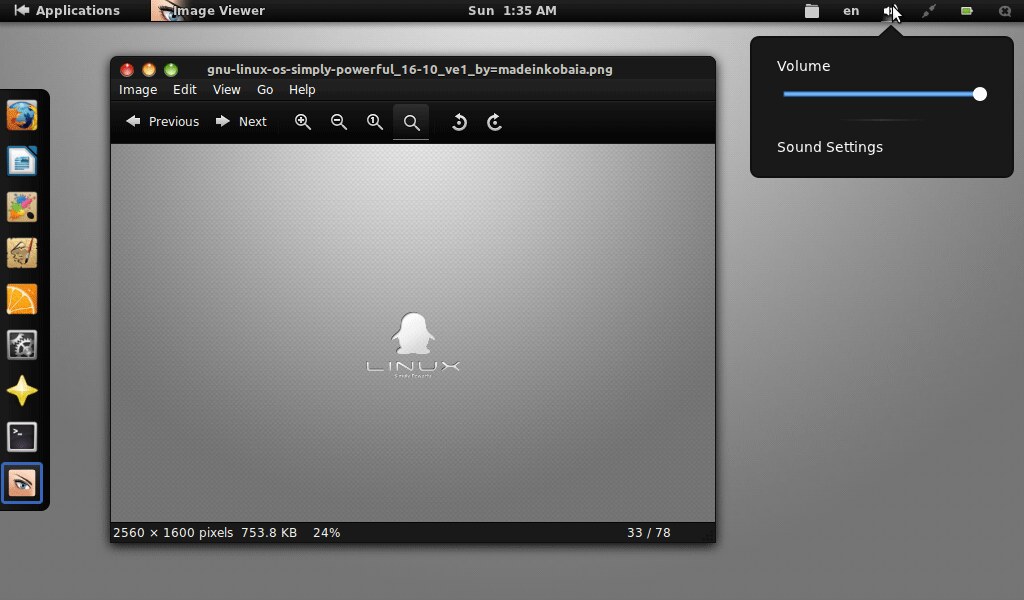
Install Hybrid Daw Theme in Ubuntu/Linux Mint (Gnome Shell + GTK3/2)

Install Hybrid Daw Theme in Ubuntu 12.04 Precise Pangolin/Ubuntu 11.10 Oneiric/Linux Mint for Gnome Shell + GTK 3/2

This Theme is support Gnome Shell, You can easily install this theme by terminal. With this Theme you need Extension Theme and Wallpaper to make look more beautiful. First of all theme installation than follow topic.

1: Theme Installation

Ubuntu 12.04 themes

First of all Download these 2 Deb Package files.
1: Gnome-Shell-Extensions-Common_3.2.0
2: Gnome-Shell-Extensions-User-Theme_3.2.0

To install Hybrid Daw theme on Gnome shell open Terminal (Press Ctrl+Alt+T) and copy the following commands in the Terminal:
  • sudo add-apt-repository ppa:noobslab/themes
  • sudo apt-get update
  • sudo apt-get install hybrid
  • sudo apt-get install hybrid-extension
  • or do following
  • mkdir ~/.themes
  • wget http://dl.dropbox.com/u/53319850/NoobsLab.com/hybrid_theme.zip
  • unzip hybrid_theme.zip -d ~/.themes

2: Dock Extension Theme Installation

Ubuntu precise theme

To install Hybrid Daw theme on Gnome shell open Terminal (Press Ctrl+Alt+T) and copy the following commands in the Terminal:
  • wget http://dl.dropbox.com/u/53319850/NoobsLab.com/hybrid-extension.zip
  • unzip hybrid-extension.zip -d ~/.local/share/gnome-shell/extensions

3: Download Wallpaper

This collection include for Desktop+Smartphone+Table Wallpapers
Download Wallpapers

4: If you want to install nice Icons See this Awoken Icons

Finally! Now enter first command for set buttons than following command to install Gnome Tweak Tool:
  • gconftool-2 --set /desktop/gnome/shell/windows/button_layout --type string "close,minimize,maximize:"
  • sudo apt-get install gnome-tweak-tool
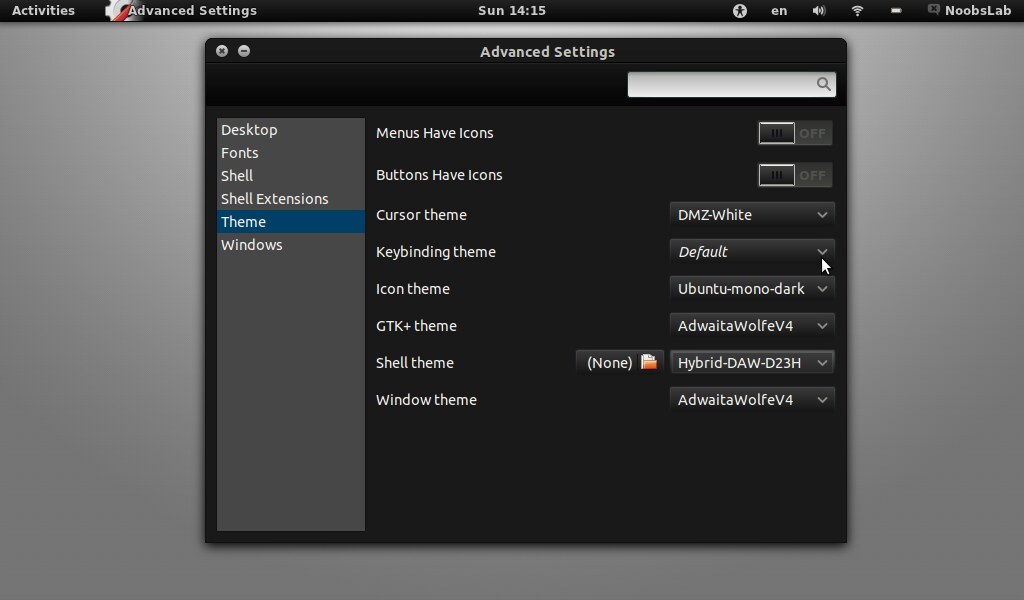
Now go to menu and search "Advance Setting" and open than change your theme. After Change of Theme restart Gnome Shell (Press Alt+F2 and enter "r") or logout and login back.


That's it. Enjoy
 

Just the Life of Eddie Copyright © 2012 Best Celebrity Wallpaper -- Powered by Blogger