Warung Bebas
Showing posts with label cinnamon themes. Show all posts

Saturday, 7 July 2012

Install Linux Mint Theme + Icons in Ubuntu (Gnome Shell + GTK3 + Cinnamon)

Install Linux Mint Theme + Icons in Ubuntu 12.10 Quantal/Ubuntu 12.04 Precise/Ubuntu 11.10 Oneiric (Gnome Shell + GTK + Cinnamon)


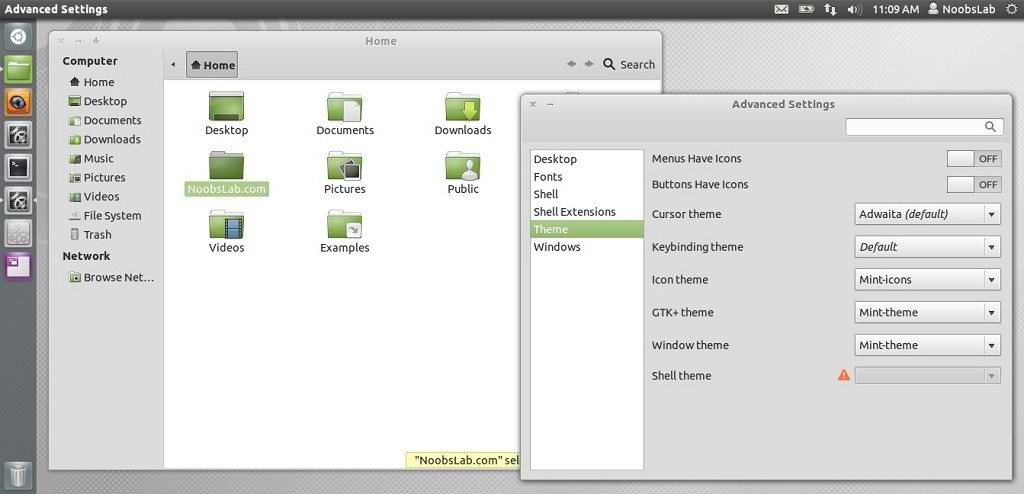
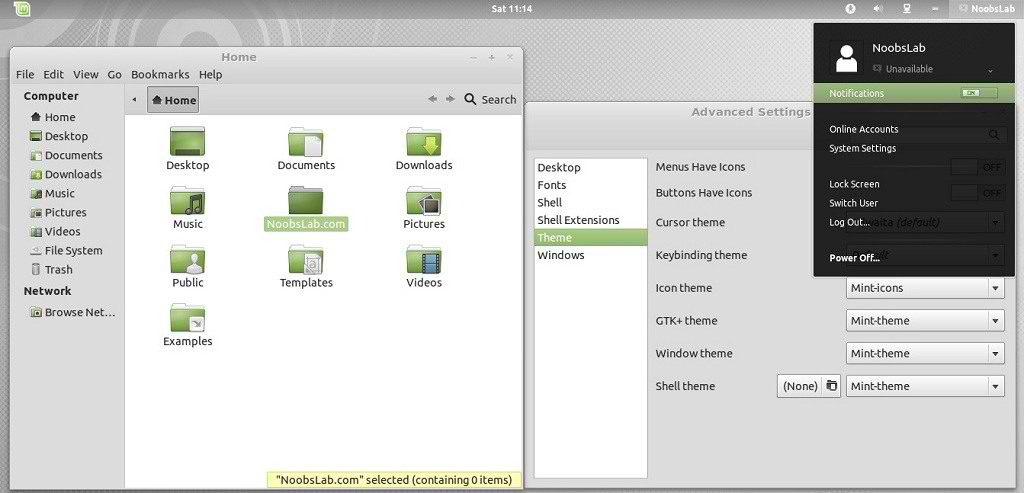
Mbossg is theme author, He provide Mint theme and icons for Ubuntu users. For those who want different flavor theme in Ubuntu can check collection here.
This Mint theme is available for GTK3, Gnome Shell 3.4, Cinnamon.

You can use these Tools to change theme and icons: Gnome Tweak ToolUbuntu Tweak


ubuntu theme


mint theme


To install Mint Theme on Ubuntu open Terminal (Press Ctrl+Alt+T) and copy the following commands in the Terminal:

  • mkdir ~/.themes
  • wget -O mint-theme.zip http://dl.dropbox.com/u/53319850/NoobsLab.com/mint-theme.zip
  • unzip mint-theme.zip -d ~/.themes

To install Mint Icons on Ubuntu open Terminal (Press Ctrl+Alt+T) and copy the following commands in the Terminal:

  • mkdir ~/.icons
  • wget -O mint-icons.zip http://dl.dropbox.com/u/53319850/NoobsLab.com/mint-icons.zip
  • unzip mint-icons.zip -d ~/.icons
That's it, Enjoy.

Wednesday, 22 February 2012

Install Tempered Glass Theme on Ubuntu/Linux Mint for Gnome Shell/Cinnamon

Install Tempered Glass Theme on Ubuntu 12.04 Precise/Ubuntu 11.10 Oneiric/Linux Mint/Any Linux for Gnome Shell/Cinnamon

ubuntu themes

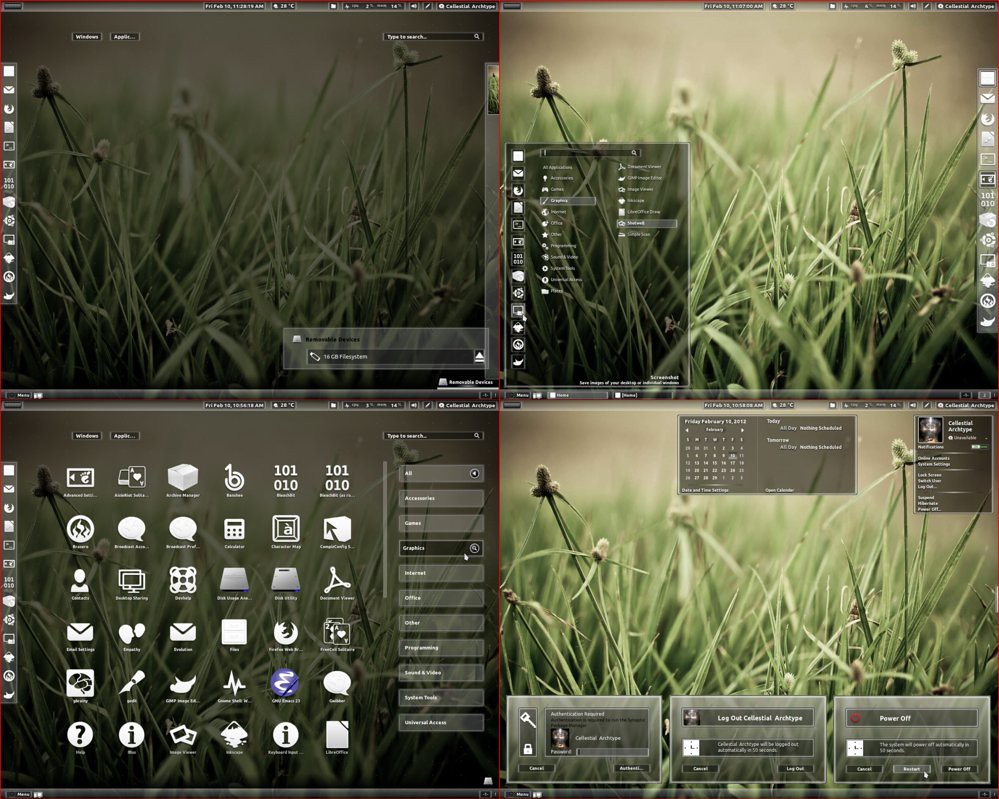
Tempered Glass (Gnome Shell 3.2.1 - 3.2.2.1 Theme) is a combination of white and dark shades of glass. The usual set of extensions (Windowlist, Menu, Dock, Bottompanel and Windowoverlay) are all supported. I tried to maintain strictly shades of glass everywhere so just note me on any issue and I will look at ajustments.
THEME IS COMPATIBLE WITH ALL LINUX DISTROS USING GNOME SHELL 3.2.1 - 3.2.2.1

First Download Theme Wallpaper
2nd Here is the Awoken Icons

>> Install Tempered Glass theme on Gnome Shell open Terminal (Press Ctrl+Alt+T) and copy the following commands in the Terminal:
  • mkdir ~/.themes
  • wget -O tempered_glass_gs.zip http://dl.dropbox.com/u/53319850/NoobsLab.com/tempered_glass_gs.zip
  • unzip tempered_glass_gs.zip -d ~/.themes
  • or use ppa
  • sudo add-apt-repository ppa:noobslab/themes
  • sudo apt-get update
  • sudo apt-get install tempered-gs-shell
Install Extension Theme
  • wget -O gs_extension.zip http://dl.dropbox.com/u/53319850/NoobsLab.com/tempered_gs_extensions.zip
  • unzip gs_extension.zip -d ~/.local/share/gnome-shell/extensions
  • or use ppa
  • sudo add-apt-repository ppa:noobslab/themes
  • sudo apt-get update
  • sudo apt-get install temp-gs-ext

>> Install Tempered Glass theme on Cinnamon open Terminal (Press Ctrl+Alt+T) and copy the following commands in the Terminal:
  • mkdir ~/.themes
  • wget -O tempered_glass_cinn.zip  http://dl.dropbox.com/u/53319850/NoobsLab.com/tempered_glass_cinnamon.zip
  • unzip tempered_glass_cinn.zip -d ~/.themes
  • or use ppa
  • sudo add-apt-repository ppa:noobslab/themes
  • sudo apt-get update
  • sudo apt-get install tempered
Install Extension Theme
  • wget -O cinm_extension.zip  http://dl.dropbox.com/u/53319850/NoobsLab.com/tempered_cinnamon_extension.zip
  • unzip cinm_extension.zip -d ~/usr/share/cinnamon/extensions
  • or use ppa
  • sudo add-apt-repository ppa:noobslab/themes
  • sudo apt-get update
  • sudo apt-get install extension
Now Install Gnome Tweak Tool to change theme:
  • sudo apt-get install gnome-tweak-tool
Go to menu and search "advance settings" and open it, If you already have than change it with gnome-tweak-tool. That's it.
 

Just the Life of Eddie Copyright © 2012 Best Celebrity Wallpaper -- Powered by Blogger