Warung Bebas
Showing posts with label video. Show all posts

Saturday, 27 October 2012

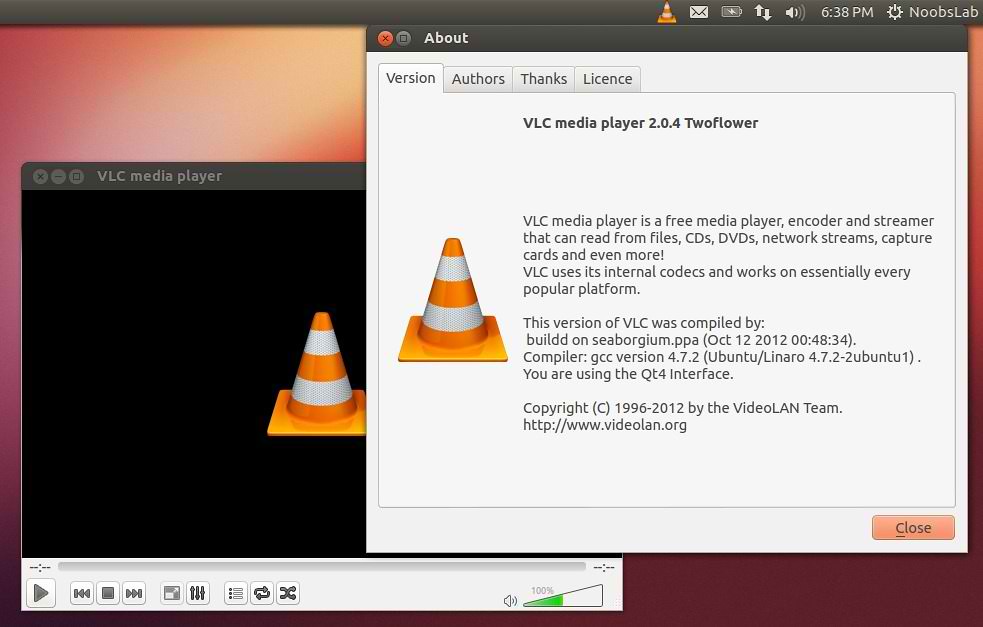
Install VLC 2.0.4 Media Player in Ubuntu 12.10/12.04/Mint (New Release)

Install VLC 2.0.4 Media Player in Ubuntu 12.10 Quantal and Vlc 2.0.3 for Ubuntu 12.04 Precise Pangolin/11.10 Oneiric Ocelot/Linux Mint 13/12

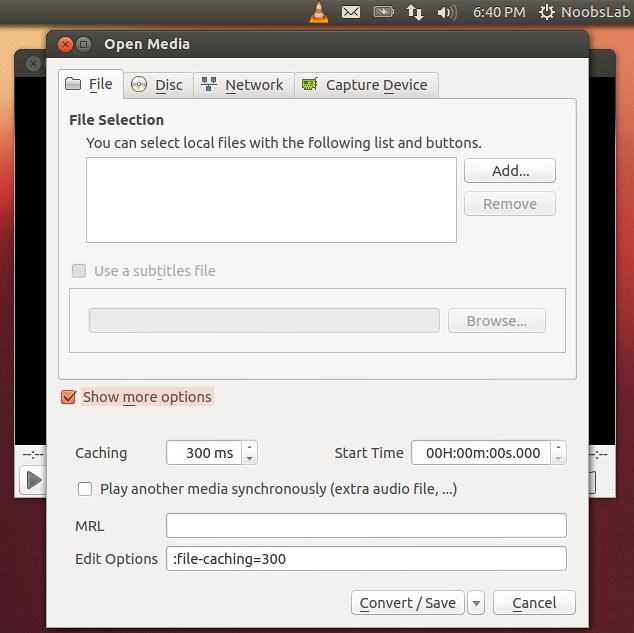
VLC media player (initially VideoLAN Client) is a highly portable multimedia player for various audio and video formats (MPEG, DivX/Xvid, Ogg, and many more) as well as DVDs, VCDs, and various streaming protocols. However in recent years it has also become a extremely powerful server to stream live and on demand video in several formats to our network and the Internet.
vlc

vlc

vlc

Features:
  • Simple, fast and powerful media player.
  • Plays everything: Files, Discs, Webcams, Devices and Streams.
  • Plays most codecs with no codec packs needed:
    • MPEG-2, DivX, H.264, MKV, WebM, WMV, MP3...
  • Runs on all platforms: Windows, Linux, Mac OS X, Unix...
  • Completely Free, 0 spyware, 0 ads and no user tracking.
  • Can do media conversion and streaming.
  • More info.
What's new in this release:
  • Fixes for splitted RAR, MKV segmented, mp4 and Real media files playback.
  • Enhancements in HLS, Blu-Ray and various codecs support
  • Fixes for subtitles auto-detection
  • Fixes on Qt, skins2 and web interfaces
  • Support for HiDPI, aka Retina Display
  • Support for H264 v4l2 devices on Linux
  • Translations updates and new Scottish Gaelic translation

To install VLC in Ubuntu/Linux Mint open Terminal (Press Ctrl+Alt+T) and copy the following commands in the Terminal:
  • sudo add-apt-repository ppa:videolan/stable-daily
  • sudo apt-get update
  • sudo apt-get install vlc
That's it, Enjoy
Source: videolan

Monday, 1 October 2012

Install OpenShot Video Editor 1.4.3 in Ubuntu/Linux Mint (New Release)

Install OpenShot Video Editor in Ubuntu 12.10 Quantal/Ubuntu 12.04/Ubuntu 11.10/Linux Mint
OpenShot Video Editor 1.4.3 is Released with New Animations, Effects and Enhancement features with bugs fixes.
OpenShot Video Editor is a free, open-source video editor for Linux. OpenShot can take your videos, photos, and music files and help you create the film you have always dreamed of. Easily add sub-titles, transitions, and effects, and then export your film to DVD, YouTube, Vimeo, Xbox 360, and many other common formats.

openshot video editor

What's New:
  • Improved Timeline Snapping for Transitions (no more manual adjustment of every transition)
  • Improved Drag & Drop features (Vertical Constraints, Improved Gap Removal, New Keyboard Shortcuts, and more)
  • New 3D Animations (Realistic Earth, Exploding Text, Dissolving Text, and more)
  • 10+ New Effects (Sharpness, Vignette, Lens Correction, and more)
  • Apply Effects to Tracks (and Multiple Clips at the same time)
  • Adjust Speed of Animated Titles (utilizing time remapping, for interpolated smooth animations)
  • New Transitions (6 bars, boxes)
  • New Dark Theme
  • Improved Translations
  • Updated Documentation
  • Updated Dependencies (Now requires Blender 2.62+)
  • Tons of Bug Fixes (Full List of Bugs & Features)


To install OpenShot 1.4.3 in Ubuntu/Linux Mint (Press Ctrl+Alt+T) and copy the following commands in the Terminal:
  • sudo add-apt-repository ppa:jonoomph/openshot-edge
  • sudo apt-get update
  • sudo apt-get install openshot openshot-doc
Source: OpenShot

Thursday, 19 July 2012

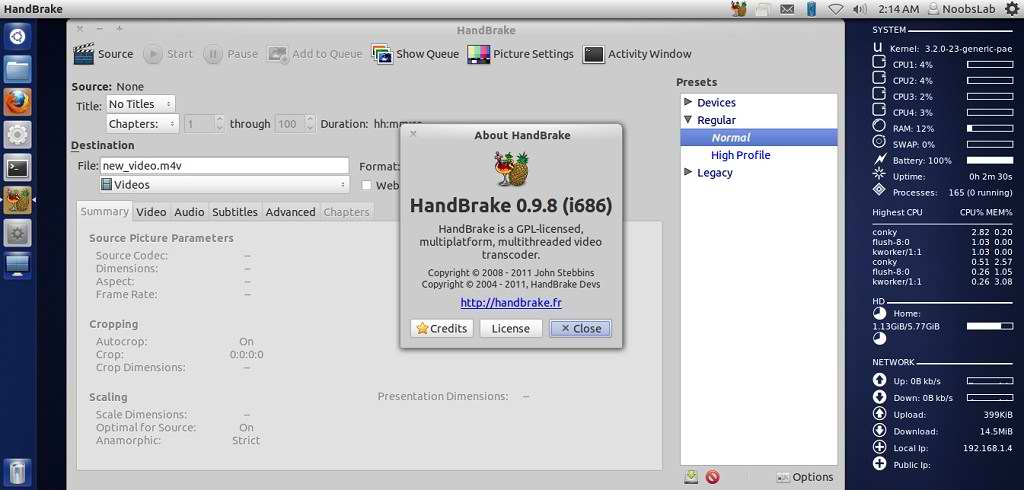
Install HandBrake 0.9.8 Video Converter in Ubuntu/Linux Mint (New Release)

Install HandBrake 0.9.8 Video Converter in Ubuntu 12.04/11.10/11.04/10.10/10.04/9.04/Linux Mint (New Release)

HandBrake is an open-source, GPL-licensed, multiplatform, multithreaded video transcoder, available for MacOS X, Linux and Windows.

ubuntu converter

Outputs Formats:
  • File format: MP4(M4V) and MKV
  • Video: H.264(x264), MPEG-4(ffmpeg), MPEG-2(ffmpeg), or Theora(libtheora)
  • Audio: AAC, CoreAudio AAC/HE-AAC (OS X Only), MP3, Flac, AC3, or Vorbis. AC-3, DTS, DTS-HD, AAC and MP3 pass-thru
Misc features:
  • Chapter selection, Chapter Markers
  • Subtitles
    • Vobsub and Closed Captions
    • SRT import and passthru
    • SSA passthru or burn-in (experimental)
  • Constant Quality or Average Bitrate Video Encoding
  • Support for VFR, CFR and VFR
  • Video and Filters: Deinterlacing, Decomb, Detelecine, Deblock, Grayscale Cropping and scaling
  • Live Video Preivew
  • Built-in presets for common devices

To install HandBrake Video Converter in Ubuntu/Linux Mint open Terminal (Press Ctrl+Alt+T) and copy the following commands in the Terminal:
  • sudo add-apt-repository ppa:stebbins/handbrake-releases
  • sudo apt-get update
  • sudo apt-get install handbrake-gtk handbrake-cli
That's it, Enjoy
Source: handbrake.fr
 

Just the Life of Eddie Copyright © 2012 Best Celebrity Wallpaper -- Powered by Blogger